
KeyCue
Work faster with shortcuts
KeyCue helps you find and customize Mac keyboard shortcuts without memorizing them. It suits you if you want quicker access to app commands, frequently used files, websites, and emoji.
by ergonis Software · 90% positive (164)
What you get
You can find the right shortcut without remembering every key combination.
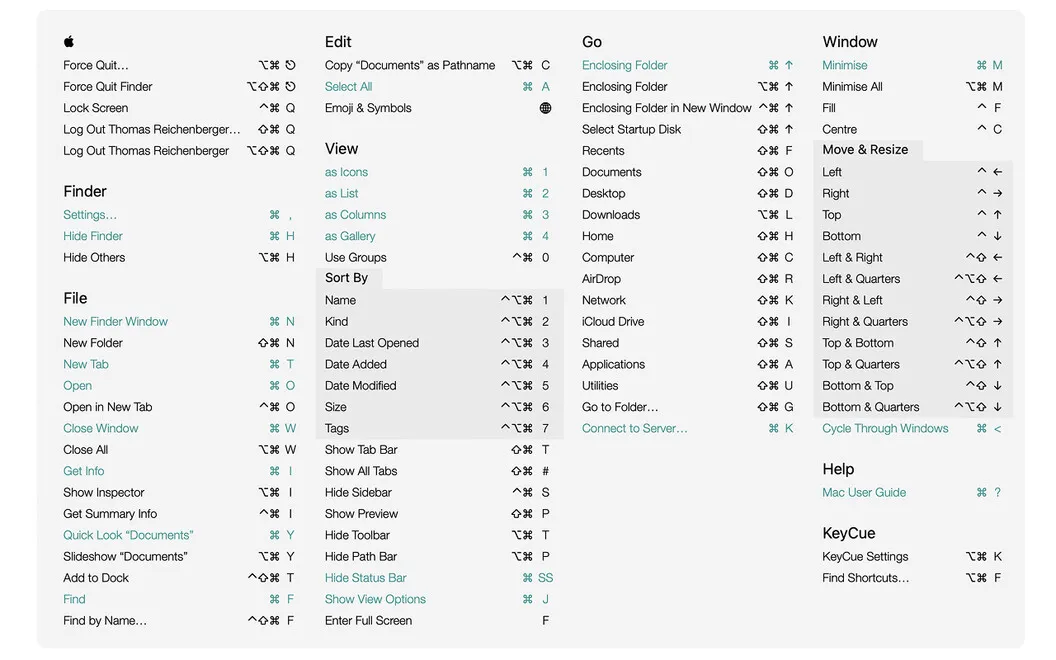
KeyCue gives you a way to look up keyboard commands while you work, rather than hunt through menus or rely on memory. Hold down the ⌘ key to see shortcuts for your current app alongside system-wide commands. If you only remember part of a shortcut, you can highlight matching commands; if you remember what you want to do, you can search by keyword instead.
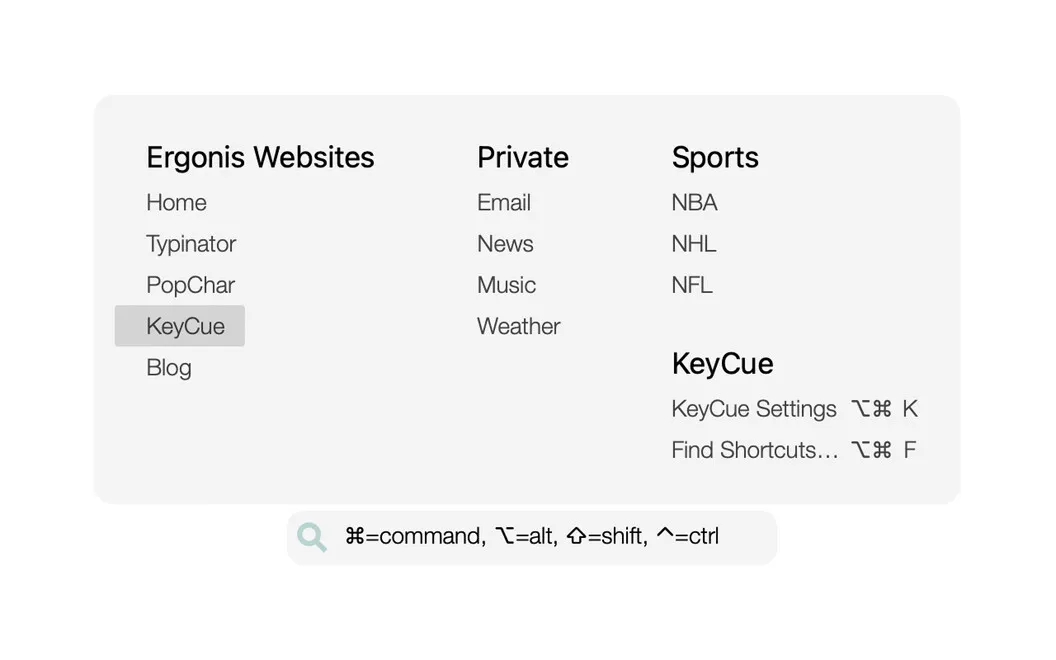
You can also create your own shortcuts or change existing ones to suit how you work. For files and folders you return to often, you can use a shortcut to reach them and browse folder contents. You can keep a list of frequently visited websites and open them by shortcut, too.
When you need an emoji, you can search by keyword or browse recent favorites, so you spend less time scrolling before returning to your message.
-
Find forgotten commands
You can look up app and system shortcuts by keyword or by the keys you remember.
-
Use shortcuts that suit you
You can create custom keyboard commands or modify existing ones to match your workflow.
-
Reach frequent destinations
You can open frequently used files, folders, and websites with shortcuts instead of navigating to them repeatedly.
-
Spend less time finding emoji
You can search emoji by keyword or choose from recent favorites when writing messages.
Best for
- You switch between apps with different keyboard shortcuts
- You repeatedly open the same files, folders, or websites
- You want to use more keyboard commands without memorizing them
Skip it if
You may not need KeyCue if you already know your shortcuts and rarely need custom commands or quick access to frequent destinations.
Screenshots

From the developer
macOS shortcuts are meant to help you work faster by providing quick access to common commands. But how many of us can remember them all? KeyCue gives an instant overview of what each app can do, allowing you to start working more efficiently right away.Read the full description
Alternatives to KeyCue
Other apps to automate with shortcuts & gestures. See all
 BetterTouchTool
Save time with custom actions
Setapp
98% · 3,322 ratings
BetterTouchTool
Save time with custom actions
Setapp
98% · 3,322 ratings
 PopClip
Use instant text actions
Setapp
98% · 1,359 ratings
PopClip
Use instant text actions
Setapp
98% · 1,359 ratings
 Paletro
Access app menu commands
Setapp
98% · 474 ratings
Paletro
Access app menu commands
Setapp
98% · 474 ratings
 Keysmith
Create a shortcut for any action
Setapp
95% · 491 ratings
Keysmith
Create a shortcut for any action
Setapp
95% · 491 ratings
 iBoysoft MagicMenu
Expand your Mac’s right click
Setapp
88% · 422 ratings
iBoysoft MagicMenu
Expand your Mac’s right click
Setapp
88% · 422 ratings
 Pie Menu
Access app actions in a click
Setapp
82% · 115 ratings
Pie Menu
Access app actions in a click
Setapp
82% · 115 ratings