
Paletro
Access app menu commands
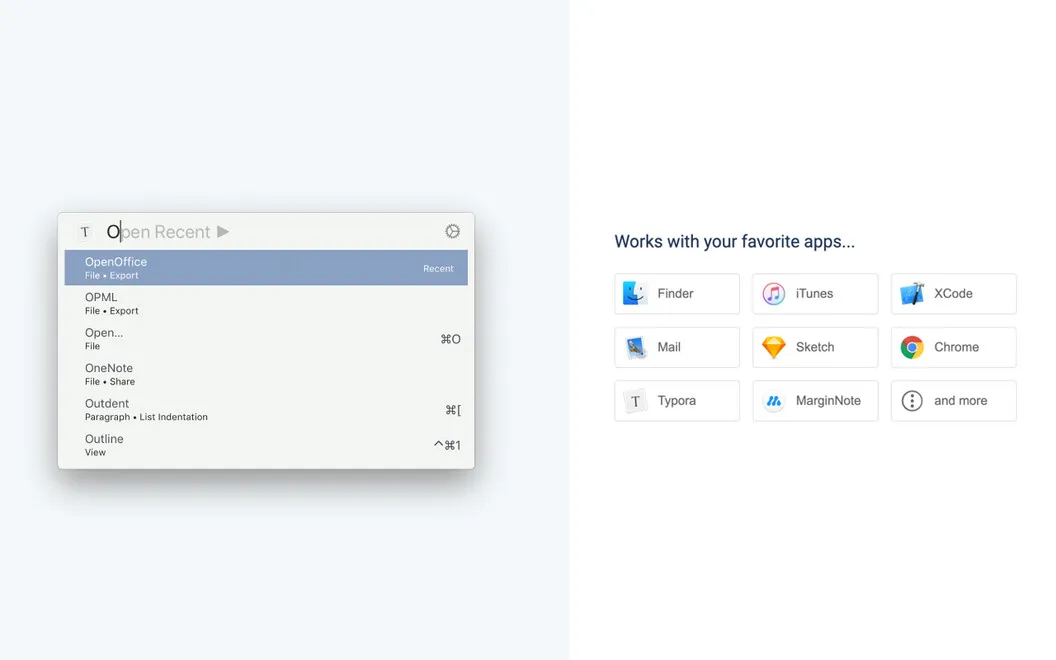
Paletro gives you a searchable list of your current app’s menu commands, helping you find actions, explore unfamiliar apps, and learn keyboard shortcuts.
by Appmakes · 98% positive (474)
What you get
Find and run app commands without hunting through menus.
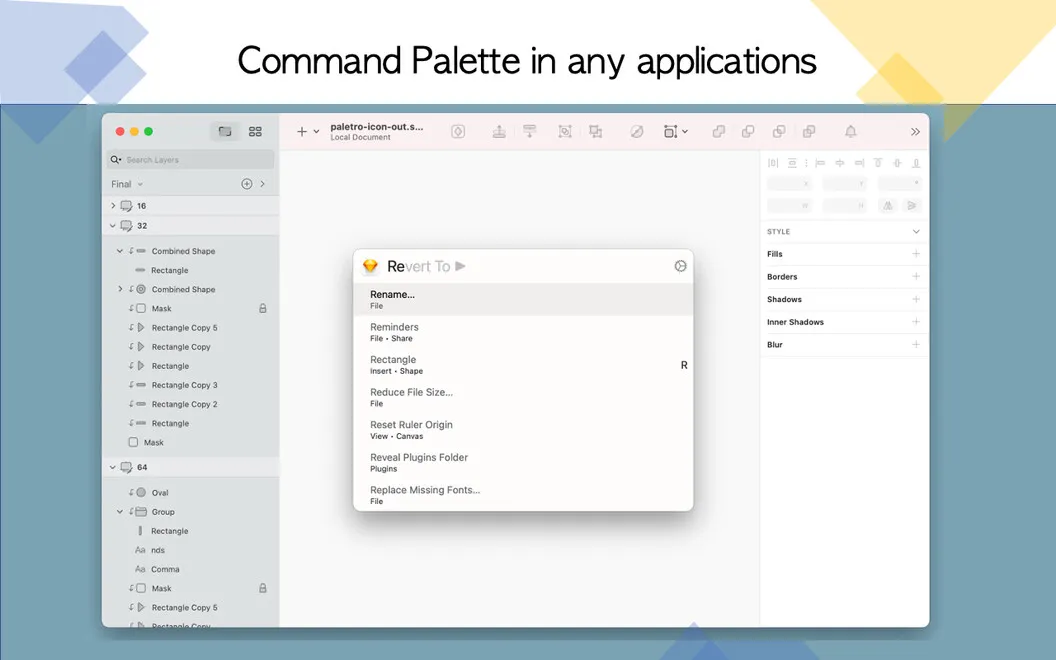
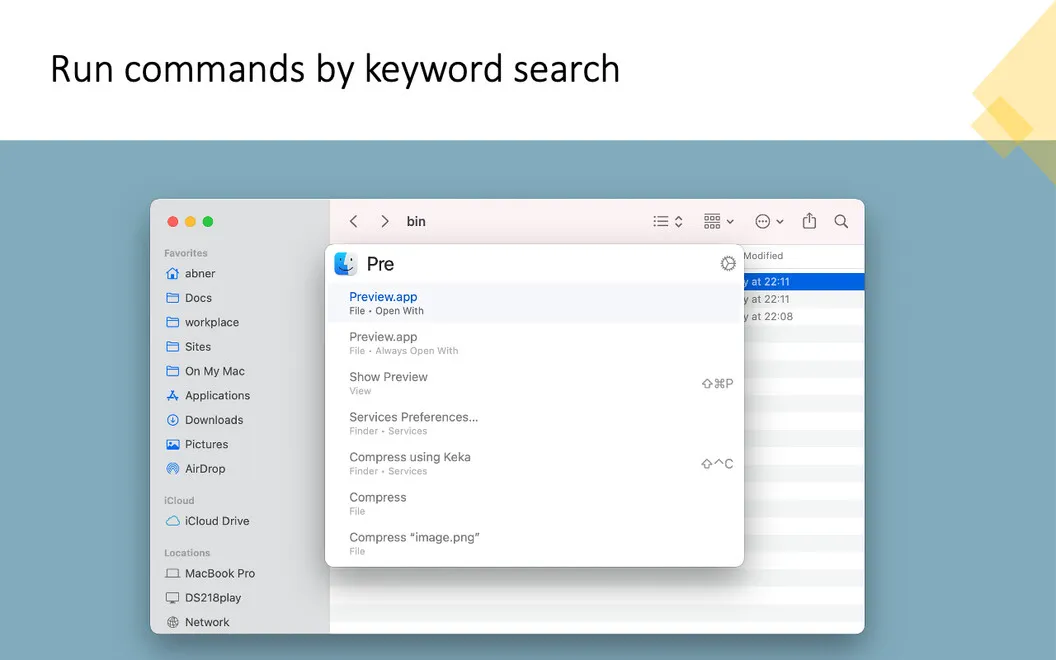
With Paletro, you can find the command you need without opening menus one by one. Press Command-Shift-P in the app you’re using, type a keyword or browse the available commands, then press Enter to run your selection. You can keep working from the keyboard even when you don’t remember where an action lives.
When you’re learning an unfamiliar app, you can explore its menu commands and see their keyboard shortcuts in one place. That helps you discover available actions and learn the key combinations for tasks you repeat.
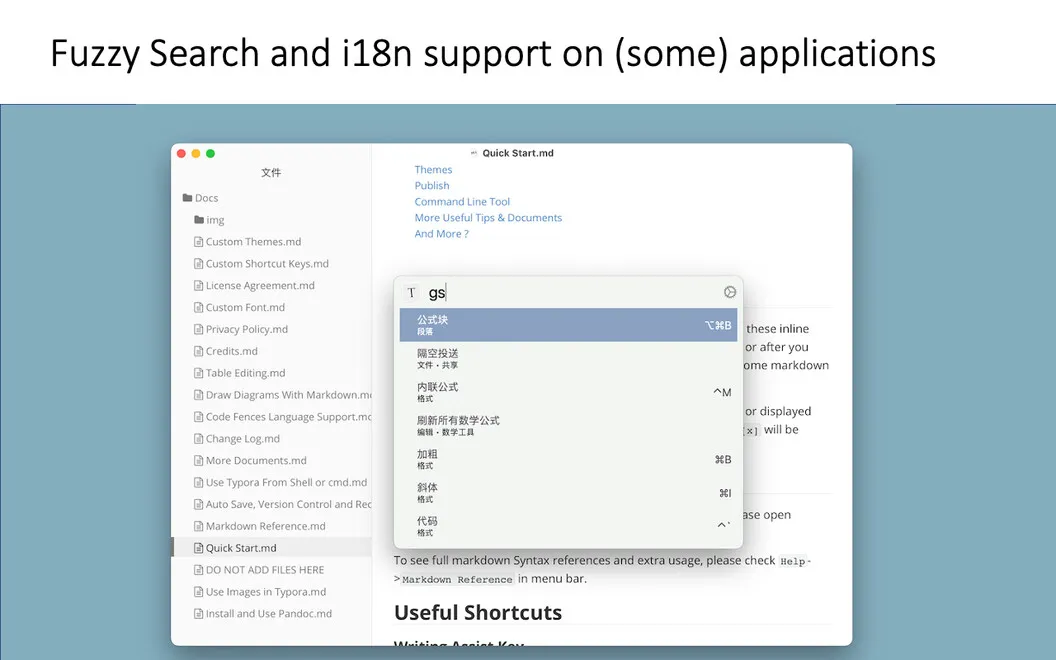
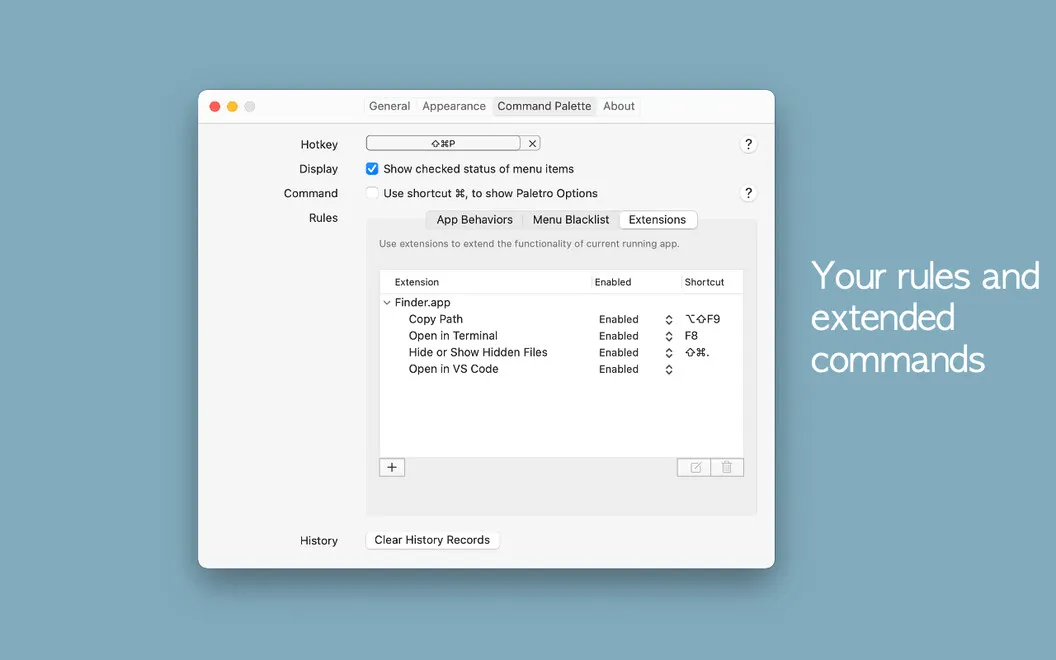
You can choose a different shortcut to open Paletro and enable it only in the apps where you want it. If you use non-English interfaces, you can search commands in the app’s language, with Latin-character transliteration supported for select languages.
-
Spend less time searching
You can find menu commands by keyword instead of checking menus individually.
-
Keep your hands typing
You can open the command list, find an action, and run it with Enter.
-
Learn unfamiliar apps
You can browse available menu commands to discover what an app lets you do.
-
Remember useful shortcuts
You can see commands alongside their key combinations and learn shortcuts for repeated tasks.
Best for
- You’re learning an app with unfamiliar menus
- You prefer using the keyboard to run commands
- You switch between apps with different shortcuts
Skip it if
You probably don’t need it if you already find menu commands easily and know the shortcuts you use.
Screenshots
From the developer
Paletro provides quick access to commands available in the menu of the app you are using. Just use hotkey combination Command-Shift-P to prompt the command menu for the app you are in, browse or search commands, locate the one you need, and click Enter to execute.Read the full description
Alternatives to Paletro
Other apps to automate with shortcuts & gestures. See all
 BetterTouchTool
Save time with custom actions
Setapp
98% · 3,322 ratings
BetterTouchTool
Save time with custom actions
Setapp
98% · 3,322 ratings
 PopClip
Use instant text actions
Setapp
98% · 1,359 ratings
PopClip
Use instant text actions
Setapp
98% · 1,359 ratings
 KeyCue
Work faster with shortcuts
Setapp
90% · 164 ratings
KeyCue
Work faster with shortcuts
Setapp
90% · 164 ratings
 Keysmith
Create a shortcut for any action
Setapp
95% · 491 ratings
Keysmith
Create a shortcut for any action
Setapp
95% · 491 ratings
 iBoysoft MagicMenu
Expand your Mac’s right click
Setapp
88% · 422 ratings
iBoysoft MagicMenu
Expand your Mac’s right click
Setapp
88% · 422 ratings
 Pie Menu
Access app actions in a click
Setapp
82% · 115 ratings
Pie Menu
Access app actions in a click
Setapp
82% · 115 ratings