KeyPulse
Show keystrokes, shortcuts and clicks on screen without revealing your text.
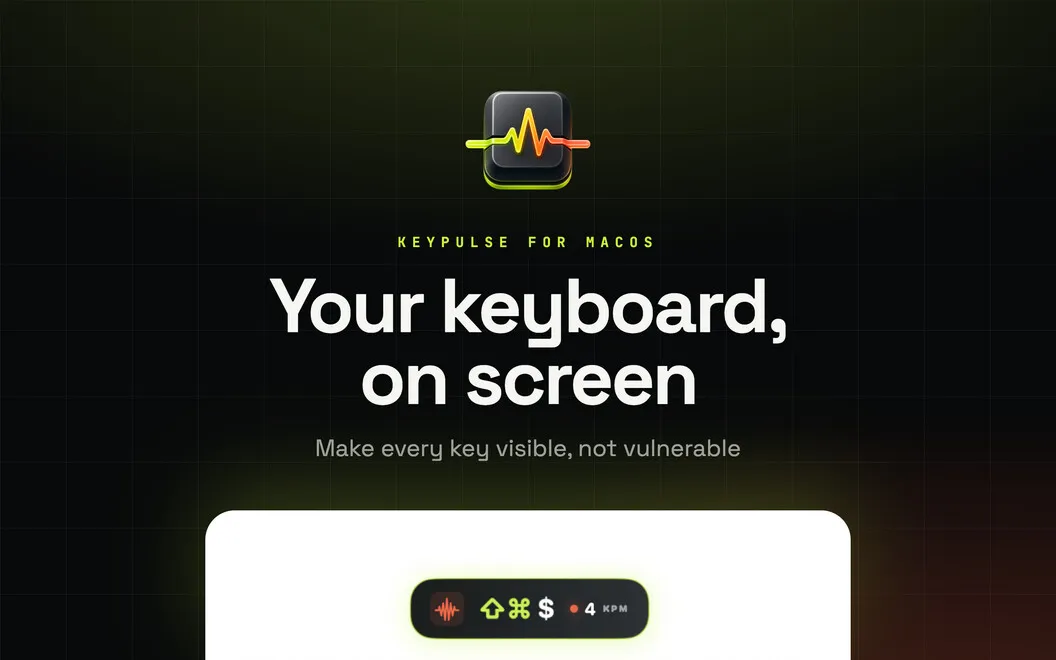
KeyPulse is a Mac keyboard visualizer that helps you show shortcuts, keystrokes, and mouse actions to viewers during tutorials, live teaching, streams, and presentations.
by Security Tech OÜ
What you get
Help your audience follow your shortcuts without showing everything you type.
KeyPulse lets you show viewers which keys and shortcuts you use while you explain a task. You can make tutorials, coding demos, and live lessons easier to follow without filming your keyboard or adding keystroke labels afterward. Mouse click rings and a cursor halo help your audience follow pointer actions too.
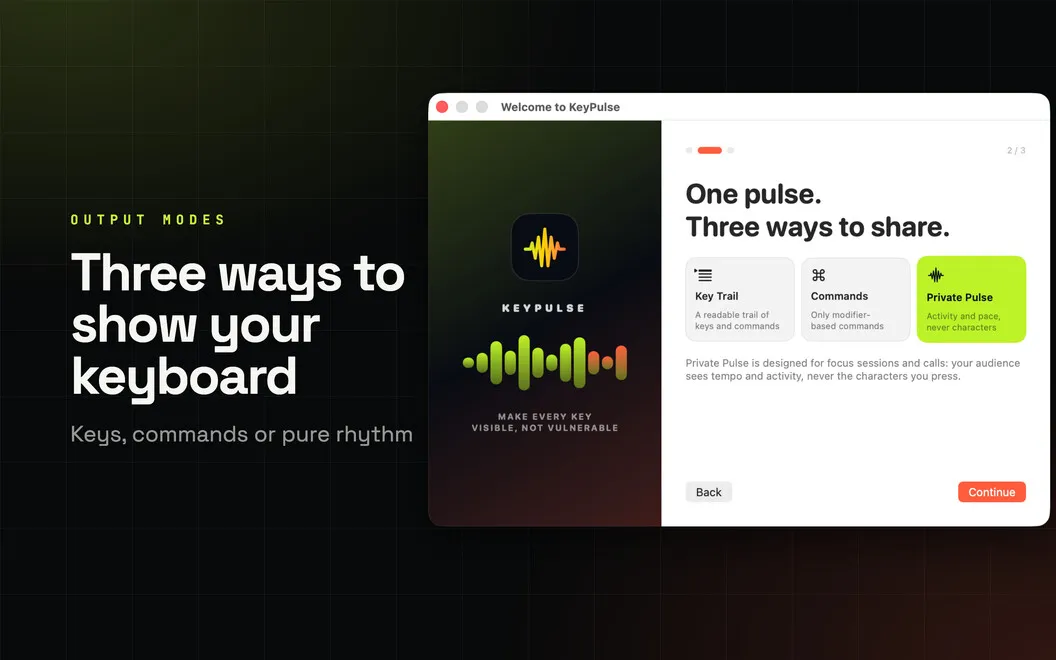
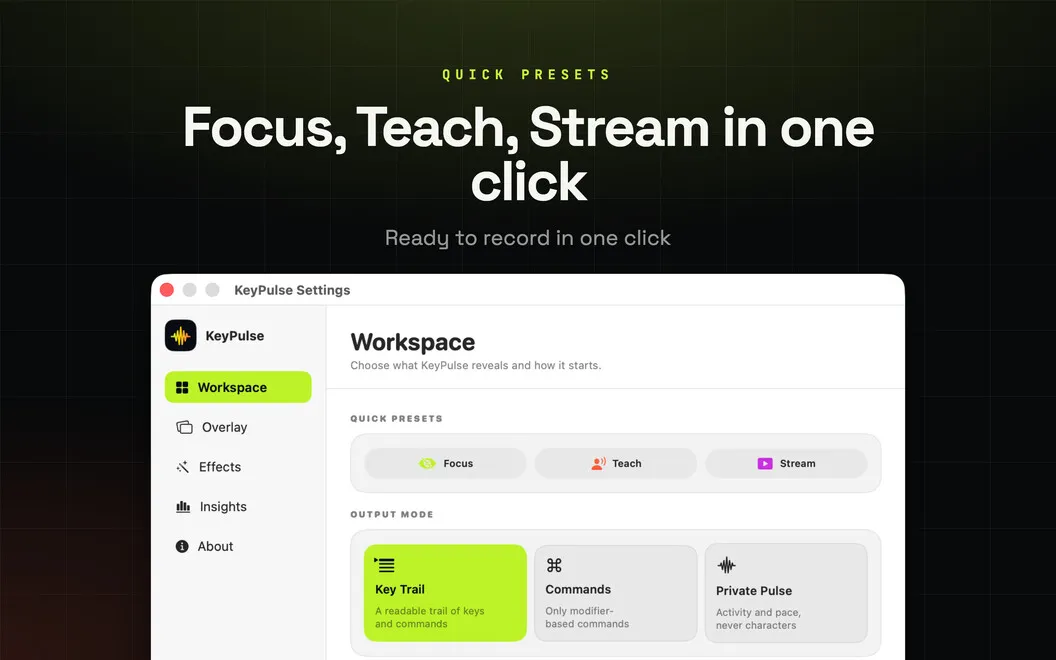
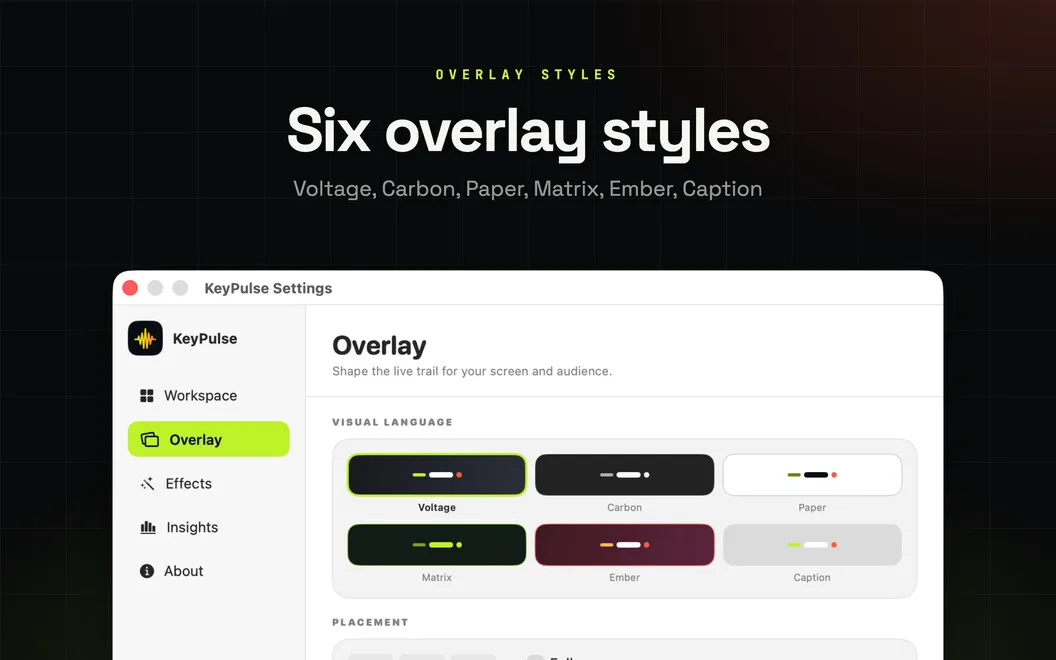
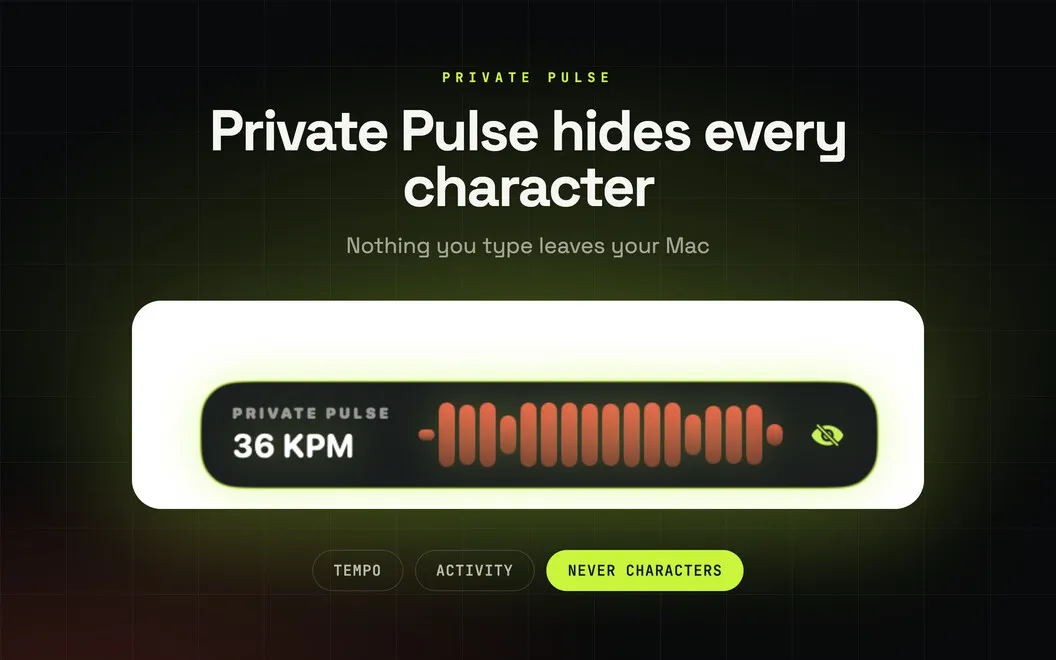
You choose how much input to reveal: every key for detailed instruction, modifier shortcuts with ordinary typing hidden, or typing activity without any characters. Held modifiers remain visible, repeated presses become a counter, and the overlay fades after an interval you choose. You can position it where it fits your demonstration and choose which displays show it.
Your keyboard data stays on your Mac, with no account or telemetry. You can switch between teaching, streaming, and quieter setups in one click. Optional local statistics let you review your typing pace and frequently used shortcuts, and you can disable or erase them.
-
Make shortcuts visible
You can show the exact combinations you use so viewers can follow along without guessing.
-
Keep ordinary typing hidden
You can display modifier shortcuts or typing activity without revealing the characters you enter.
-
Clarify mouse actions
You can highlight clicks and your cursor so viewers can see where you interact.
-
Avoid extra keystroke editing
You can display input during your demonstration instead of adding key labels afterward.
-
Keep input data local
Your keyboard data stays on your Mac, and you can turn off or erase optional typing statistics.
Best for
- You teach keyboard shortcuts live
- You record software tutorials or coding demos
- You stream or present workflows with keyboard and mouse input
Skip it if
You don't need it if you never demonstrate keyboard or mouse actions to an audience.
Screenshots
From the developer
KeyPulse is a keyboard visualizer for Mac that puts your keystrokes and shortcuts directly on screen. Use it to make tutorials, streams, presentations, and coding demos easier to follow without filming your keyboard or adding key presses in editing.Read the full description
Alternatives to KeyPulse
Other apps to create tutorials & product demos. See all
 KeyStruck
Make every shortcut visible
Sold separately
KeyStruck
Make every shortcut visible
Sold separately
 Mirror Input
Any device. Any app. Live
Sold separately
Mirror Input
Any device. Any app. Live
Sold separately
 ShowRunner
Demos that run themselves
Sold separately
ShowRunner
Demos that run themselves
Sold separately
 Boom
Record and present like a pro
Setapp
83% · 217 ratings
Boom
Record and present like a pro
Setapp
83% · 217 ratings
 Presentify
Give better presentations
Setapp
95% · 445 ratings
Presentify
Give better presentations
Setapp
95% · 445 ratings
 FocuSee
Record screen and polish video
Setapp
92% · 181 ratings
FocuSee
Record screen and polish video
Setapp
92% · 181 ratings