Presentify
Give better presentations
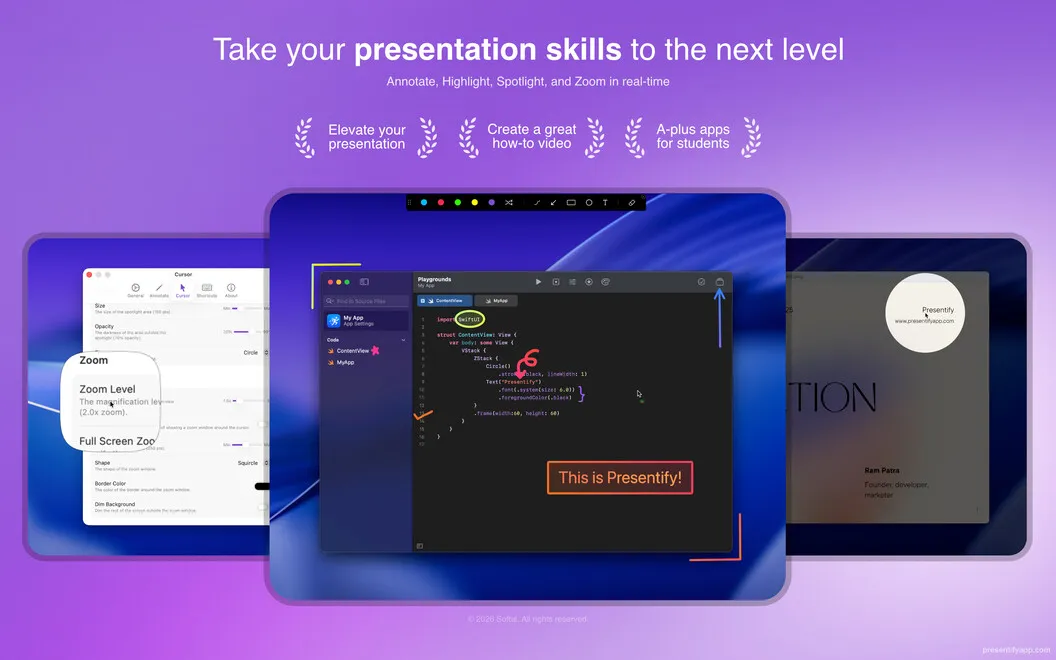
Presentify lets you draw over your Mac screen and highlight your pointer, helping you explain ideas during presentations, design reviews, and tutorials.
by Softal · 95% positive (445)
What you get
Show your audience exactly where to look and what you mean.
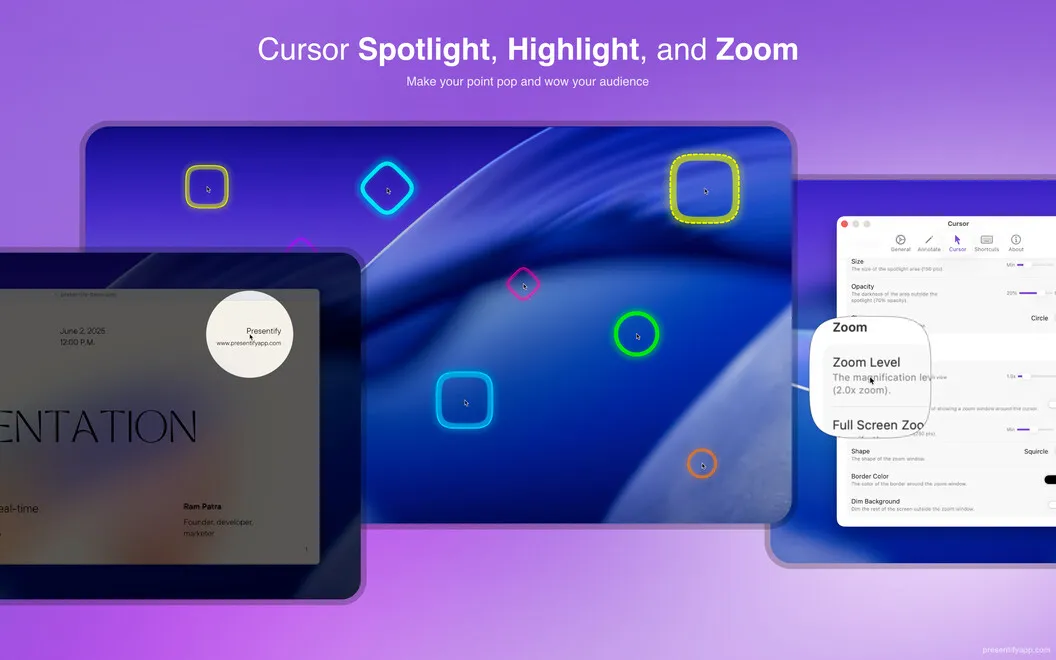
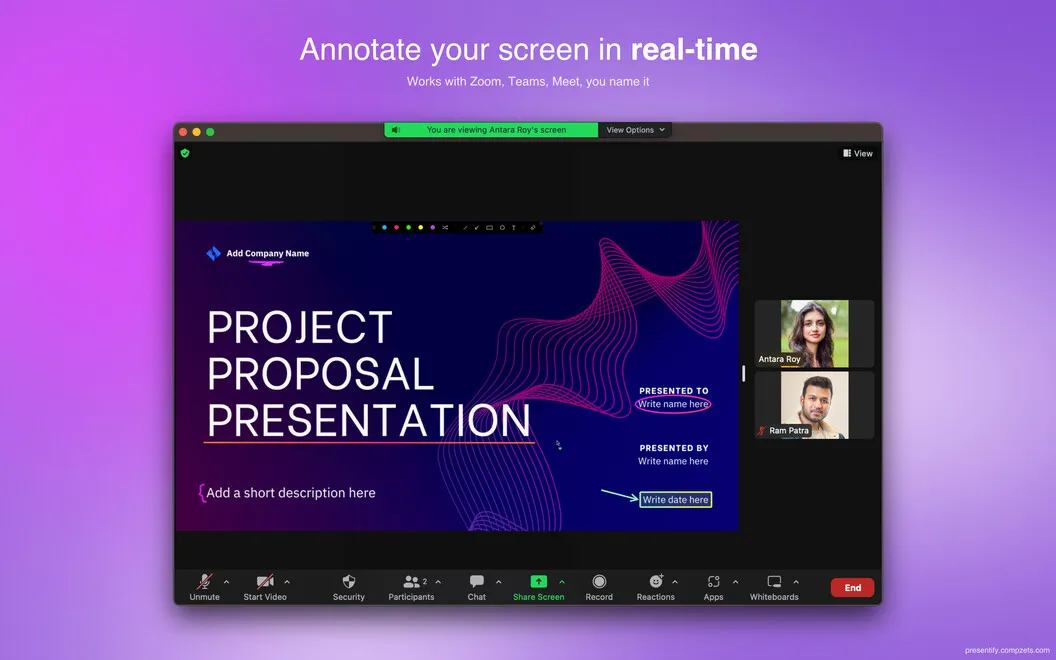
You can mark up whatever is on your Mac screen while you explain it, rather than relying on spoken directions alone. Circle a detail in a demo, sketch a suggested design change during a call, or emphasize a key idea with colored shapes. You can also make your pointer easier to follow by adjusting its highlight’s size, color, and opacity.
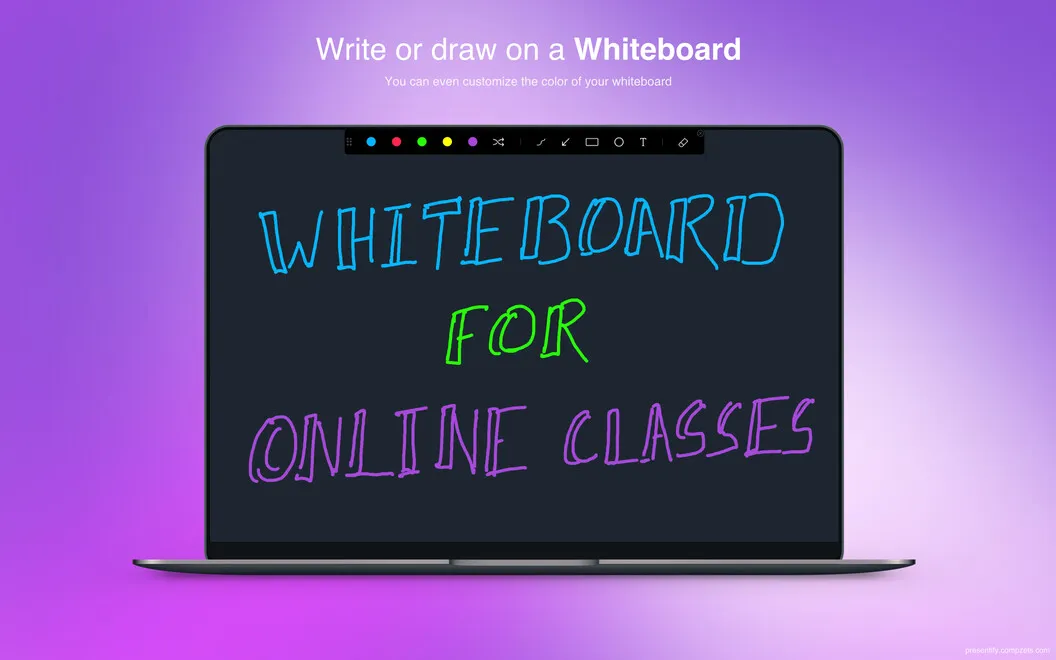
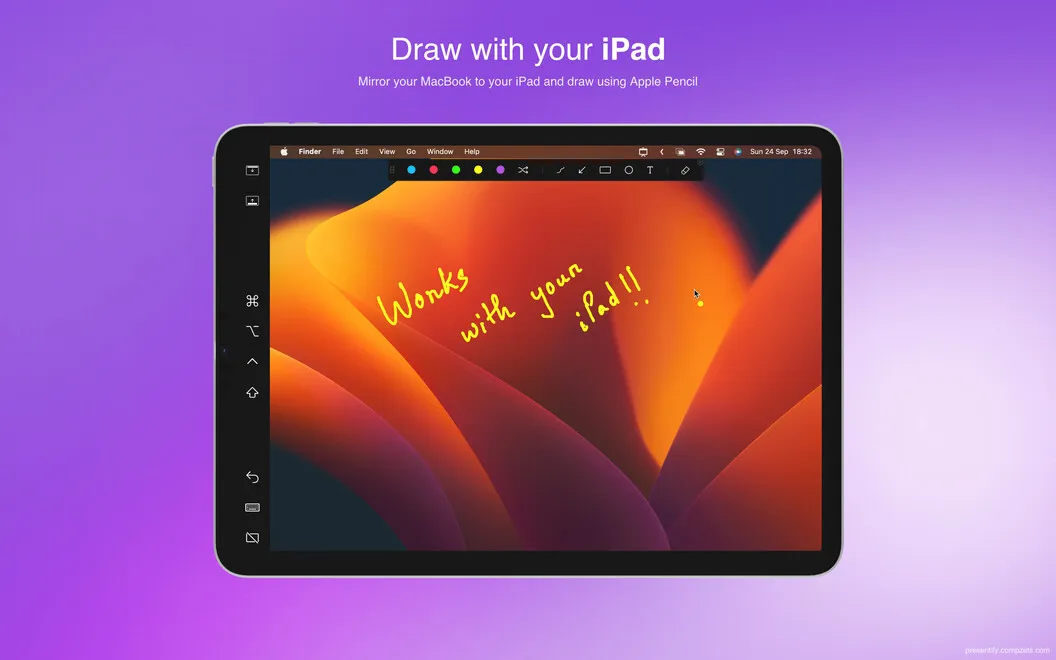
When you need room to work through an idea, you can switch to a blank board with a background color you choose. That gives you a space for visual brainstorming without drawing over an open app. If you prefer a pen, you can draw with Apple Pencil on an iPad connected through Sidecar, Astropad, or Duet, or use a supported drawing tablet.
You can annotate across multiple screens, switch tools with custom shortcuts, and undo stray marks, so you can keep explaining without letting a drawing mistake interrupt you.
-
Make details easier to spot
You can draw over any screen to point out the exact button, design element, or idea you’re discussing.
-
Keep your pointer visible
You can adjust your cursor highlight so your audience can follow your movements during a demonstration.
-
Sketch ideas as you talk
You can use a blank, color-customizable board to work through ideas during a visual brainstorming session.
-
Recover from stray marks
You can undo and redo annotations, then use custom shortcuts to change tools while you continue explaining.
Best for
- You demonstrate software or explain steps in tutorials
- You review designs during online calls
- You lead visual brainstorming sessions
Skip it if
You don’t need it if you only show slides or share your screen without drawing or emphasizing your pointer.
Screenshots
From the developer
Presentify is a huge upgrade for all your online demos, presentations, and video tutorials. This menu bar app enables you to annotate any screen and highlight cursor while presenting. Keep your audience focused and engaged in your presentation by emphasizing what’s important on the go.Read the full description
Alternatives to Presentify
Other apps to present & share your screen cleanly. See all
 PliimPRO
Share screen distraction-free
Setapp
85% · 145 ratings
PliimPRO
Share screen distraction-free
Setapp
85% · 145 ratings
 CleanPresenter
Present a single window
Setapp
74% · 131 ratings
CleanPresenter
Present a single window
Setapp
74% · 131 ratings
 Hush
Blur or dim everything except the window you need, for calls, demos and focus
Sold separately
Hush
Blur or dim everything except the window you need, for calls, demos and focus
Sold separately
 Desktop Composer
Customize & switch macOS looks
Setapp
95% · 37 ratings
Desktop Composer
Customize & switch macOS looks
Setapp
95% · 37 ratings
 DeskMop
A pristine desktop, on demand
Sold separately
DeskMop
A pristine desktop, on demand
Sold separately
 KeyPulse
Show keystrokes, shortcuts and clicks on screen without revealing your text.
Sold separately
KeyPulse
Show keystrokes, shortcuts and clicks on screen without revealing your text.
Sold separately