KeyStruck
Make every shortcut visible
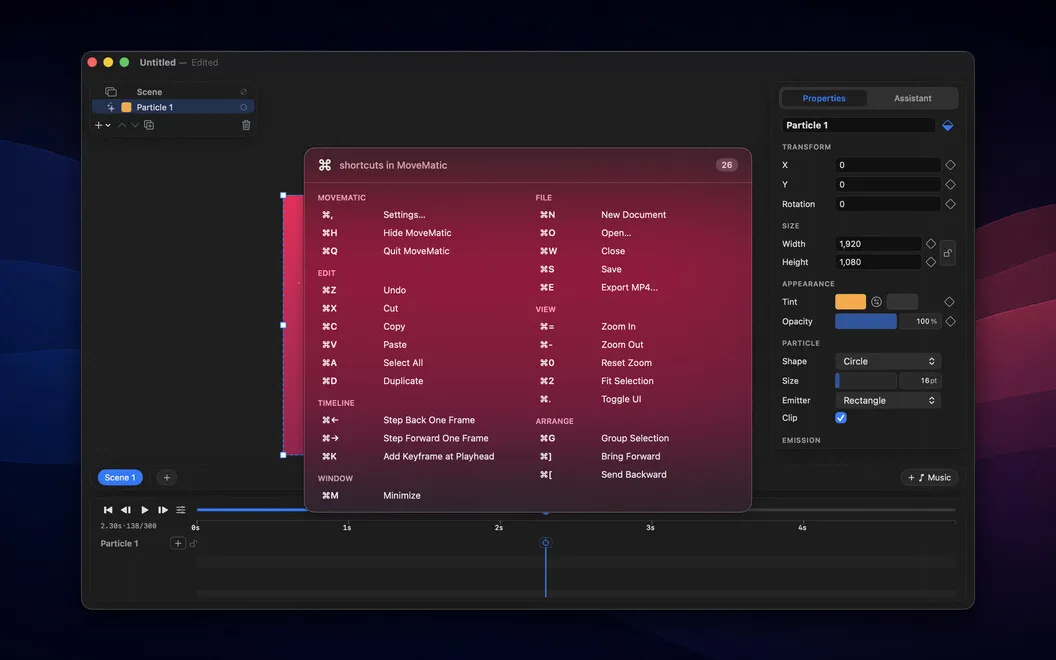
KeyStruck shows the action names behind your keyboard shortcuts, helping you teach on screen, explore an app’s shortcuts, and check which command you triggered.
by Benjamin Dansby
What you get
Let your audience see which action each shortcut triggers.
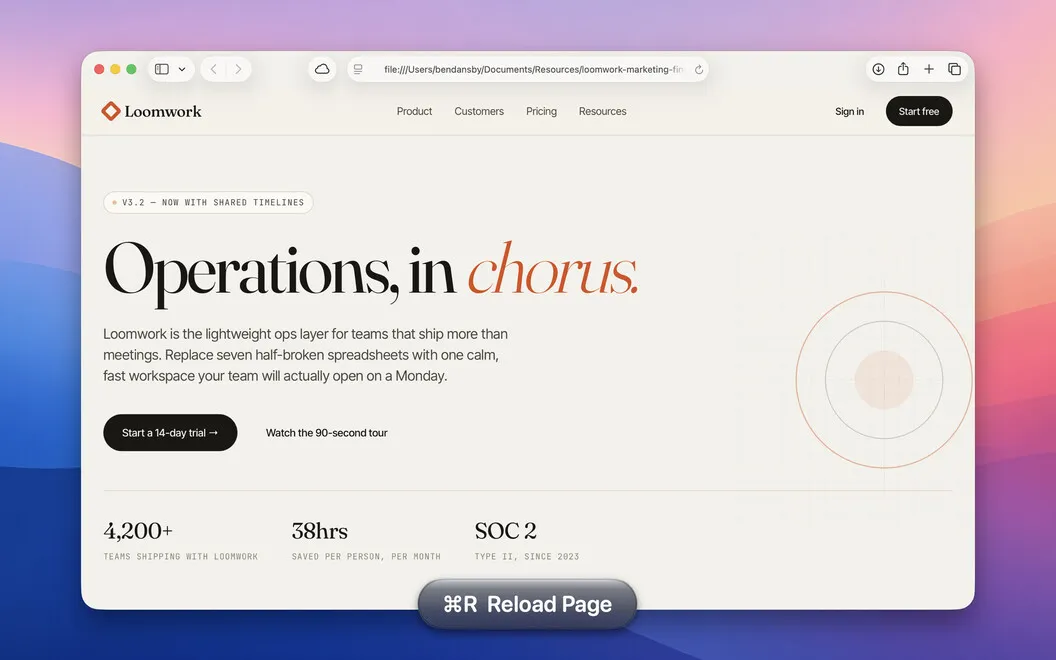
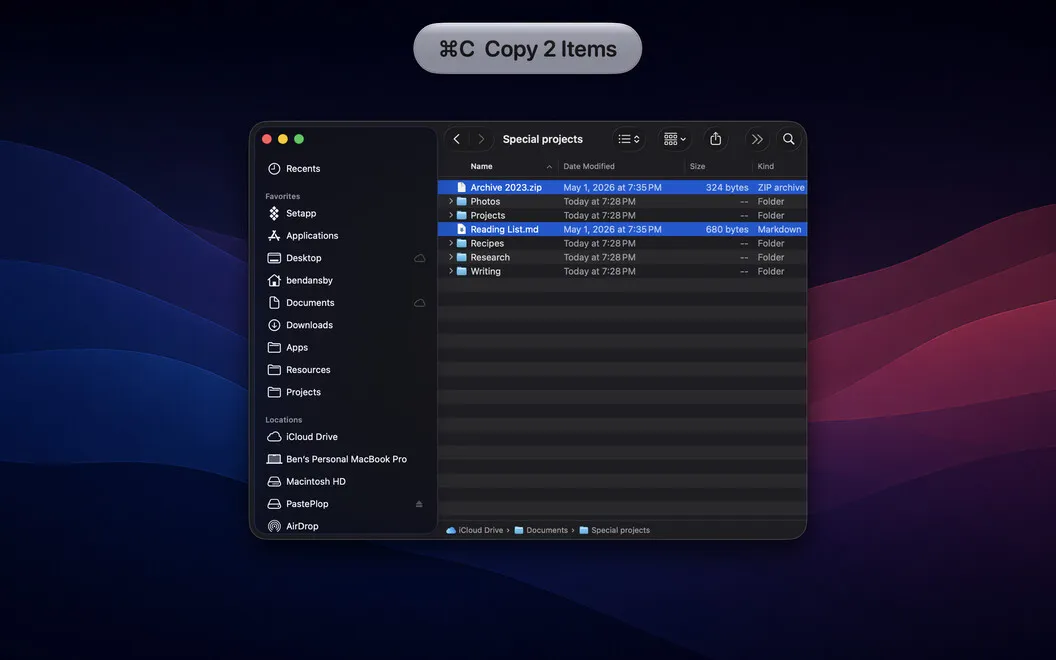
With KeyStruck, you can make keyboard-driven steps understandable in tutorials, onboarding videos, classes, and screen shares. When you use a shortcut, a small on-screen overlay names the menu action you triggered. Your viewers can follow what happened without you stopping to explain every key combination.
You also get help learning an unfamiliar app. Bring up the active app’s available shortcuts instead of switching to a separate reference, then use the action labels to check whether you invoked the command you intended.
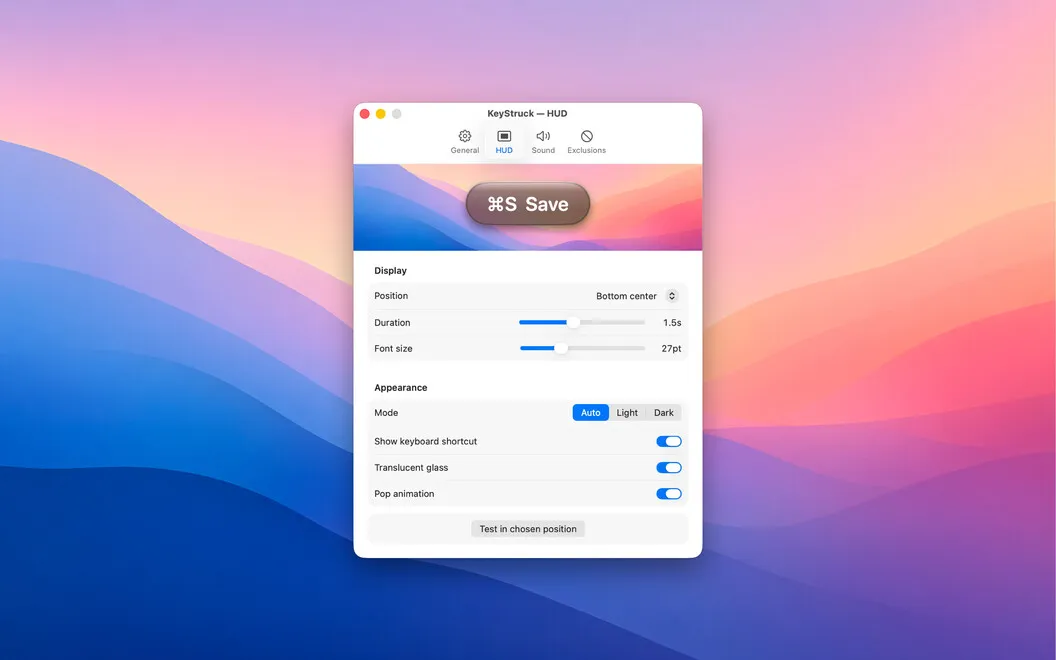
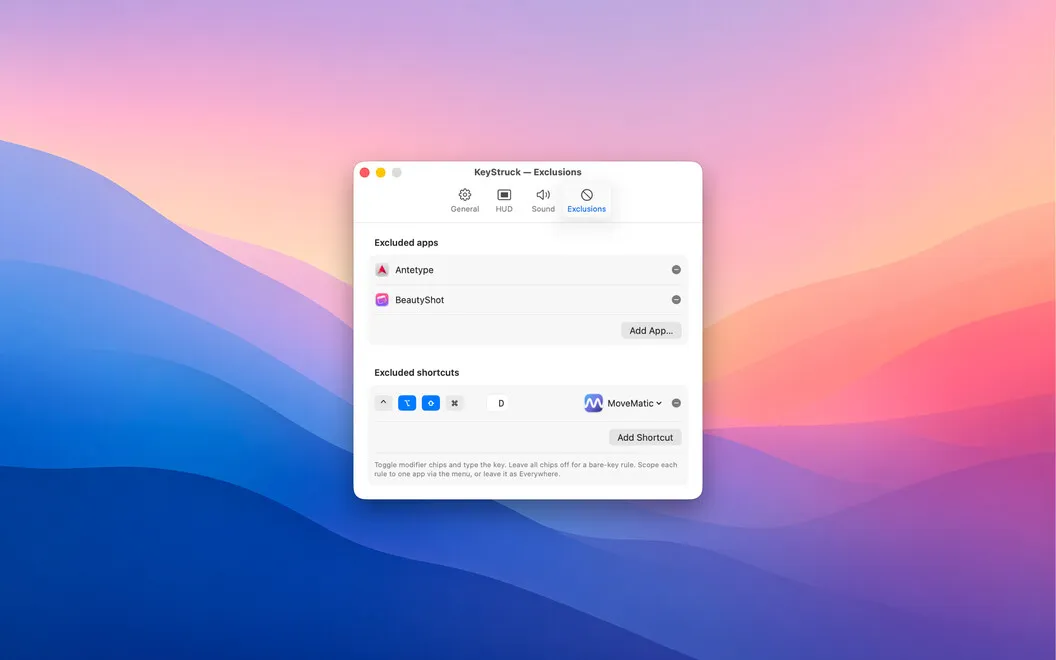
You can position and style the overlay to keep it readable without covering the part of the screen you’re demonstrating. Exclude specific apps or shortcuts when you don’t want their actions displayed, or pause the overlay with one click. KeyStruck stays in your menu bar rather than adding another icon to your Dock.
-
Explain fewer keyboard steps
Your viewers see the action you triggered, so you don’t need to narrate every shortcut.
-
Find shortcuts while working
You can consult the active app’s shortcut list without switching to a separate reference document.
-
Check your command
You get a visible action label to confirm whether your shortcut triggered the function you intended.
-
Control what viewers see
You can hide action overlays for selected apps or shortcuts and position the remaining labels away from your demonstration.
Best for
- You record tutorials or onboarding videos
- You teach software through live screen sharing
- You’re learning an unfamiliar app’s shortcuts
Skip it if
You probably don’t need it if you rarely use keyboard shortcuts and don’t demonstrate software to others.
Screenshots
From the developer
KeyStruck pops a clean HUD with the action name every time you fire a keyboard shortcut. Record a demo, run a class, or share your screen, and the audience sees what you're doing instead of leaning in to read your keyboard.Read the full description
Alternatives to KeyStruck
Other apps to create tutorials & product demos. See all
 KeyPulse
Show keystrokes, shortcuts and clicks on screen without revealing your text.
Sold separately
KeyPulse
Show keystrokes, shortcuts and clicks on screen without revealing your text.
Sold separately
 Mirror Input
Any device. Any app. Live
Sold separately
Mirror Input
Any device. Any app. Live
Sold separately
 ShowRunner
Demos that run themselves
Sold separately
ShowRunner
Demos that run themselves
Sold separately
 Boom
Record and present like a pro
Setapp
83% · 217 ratings
Boom
Record and present like a pro
Setapp
83% · 217 ratings
 Presentify
Give better presentations
Setapp
95% · 445 ratings
Presentify
Give better presentations
Setapp
95% · 445 ratings
 FocuSee
Record screen and polish video
Setapp
92% · 181 ratings
FocuSee
Record screen and polish video
Setapp
92% · 181 ratings