Menu Bar Controller for Sonos
Menu Bar Controller for Sonos gives you Mac-based control of your Sonos speakers, with quick playback adjustments and more detailed tools for managing music and multi-room setups.
by App Lane OU
What you get
Control your Sonos music without leaving the window you’re working in.
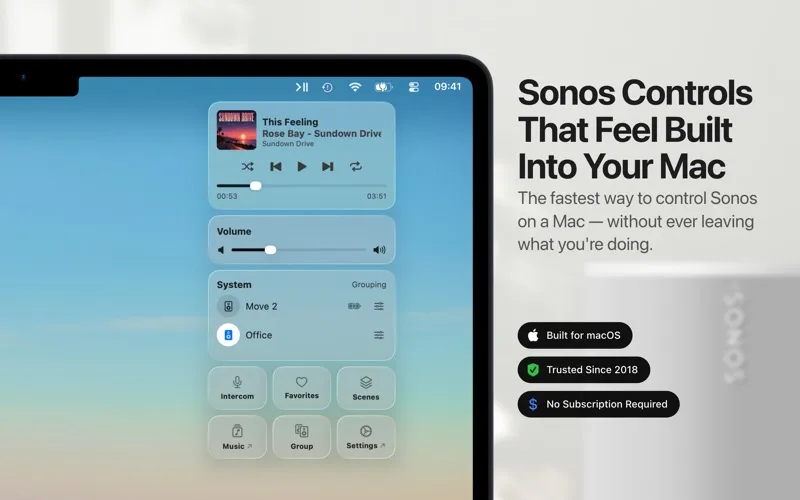
You can pause music, skip tracks, and adjust your Sonos speakers’ volume from your Mac’s menu bar without switching windows. You can also see what’s playing, use your keyboard’s media buttons, and set a sleep timer when you want playback to stop later.
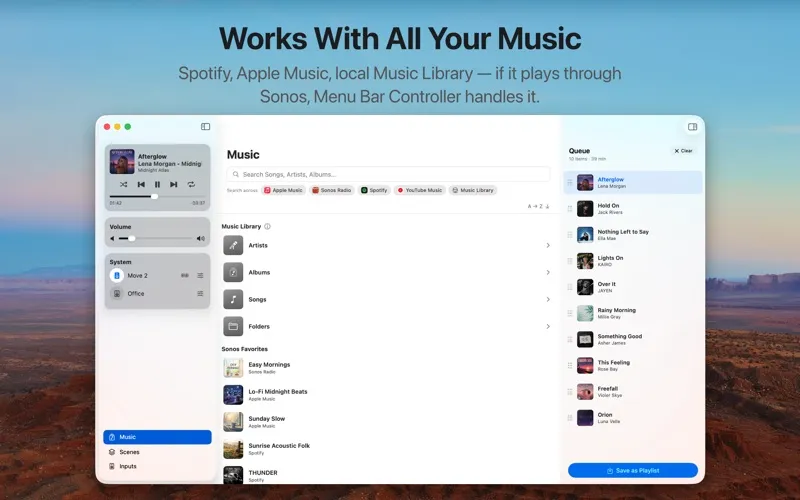
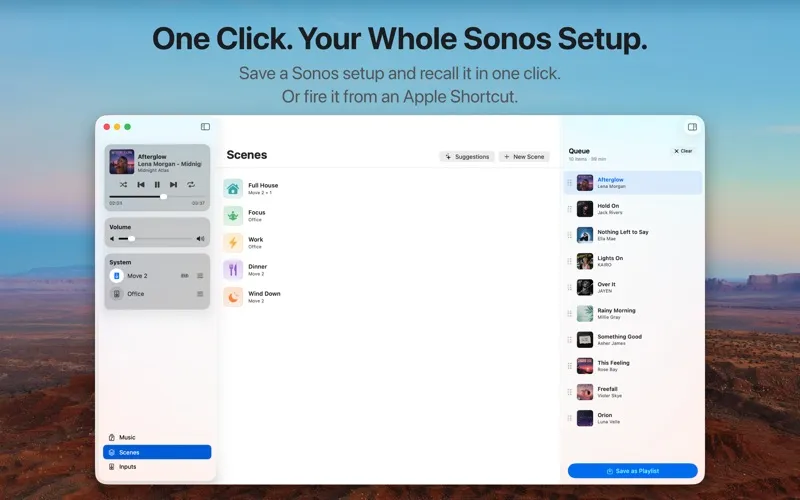
For choosing what plays next, you get a dedicated window to browse your Sonos favorites and playlists, search your connected streaming services, or find music in a shared library that Sonos has indexed. You can drag tracks into a different queue order, remove songs, and save the queue as a Sonos playlist.
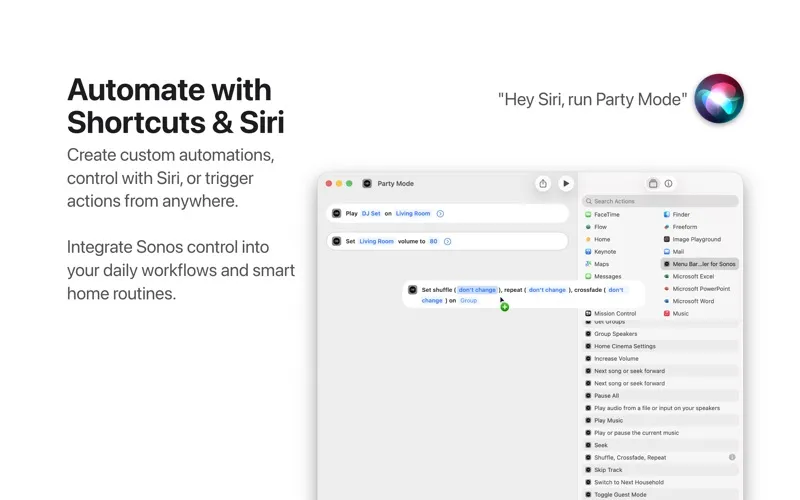
If you use several speakers, you can group rooms and save their volumes, EQ, and sources as Scenes, then restore a setup with one click or an Apple Shortcut. You’ll need to sign in with your Sonos account. You can’t use it to stream Mac audio to Sonos or control Sonos headphones.
-
Keep your work in view
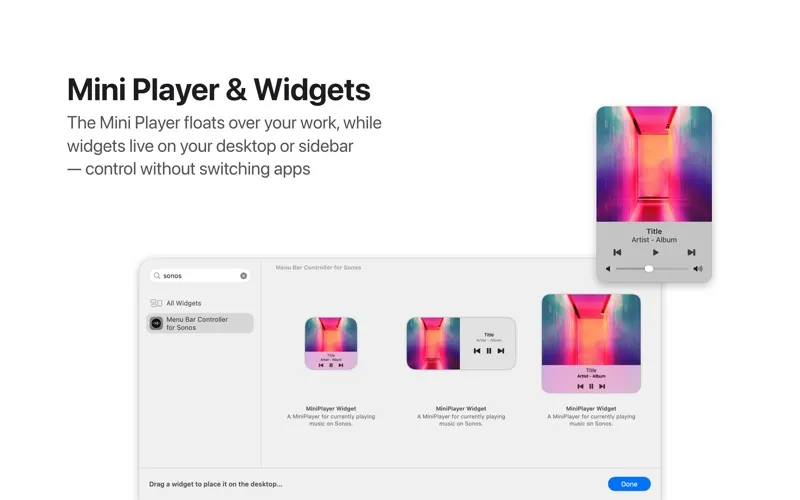
You can change volume, pause, or skip tracks from the menu bar without switching away from your current window.
-
Restore your room setup
You can recall saved speaker groups, volumes, EQ, and sources together instead of adjusting each setting again.
-
Choose what plays next
You can search connected streaming services, browse indexed shared music, and reorder your queue by dragging tracks.
-
Use your preferred controls
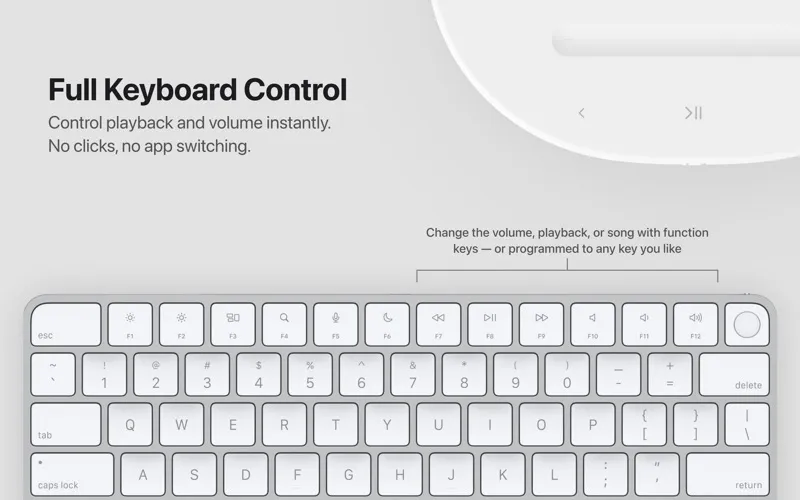
You can manage playback with keyboard media buttons and apply saved Scenes through Apple Shortcuts.
Best for
- You work on a Mac while listening through Sonos
- You regularly change multi-room speaker setups
- You want to recall Sonos setups through Apple Shortcuts
Skip it if
You don’t need it if you have no Sonos speakers or only want to stream your Mac’s audio to them.
Screenshots
From the developer
Control your Sonos system instantly from your Mac's menu bar – no need to open a separate app or switch windows. Menu Bar Controller for Sonos rests discreetly in your menu bar, offering quick and easy access to essential controls like volume adjustments, pausing the current song, or skipping to the next track.Read the full description
Alternatives to Menu Bar Controller for Sonos
Other apps to control music from anywhere. See all
 Echo
Remembers every song, podcast and video you play, across your apps and browser.
Sold separately
Echo
Remembers every song, podcast and video you play, across your apps and browser.
Sold separately
 Gramola
An album shelf at your screen edge that drives Apple Music or Spotify
Sold separately
Gramola
An album shelf at your screen edge that drives Apple Music or Spotify
Sold separately
 NowPlayingWidget
Music controls, always close
Sold separately
NowPlayingWidget
Music controls, always close
Sold separately
 SmashTunes
Your music, always in view
Sold separately
SmashTunes
Your music, always in view
Sold separately
 Menu Bar Controller Lite
Mac App Store
Menu Bar Controller Lite
Mac App Store
 MiniPlay for Spotify & iTunes
Mac App Store
MiniPlay for Spotify & iTunes
Mac App Store