Menu Bar Controller Lite
Menu Bar Controller Lite gives you basic Sonos controls in your Mac’s menu bar. It’s for Sonos owners who want to adjust their music while working.
by Alexander Heinrich
What you get
Control your Sonos music without leaving your workspace.
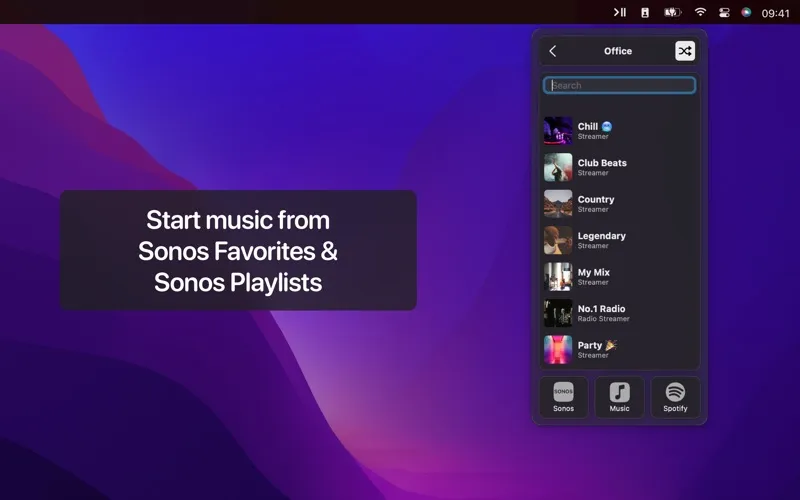
You get a way to control your Sonos system from your Mac’s menu bar, without switching away from your work. You can adjust the volume and set sleep timers, then let the controls disappear from view once your music is set. That keeps your workspace clear while leaving everyday adjustments within reach.
You’ll need to sign in with your Sonos account to use it. This is a free, limited version of Menu Bar Controller for Sonos, not a replacement for every function in the official Sonos controller. You also can’t use it to send audio from your Mac to a Sonos speaker; you’ll need AirPlay for that. It’s an unofficial companion app, rather than an app made by Sonos.
-
Adjust volume while working
You can change your Sonos volume from the menu bar without switching away from your workspace.
-
Set a stopping time
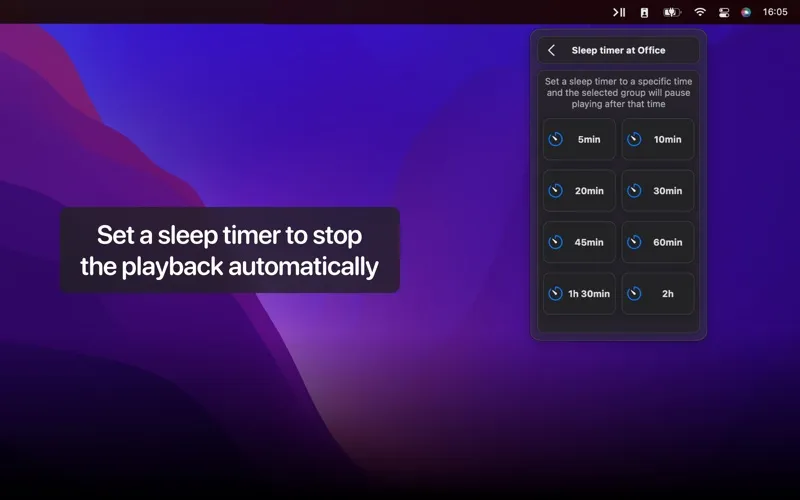
You can use sleep timers to have your Sonos music stop later.
-
Keep controls out of view
Once you’ve made your adjustments, the controls disappear so you can return your attention to your work.
Best for
- You work on a Mac with Sonos playing nearby
- You only need everyday Sonos adjustments
- You want to set sleep timers for your music
Skip it if
Skip it if you don’t own a Sonos system, need the full official controller, or want to stream your Mac’s audio to a speaker.
Screenshots
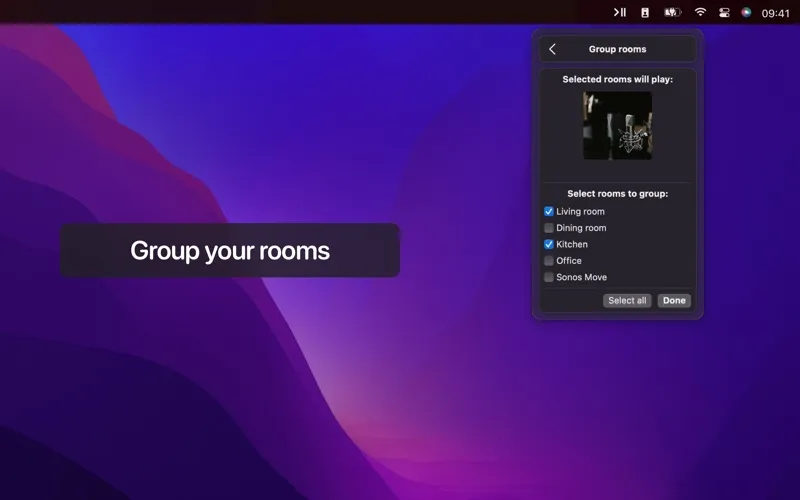
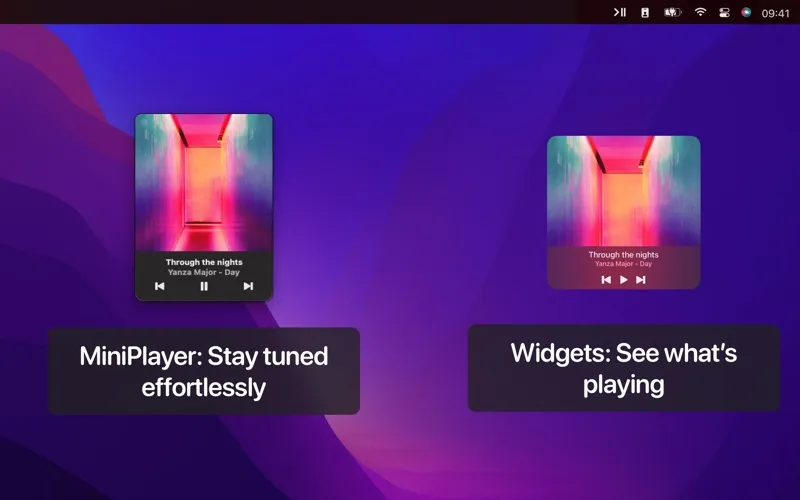
From the developer
Elevate your Sonos experience with this sleek and intuitive menu bar companion app! Seamlessly control your Sonos system without ever leaving your workspace.Read the full description
Alternatives to Menu Bar Controller Lite
Other apps to control music from anywhere. See all
 Echo
Remembers every song, podcast and video you play, across your apps and browser.
Sold separately
Echo
Remembers every song, podcast and video you play, across your apps and browser.
Sold separately
 Gramola
An album shelf at your screen edge that drives Apple Music or Spotify
Sold separately
Gramola
An album shelf at your screen edge that drives Apple Music or Spotify
Sold separately
 NowPlayingWidget
Music controls, always close
Sold separately
NowPlayingWidget
Music controls, always close
Sold separately
 SmashTunes
Your music, always in view
Sold separately
SmashTunes
Your music, always in view
Sold separately
 Menu Bar Controller for Sonos
Mac App Store
Menu Bar Controller for Sonos
Mac App Store
 MiniPlay for Spotify & iTunes
Mac App Store
MiniPlay for Spotify & iTunes
Mac App Store