NowPlayingWidget
Music controls, always close
NowPlayingWidget gives you floating music controls on your Mac, so you can manage playback while working in other apps.
by Taoftware LLC
What you get
You can pause, skip, and check tracks without leaving your work.
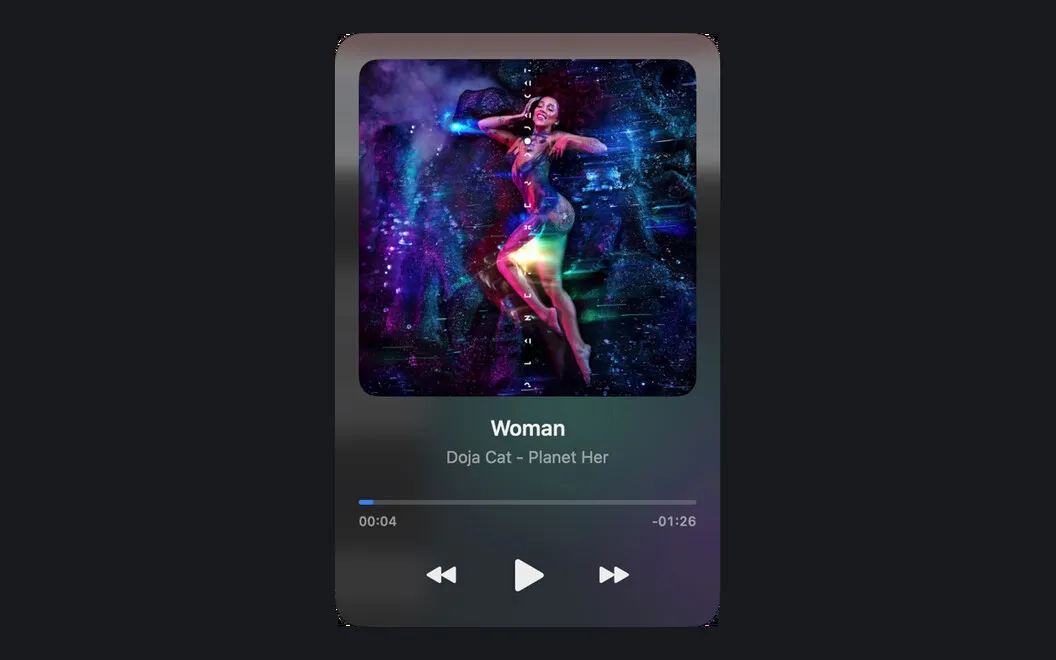
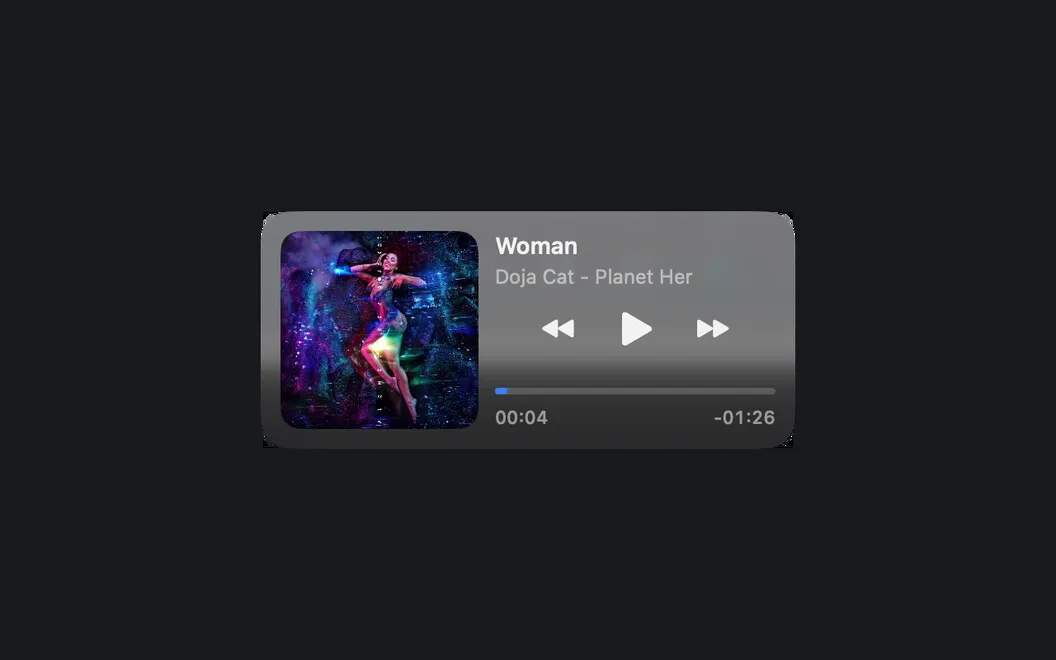
With NowPlayingWidget, you can see what’s playing and pause, resume, skip, or move through a track without switching to your music app or browser. The player stays above your windows, including across Spaces. Available controls and track details depend on what your compatible playback source shares with macOS Now Playing.
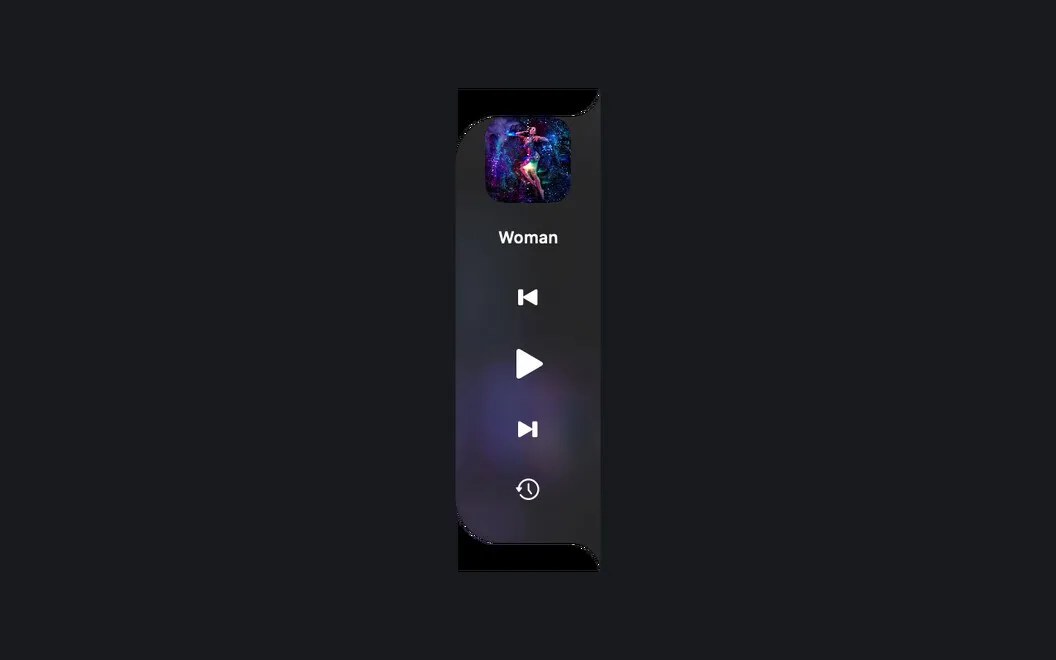
You can keep the player small, expand it for more detail, or dock it near the notch or along either screen edge. Three sizes let you choose how much screen space to give it. When lyrics are available for your recording, you can follow them in time with the music or scroll through them yourself in Full mode.
You also get a local history of tracks you’ve played, so you can look back at your listening. Your history and cached artwork stay on your Mac.
-
Stay in your current app
You can pause, resume, skip, or seek without switching away from what you’re doing.
-
Keep controls within reach
You can place the player above your windows or dock it at the top or sides of your screen.
-
Follow the words
You can sing along with synced lyrics when a provider has your recording, or scroll them yourself in Full mode.
-
Revisit what you played
You can look back through your listening history, with that history and cached artwork kept on your Mac.
Best for
- You listen to music while working in other apps
- You want music controls near your Mac’s notch
- You like following lyrics while listening
Skip it if
You don’t need it if you’re happy using your music app’s own controls and don’t want an always-visible player.
Screenshots


From the developer
NowPlayingWidget is a music control widget for Mac. It floats above your windows and shows the current track, so you can pause, skip, or seek without leaving your work. Follow synced lyrics, dock the player at the top or the sides, and pick the size that suits your screen. Your play history and artwork stay on your Mac.Read the full description
Alternatives to NowPlayingWidget
Other apps to control music from anywhere. See all
 Echo
Remembers every song, podcast and video you play, across your apps and browser.
Sold separately
Echo
Remembers every song, podcast and video you play, across your apps and browser.
Sold separately
 Gramola
An album shelf at your screen edge that drives Apple Music or Spotify
Sold separately
Gramola
An album shelf at your screen edge that drives Apple Music or Spotify
Sold separately
 SmashTunes
Your music, always in view
Sold separately
SmashTunes
Your music, always in view
Sold separately
 Menu Bar Controller for Sonos
Mac App Store
Menu Bar Controller for Sonos
Mac App Store
 Menu Bar Controller Lite
Mac App Store
Menu Bar Controller Lite
Mac App Store
 MiniPlay for Spotify & iTunes
Mac App Store
MiniPlay for Spotify & iTunes
Mac App Store