
MetaImage
Edit image metadata
MetaImage is a Mac image metadata editor for you if you need consistent photo tags, accurate location data, or repeatable edits across a large photo collection.
by NEEDEDAPPS PTE. LTD. · 93% positive (241)
What you get
You get consistent photo metadata without editing every image individually.
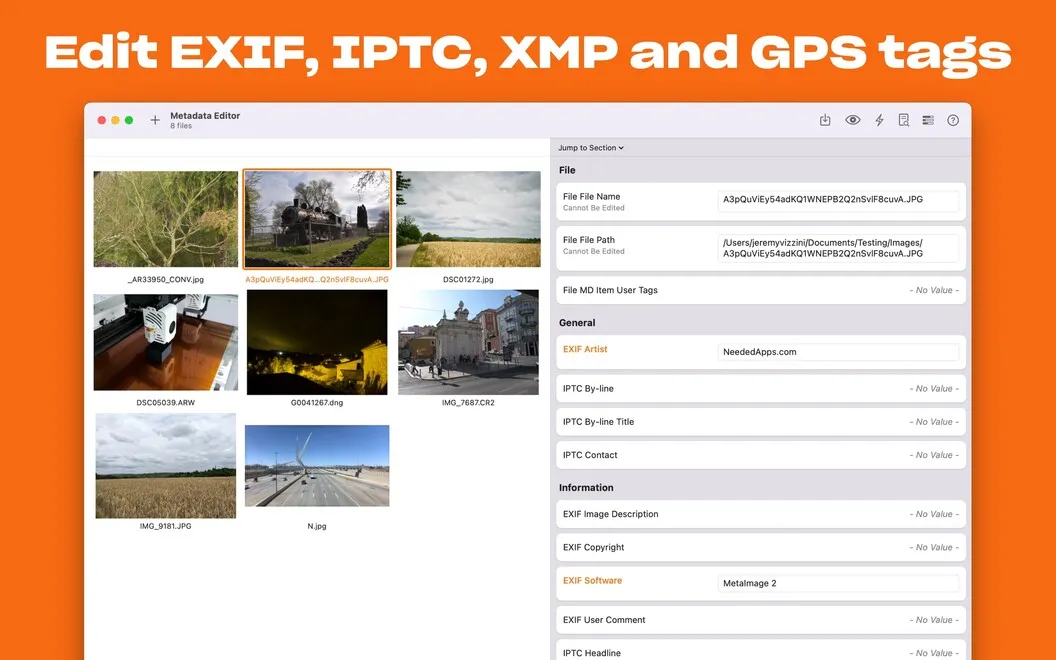
MetaImage lets you correct and standardize the information stored in your photos, rather than change how the pictures look. You can work with more than 5,000 tags, including EXIF, IPTC, XMP, and MakerNotes, across over 90 image formats. That means you can handle JPEG, HEIC, RAW, and other files without converting them first.
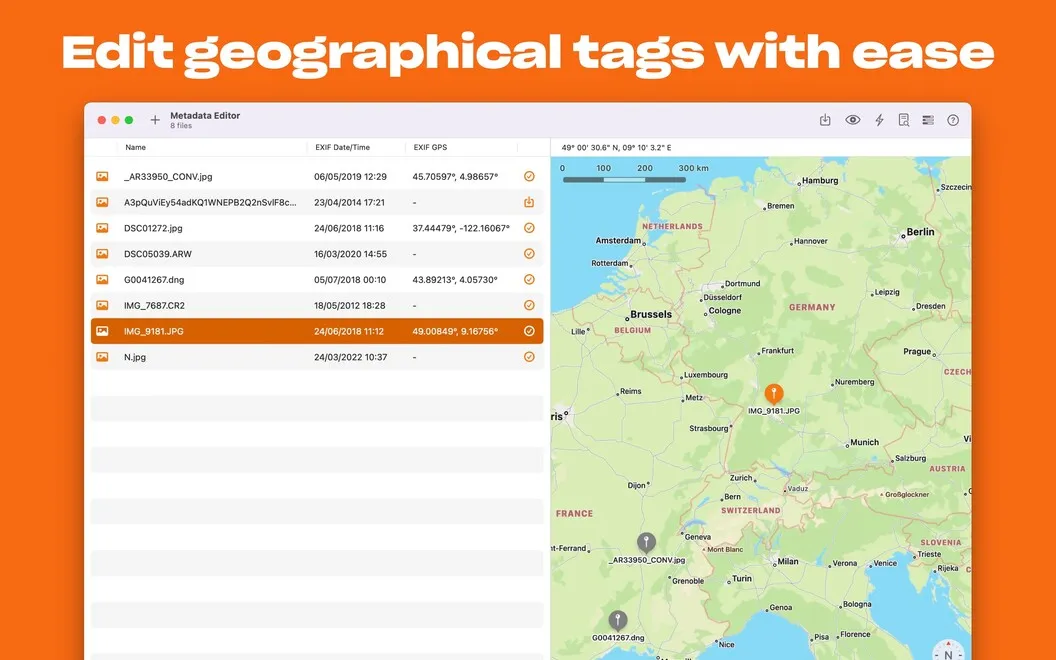
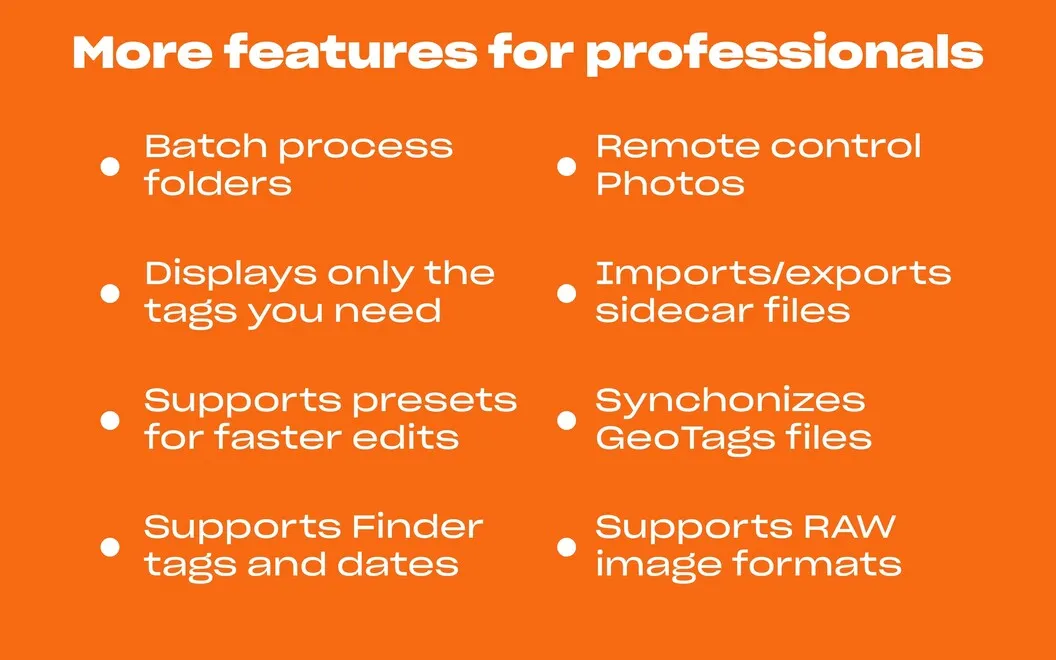
When the same corrections apply to many pictures, you can make them in batches and save presets for recurring edits. You can also give photos location data by searching for a place, selecting a point on a map, or copying location information from another file. GPS-tag searches help you find images by location afterward.
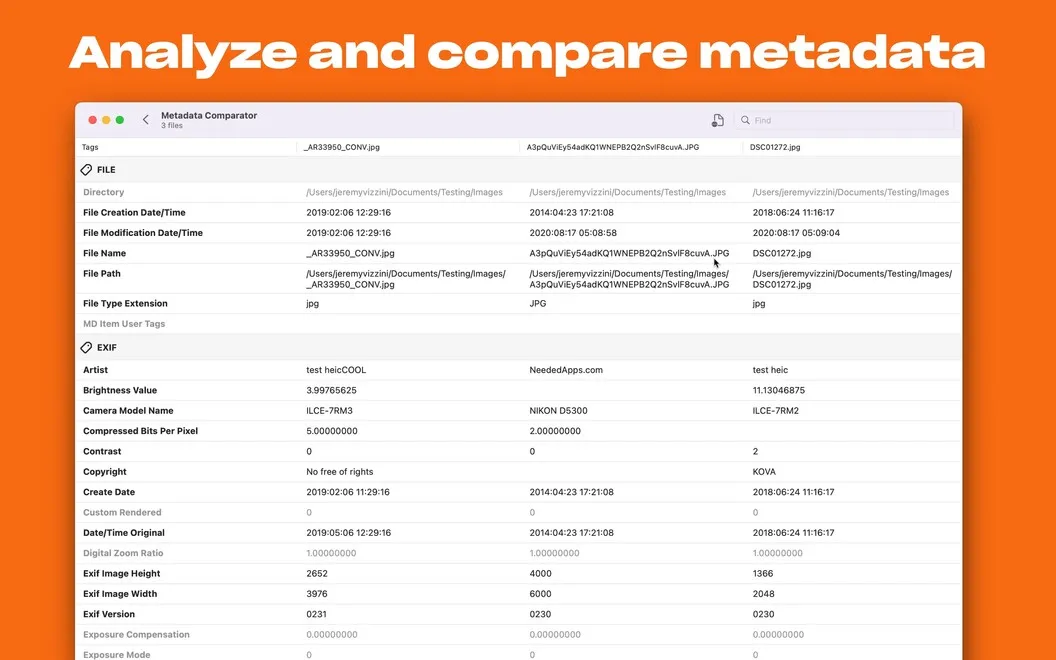
If you use Apple Photos, you can inspect metadata through the Photos extension, then open an image in MetaImage to make changes. You can choose which tags appear in each interface, keeping the information you actually use in view.
-
Repeat fewer manual edits
You can apply the same metadata changes to multiple images and reuse presets for recurring corrections.
-
Give photos a location
You can add GPS coordinates using a place search, a map, or location data copied from another file.
-
Avoid format conversion
You can edit metadata across more than 90 image formats, including HEIC, JPEG, RAW, and TIFF.
-
Inspect tags in Photos
You can read metadata through the Photos extension and choose which tags stay visible.
Best for
- You maintain a photo library with inconsistent or incomplete metadata
- You repeatedly apply the same tag changes to photo batches
- You need to add or correct photo locations
Skip it if
You don't need it if you only want to crop, retouch, or adjust the appearance of your photos.
Screenshots
From the developer
Let MetaImage take care of your images metadata on Mac. Instead of manually editing data for every picture in the Photos app, you get a completely automated flow. Handle every tag format — including EXIF, IPTC, and XMP. Flexibly add GPS coordinates. Create presets and apply the same changes to multiple pictures.Read the full description
Alternatives to MetaImage
Other apps to edit photo metadata. See all