Mirror Screen to Any Smart TV
You can mirror your Mac displays and USB-connected iPhone or iPad screens to TVs and browser-equipped devices, useful when you need to show the same content to several viewers.
by 长江 吴
What you get
Show your screens on multiple TVs and computers at once.
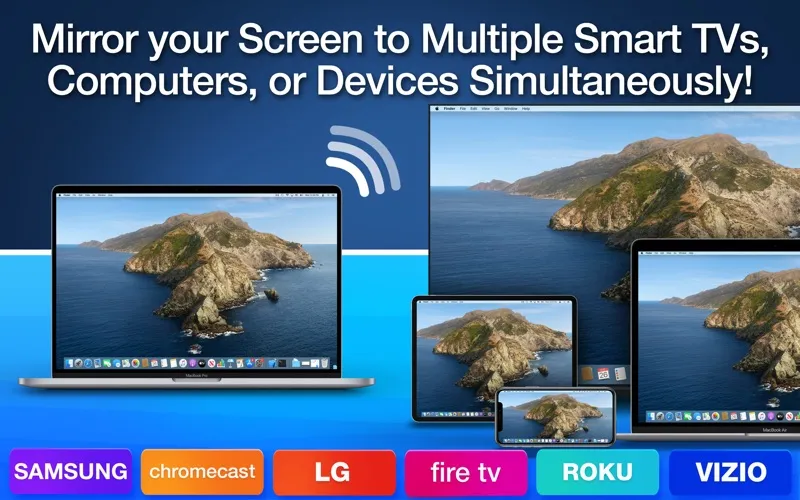
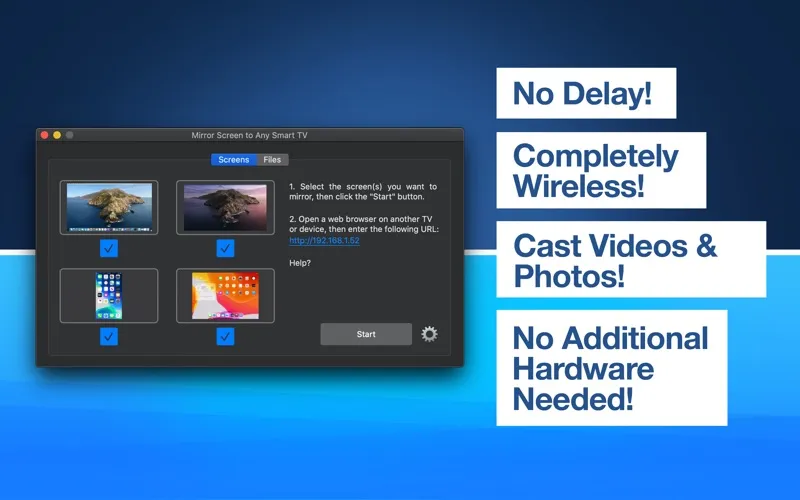
You can show what’s on your Mac to people watching on TVs, computers, or other devices through a web browser. You select the screens to share, start mirroring, and open the address provided by the app on each receiving device. You can also send photos and videos to several screens at once.
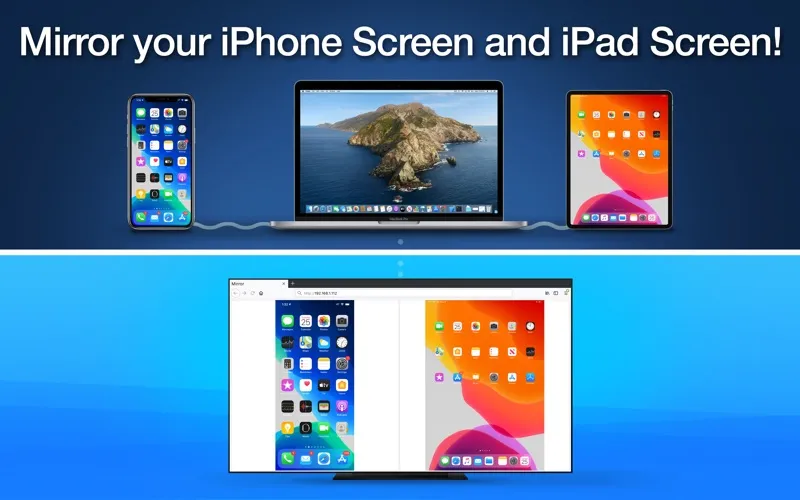
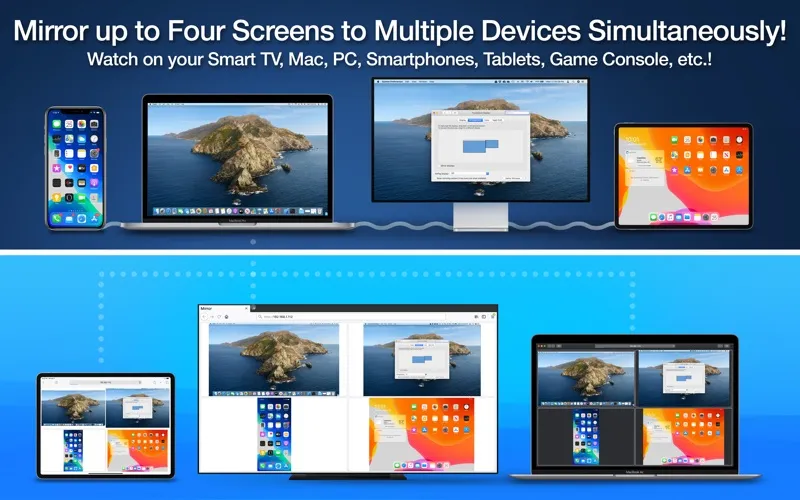
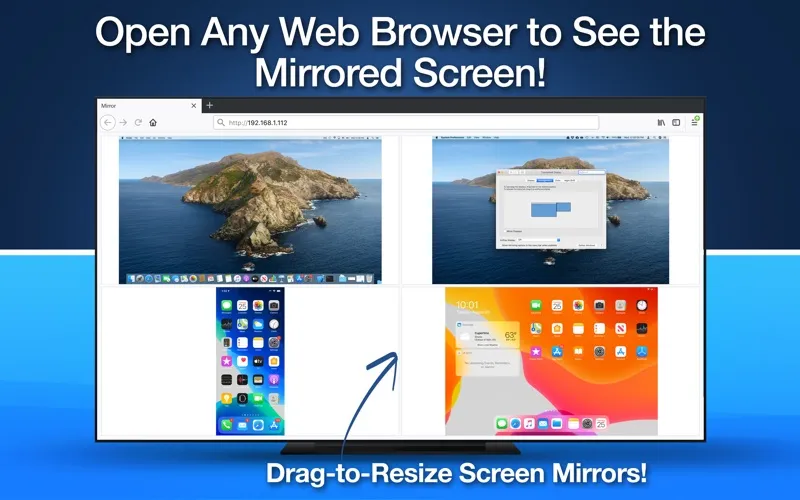
When you need to compare or demonstrate different screens, you can share up to four simultaneously: your Mac’s primary display, a secondary display, an iPhone, and an iPad. Your iPhone and iPad must connect to your Mac by USB. Viewers can see multiple mirrored screens in one browser and drag a divider to adjust their sizes.
You get visual sharing only: audio isn’t supported. The app also doesn’t work with complex networks, IPv6, subnets, or virtual LANs, so you should check your network setup before relying on it for a classroom or office presentation.
-
Reach several screens
You can show the same content on multiple TVs, computers, or other browser-equipped devices simultaneously.
-
Show four sources together
You can display two Mac screens alongside your USB-connected iPhone and iPad screens.
-
Adjust the viewing layout
You can resize mirrored screens in the receiving browser by dragging the divider.
-
Share photos and videos
You can display your photos and videos on multiple receiving screens, without audio.
Best for
- You teach using several classroom displays
- You present visual material across office screens
- You demonstrate Mac and mobile screens together
Skip it if
You don’t need it if you require audio with your mirrored content or your network uses IPv6, subnets, or virtual LANs.
Screenshots
From the developer
** Mirror your Primary Display, Secondary Display, iPhone Screen and iPad Screen to Multiple TVs, Computers, or Devices Simultaneously! ** Mirror up to Four Screens at the same time! ** Completely Wireless! Simply use your Web Browser to Watch Mirrored Screen!Read the full description
Alternatives to Mirror Screen to Any Smart TV
Other apps to stream your Mac to a TV. See all