Pixel Studio for pixel art
Pixel Studio is a pixel art editor for you if you draw sprites, build game artwork, or create frame-by-frame animations, whether you’re starting out or already experienced.
by Farida Yarullina
What you get
You can turn pixel drawings into game sprites and shareable animations.
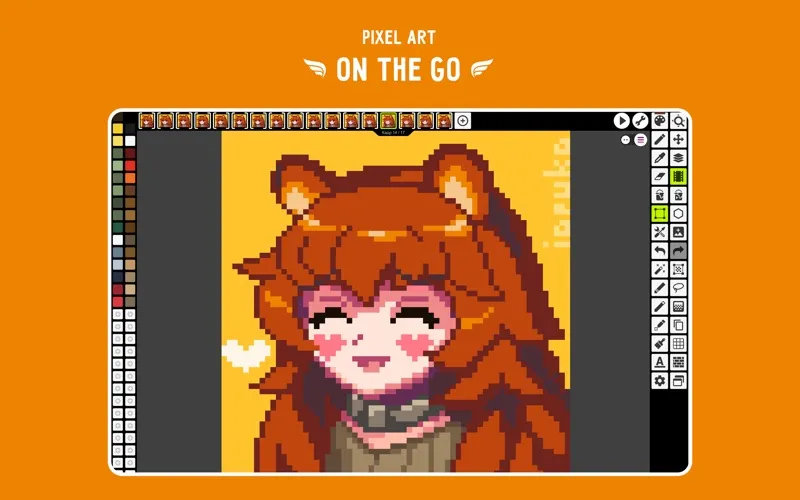
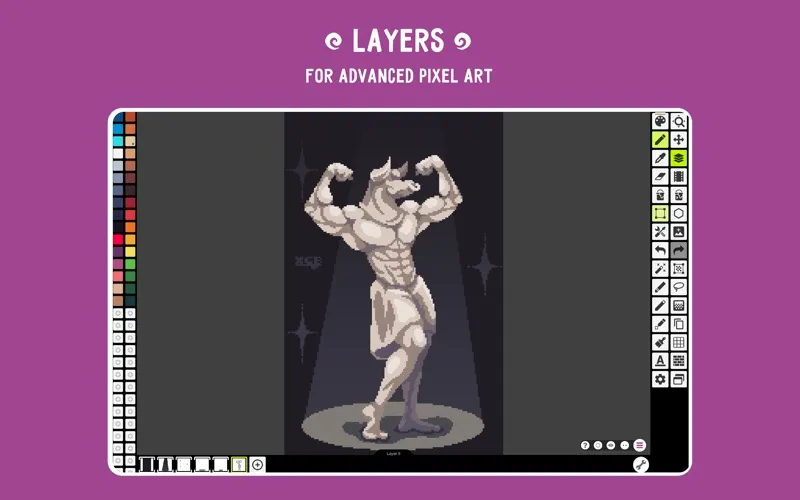
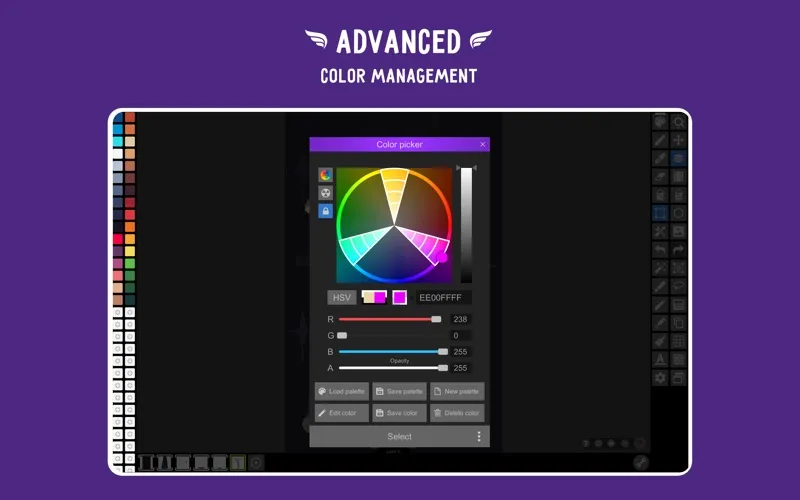
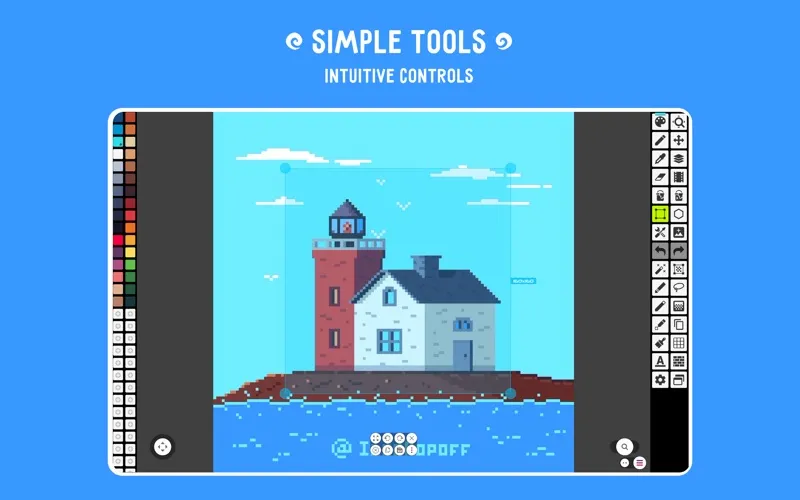
You can create pixel artwork with separate layers, so you can change individual parts without redrawing the whole image. Precise drawing tools, symmetry, and a customizable grid help you place pixels deliberately. You can build your own color palette, pull colors from an image, or use palettes from Lospec to keep your artwork consistent.
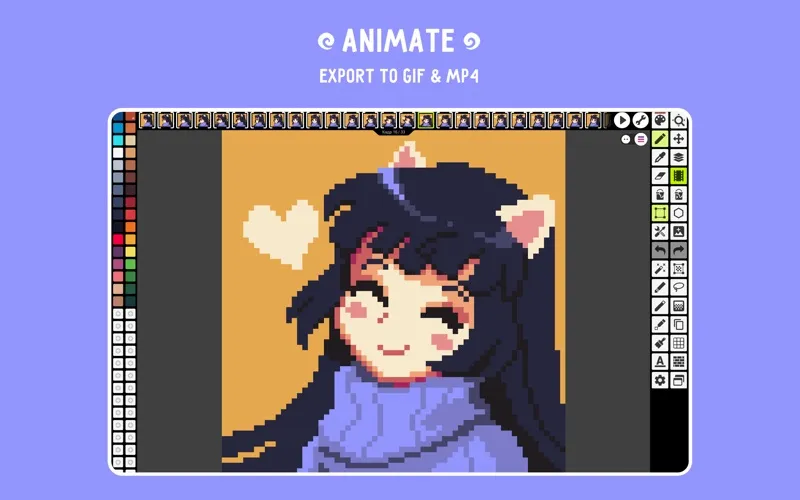
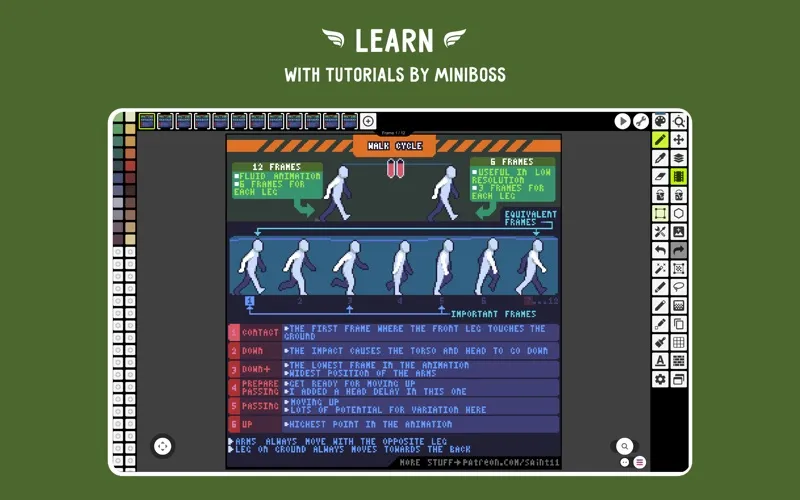
When you want your drawings to move, you can animate them frame by frame and use onion-skin previews to compare neighboring frames. Export your animation as a GIF for sharing or a sprite sheet for a game project. You can also add music and export an MP4, with unlimited MP4 export listed among the PRO extras.
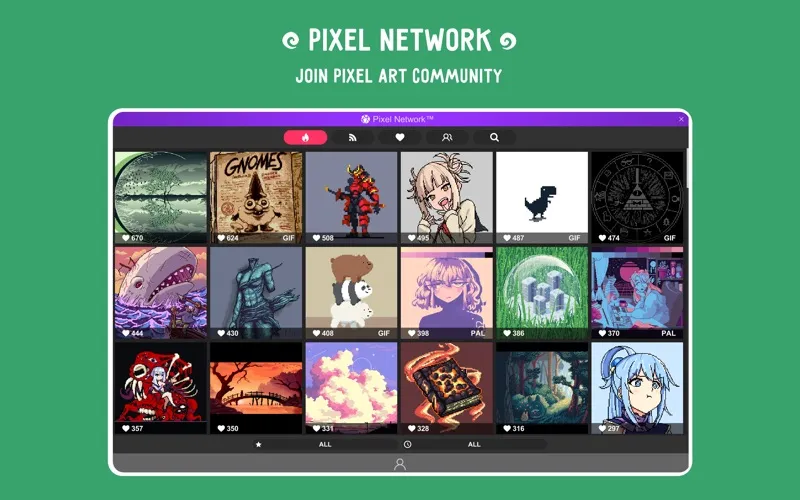
Autosave and backups help protect your progress. If you work across desktop and mobile, PRO includes Google Drive sync so you can continue your projects on another device. You can also share finished artwork with the Pixel Network community.
-
Revise individual parts
You can keep elements on separate layers and adjust them without changing the rest of your drawing.
-
Keep colors consistent
You can reuse custom palettes, extract colors from images, or choose palettes from Lospec.
-
Check movement between frames
You can compare neighboring frames with onion-skin previews as you build your animation.
-
Export for games or sharing
You can save animations as sprite sheets for game projects or GIFs to share.
-
Protect your progress
You get autosave and backups, plus Google Drive sync across devices with PRO.
Best for
- You’re learning to draw pixel art
- You’re making sprites for a game
- You want to create frame-by-frame pixel animations
Skip it if
You don’t need it if your work is mainly photo editing or vector illustration rather than pixel art.
Screenshots

From the developer
Pixel Studio is a new pixel art editor for artists and game developers. Simple, fast and portable. No matter whether you are a beginner or a professional. Create amazing pixel art anywhere and anytime! We support layers and animations and have a ton of useful tools - all you need to create cool projects.Read the full description
Alternatives to Pixel Studio for pixel art
Other apps to draw & paint illustrations. See all