Pixen
Pixen is a pixel art editor for your Mac, suited to drawing low-resolution sprites, building repeating patterns, and creating frame-by-frame animations.
by Furnace Creek Software LLC
What you get
You can turn individual pixels into sprites, patterns, and animations.
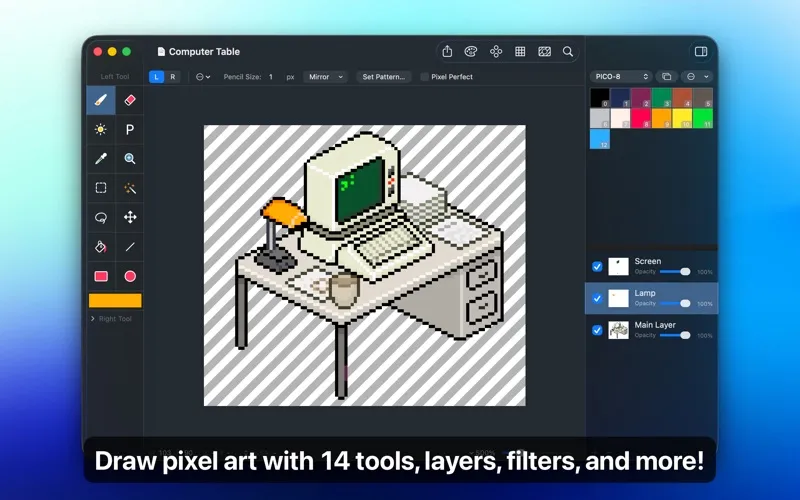
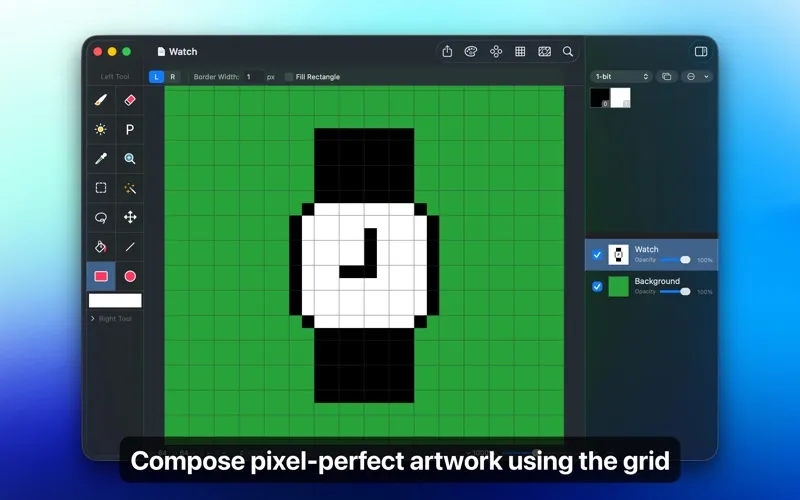
With Pixen, you can draw low-resolution artwork while keeping control over individual pixels. You can zoom in to refine a sprite’s edges, use a grid to align details, and check a scaled-out preview as you work. Pixel Perfect mode helps you keep drawn paths one pixel wide by removing extra corner pixels.
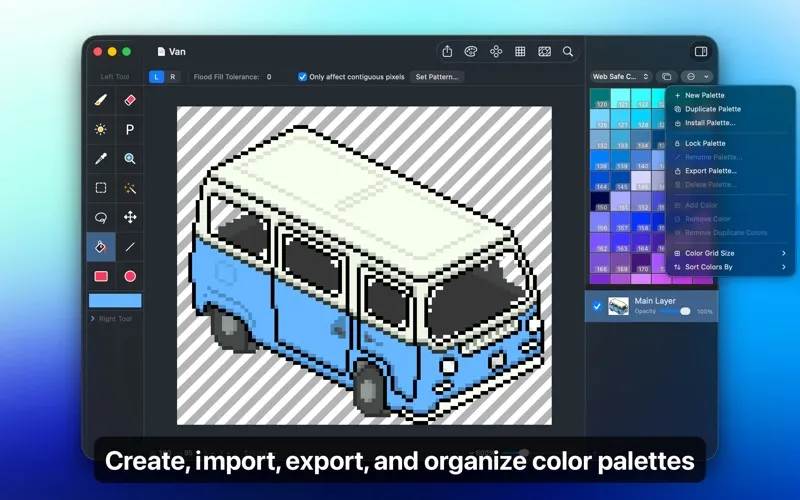
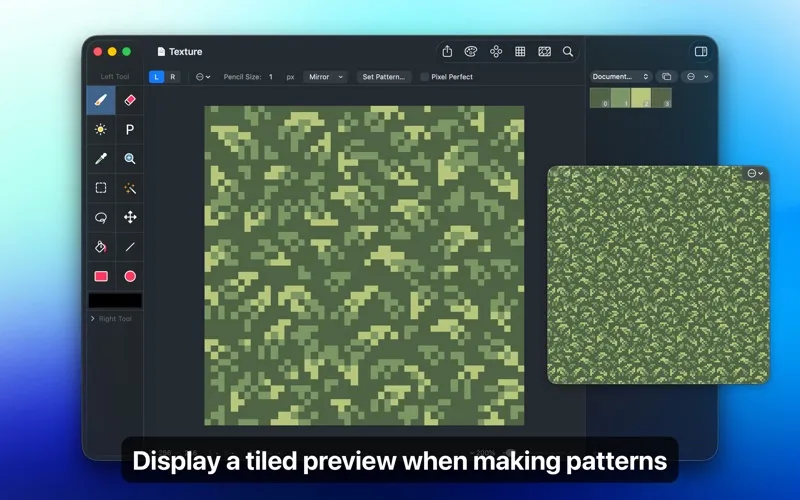
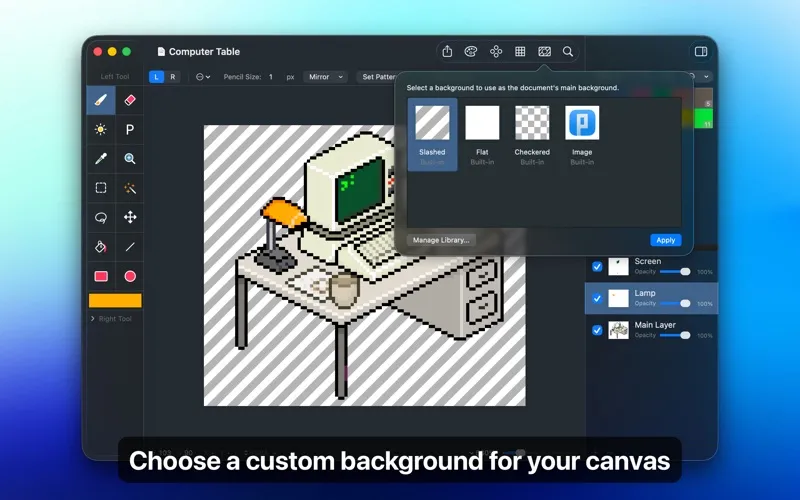
You can keep parts of your artwork on separate layers, adjust their opacity, and change colors without redrawing everything. Saved palettes let you reuse colors across your work, while filters help you adjust contrast, shift hues, or apply dithering. For repeating textures, you can preview small images tiled together to spot awkward joins.
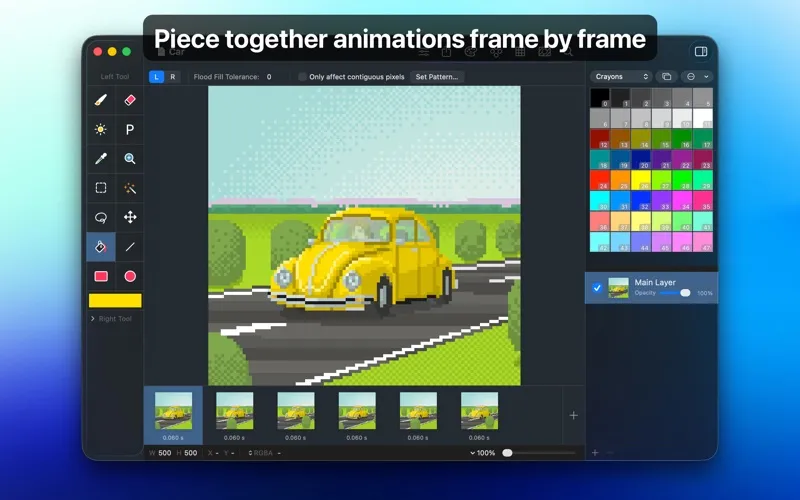
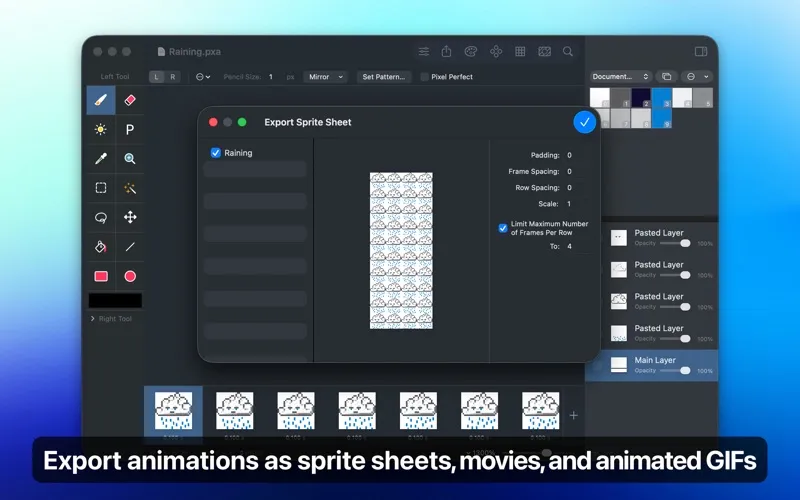
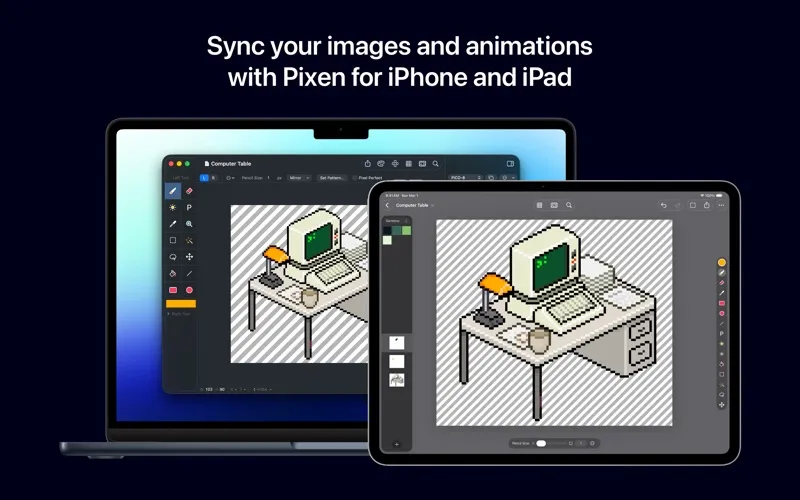
When you want movement, you can arrange frames and play back the result before exporting an animated GIF, animated PNG, movie, or sprite sheet. You can also bring in existing animations to edit, and continue your documents on iPhone or iPad through iCloud.
-
Refine individual pixels
You can correct tiny edges at high zoom while checking how your artwork looks scaled down.
-
Keep colors consistent
You can save reusable palettes, sort their colors, and remove duplicates.
-
Check repeating textures
You can preview your image as tiles to see how its edges meet before using it as a repeating pattern.
-
Bring sprites to life
You can assemble frames, preview movement, and export your animation as a GIF, animated PNG, movie, or sprite sheet.
Best for
- You’re drawing retro-style game sprites
- You’re making frame-by-frame pixel animations
- You’re creating small repeating textures
Skip it if
You don’t need Pixen if your work is mainly photo retouching or vector illustration rather than pixel art.
Screenshots
From the developer
Pixen is a native pixel art editor designed for working with low-resolution raster art, such as those 8-bit sprites found in old-school video games. Pixen packs all the tools pixel artists need in an intuitive, native interface including support for high zoom levels, animation editing, color palettes, and a lot more.Read the full description
Alternatives to Pixen
Other apps to draw & paint illustrations. See all