Record Go
Screen Recorder
Record Go is a screen recorder you can use to capture tutorials, demonstrations, meetings, or gameplay, with webcam video and audio alongside your screen.
by PDF GEAR TECH PTE. LTD.
What you get
You get screen recordings with your voice, webcam, and mouse clicks.
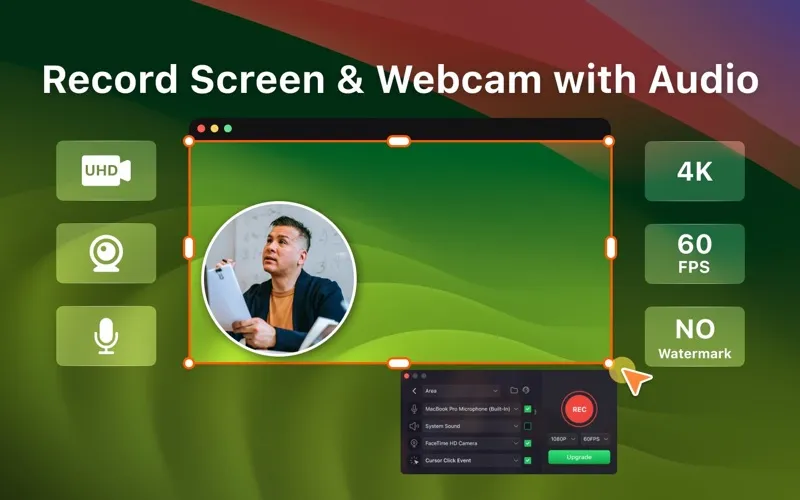
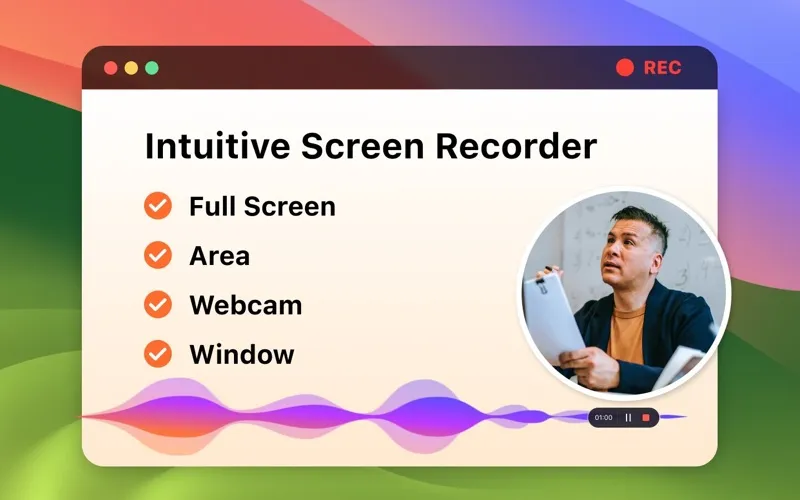
Record Go lets you turn what happens on your screen into a video you can replay later. You can capture your entire screen or select an area, so your recording shows the material you want to explain. Include system audio and your microphone to preserve what you hear while adding your own commentary.
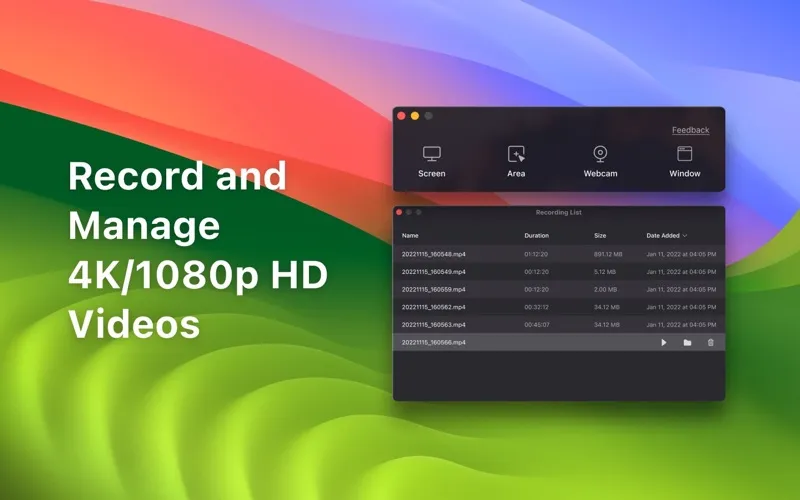
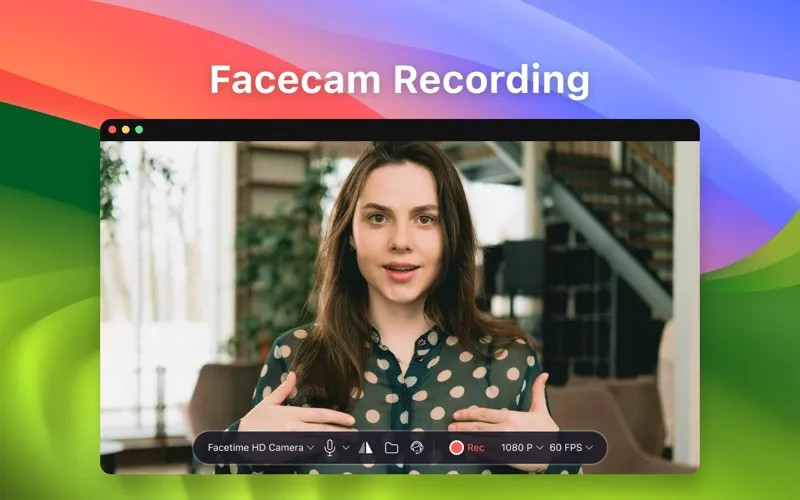
For tutorials and demonstrations, you can include webcam footage and record mouse-click events to help viewers follow your actions. You can also record your webcam on its own when you only need a camera recording. Your recordings appear in a list where you can find and play them back.
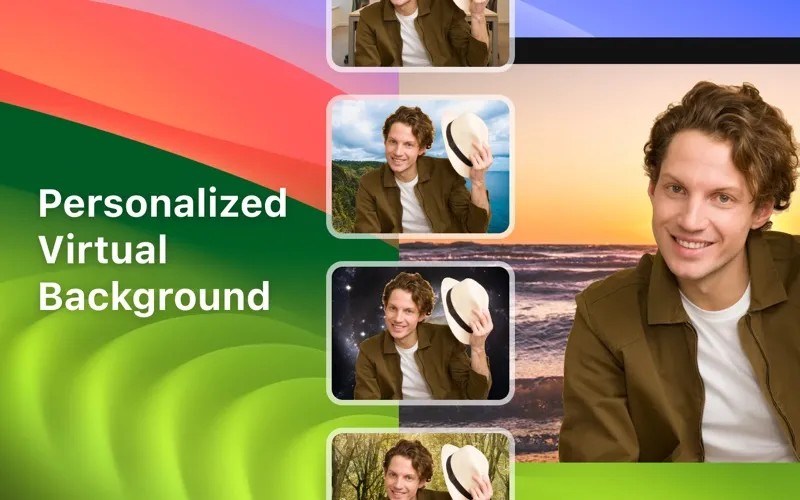
If you need 4K video, recording restricted to a specific window, or a virtual camera background, those options require PRO. You can choose a yearly subscription or a one-time purchase for lifetime access.
-
Show the relevant area
You can record your whole screen or select just the area you want viewers to see.
-
Keep sound and explanation together
You can include system sound and microphone audio, keeping on-screen activity and your commentary in the same recording.
-
Make demonstrations easier to follow
You can include webcam footage and mouse-click events so viewers can follow both you and your on-screen actions.
-
Revisit your recordings
You can find your recordings in one list and play them back without searching through separate files.
Best for
- You make software tutorials or product demonstrations
- You want to replay meetings or courses
- You want to capture gameplay with commentary
Skip it if
You do not need it if you only want still screenshots rather than video recordings.
Screenshots
From the developer
Record Go: Screen Recorder is a user-friendly and practical application for screen capture. No matter whether it is to record tutorials, courses, demonstrations, meetings, games, film/TV series, or videos, Record Go: Screen Recorder could always save your time and offer great convenience.Read the full description
Alternatives to Record Go
Other apps to record your screen. See all
 Boom
Record and present like a pro
Setapp
83% · 217 ratings
Boom
Record and present like a pro
Setapp
83% · 217 ratings
 Capto
Create screen recordings
Setapp
86% · 1,047 ratings
Capto
Create screen recordings
Setapp
86% · 1,047 ratings
 FocuSee
Record screen and polish video
Setapp
92% · 181 ratings
FocuSee
Record screen and polish video
Setapp
92% · 181 ratings
 iShowU
Record screen on Mac
Setapp
78% · 124 ratings
iShowU
Record screen on Mac
Setapp
78% · 124 ratings
 Hustl
Create timelapses of your screen
Setapp
84% · 103 ratings
Hustl
Create timelapses of your screen
Setapp
84% · 103 ratings
 CueClip
Record freely. Publish fast
Sold separately
CueClip
Record freely. Publish fast
Sold separately