
RetroClip
RetroClip lets you save the last few minutes of your Mac’s screen as video, so you can capture unexpected gameplay moments or software bugs after they happen.
by James Howard
What you get
Save what just happened on your screen, even without planning ahead.
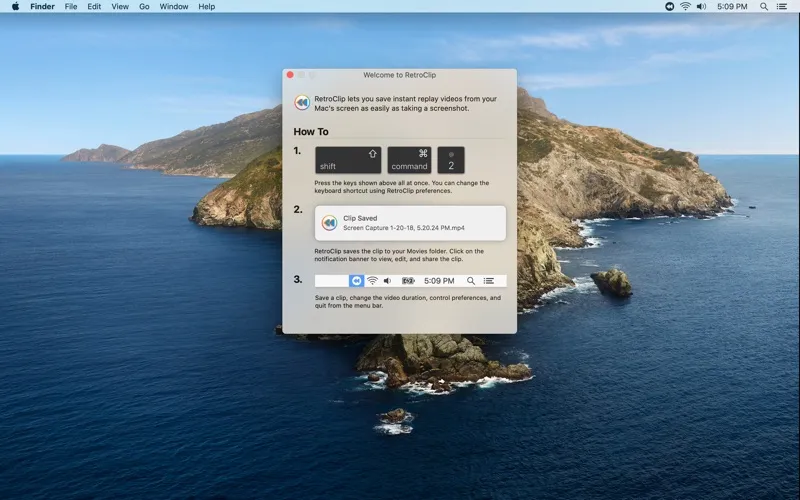
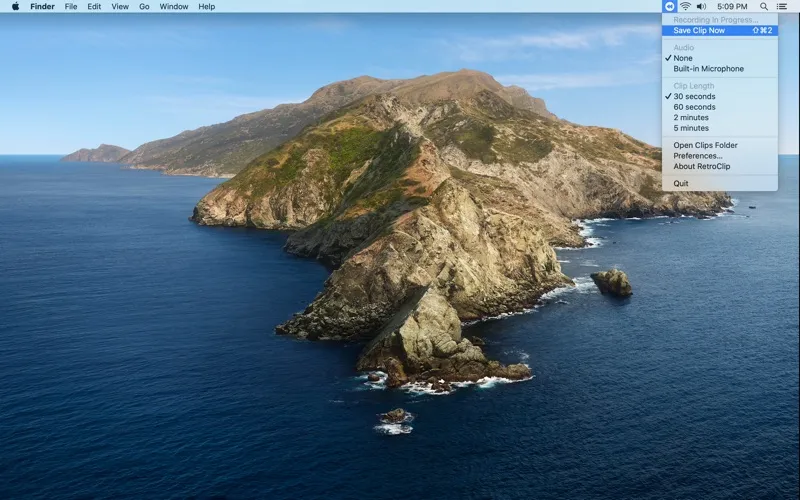
With RetroClip running, you can save up to the previous five minutes of your Mac’s screen after something worth keeping happens. You don’t have to anticipate a great game moment or start a recording before an unexpected software bug appears. Press a keyboard shortcut or use the menu bar, and you get a video in your Movies folder.
You can leave it running without accumulating hours of recordings on disk. Your recent screen activity stays in a fixed amount of memory, with older footage replaced by newer footage. Only the clips you choose to save become permanent files. That gives you a way to keep recent moments without sorting through a full-session recording, though you need RetroClip open before the moment happens.
-
Catch unexpected moments
You can save up to five minutes of recent screen activity after you realize you want to keep it.
-
Keep only chosen clips
You avoid accumulating continuous recordings on disk; only the moments you explicitly save become video files.
-
Save with a shortcut
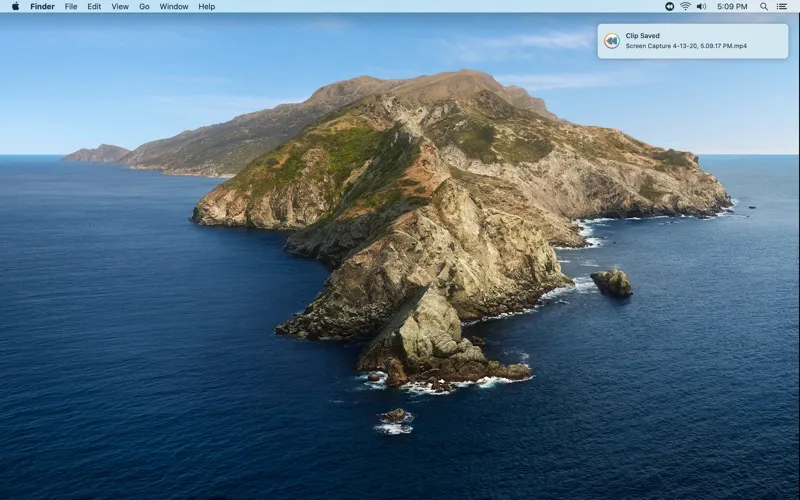
You can preserve recent footage using a keyboard shortcut or the menu bar, then find it in your Movies folder.
-
Document bugs after they happen
You can capture the screen activity leading up to an unexpected software issue without having started a recording manually.
Best for
- You want to keep unexpected gameplay highlights
- You develop or test software and need footage of intermittent bugs
- You want short replays rather than full-session recordings
Skip it if
You don’t need it if you only record planned sessions or need a continuous video longer than five minutes.
Screenshots
From the developer
RetroClip lets you save instant replay videos from your Mac's screen as easily as taking a screenshot. HOW IT WORKS When you open RetroClip, it starts recording your Mac's screen right away, but it doesn't create any files or use any disk space. Instead, it records to a fixed length region of memory.Read the full description
Alternatives to RetroClip
Other apps to record your screen. See all
 Boom
Record and present like a pro
Setapp
83% · 217 ratings
Boom
Record and present like a pro
Setapp
83% · 217 ratings
 Capto
Create screen recordings
Setapp
86% · 1,047 ratings
Capto
Create screen recordings
Setapp
86% · 1,047 ratings
 FocuSee
Record screen and polish video
Setapp
92% · 181 ratings
FocuSee
Record screen and polish video
Setapp
92% · 181 ratings
 iShowU
Record screen on Mac
Setapp
78% · 124 ratings
iShowU
Record screen on Mac
Setapp
78% · 124 ratings
 Hustl
Create timelapses of your screen
Setapp
84% · 103 ratings
Hustl
Create timelapses of your screen
Setapp
84% · 103 ratings
 CueClip
Record freely. Publish fast
Sold separately
CueClip
Record freely. Publish fast
Sold separately