Screen Recorder
Bandicam
Screen Recorder by Bandicam lets you capture your Mac screen, webcam, and audio, then trim and transcribe recordings. It suits you if you make tutorials, record meetings, or capture gameplay.
by Bandicam Company LLC
What you get
Turn your screen activity into recordings you can explain, trim, and share.
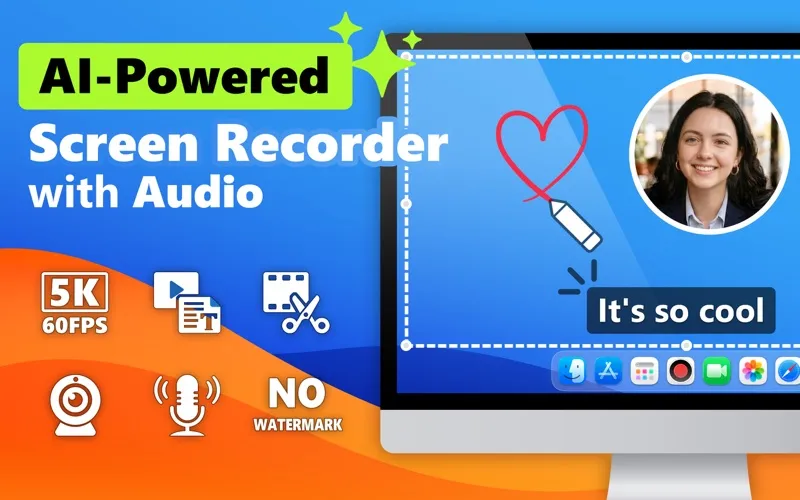
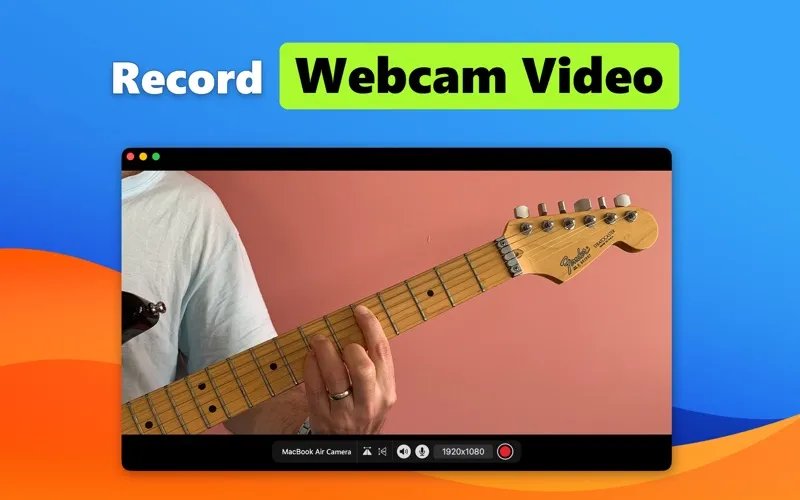
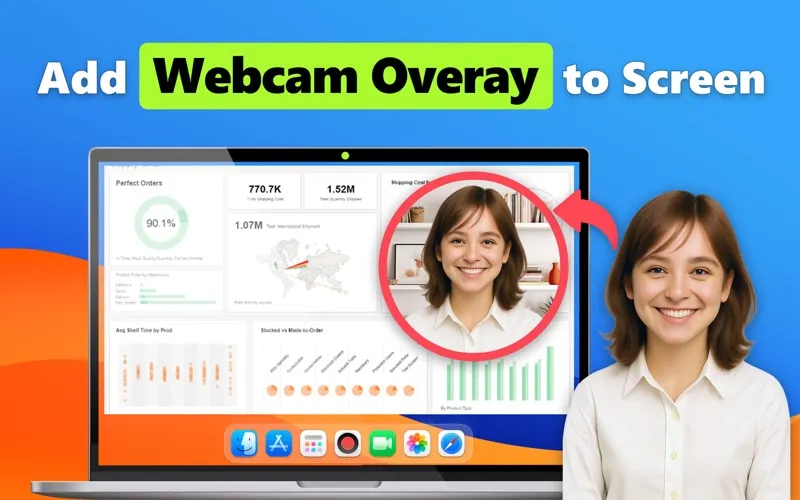
You can turn a demonstration, meeting, or gameplay session into a video you can revisit or share. Record your whole screen, one window, or a selected area, with your webcam and both computer sound and microphone audio. You can keep desktop icons and the recorder’s own window out of the capture.
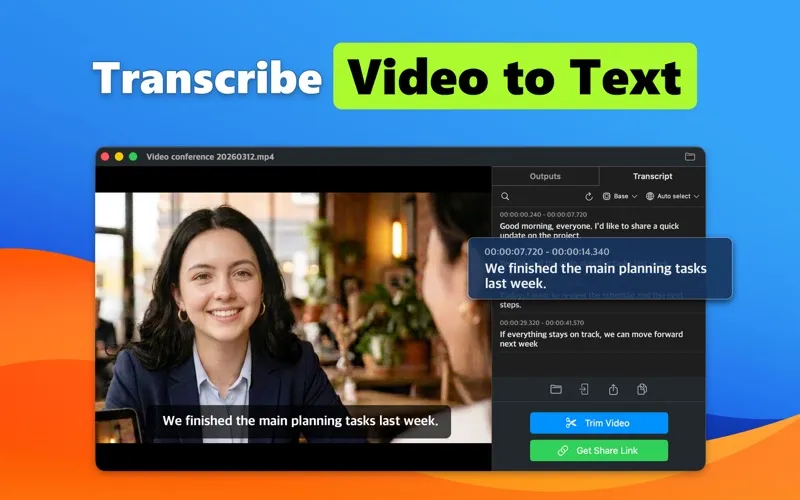
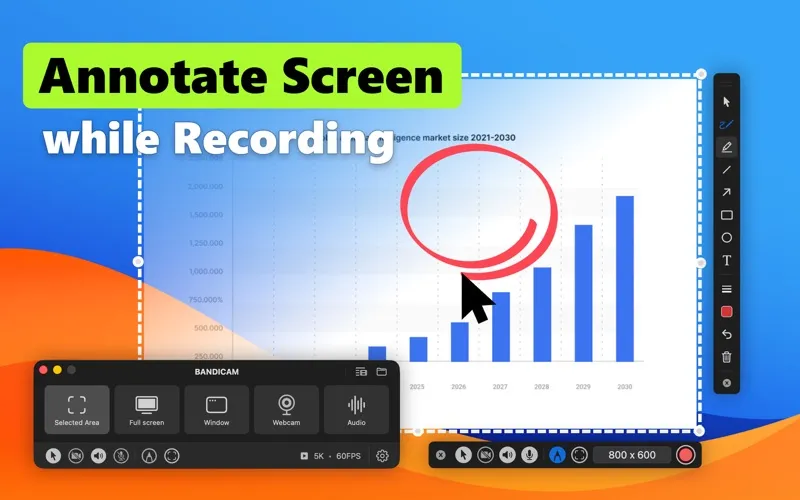
When you’re explaining a process, you can draw arrows, add text, or mark areas while recording so viewers know where to look. Capture at up to 5K and 60 frames per second, then cut unwanted sections with the built-in trimming tools. You can also transcribe a recording into text for a meeting script or subtitle preparation.
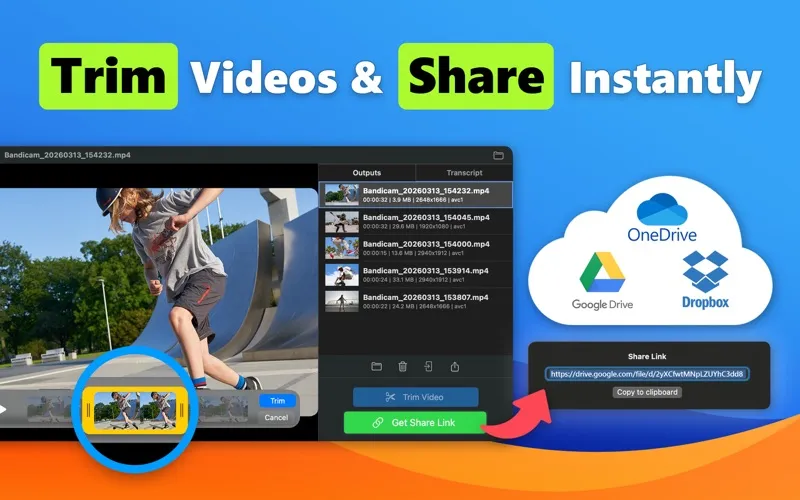
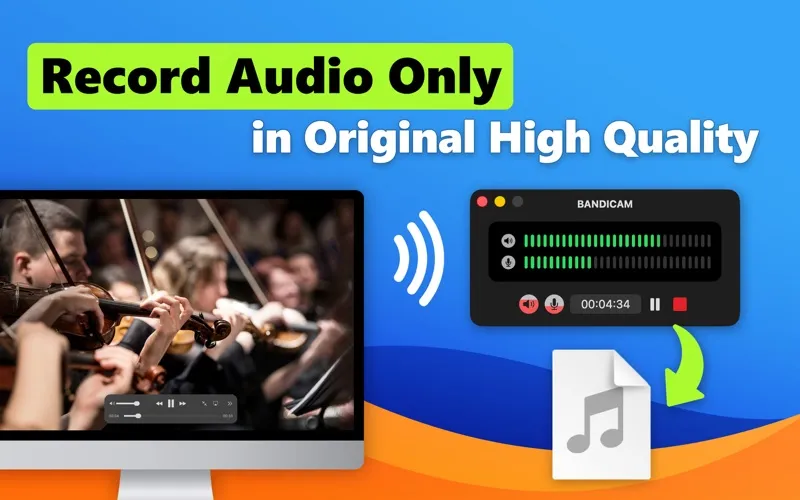
Once you’re done, you can save your video as MP4 or MOV, extract its audio as M4A, and share recordings through AirDrop, Google Drive, Dropbox, or OneDrive.
-
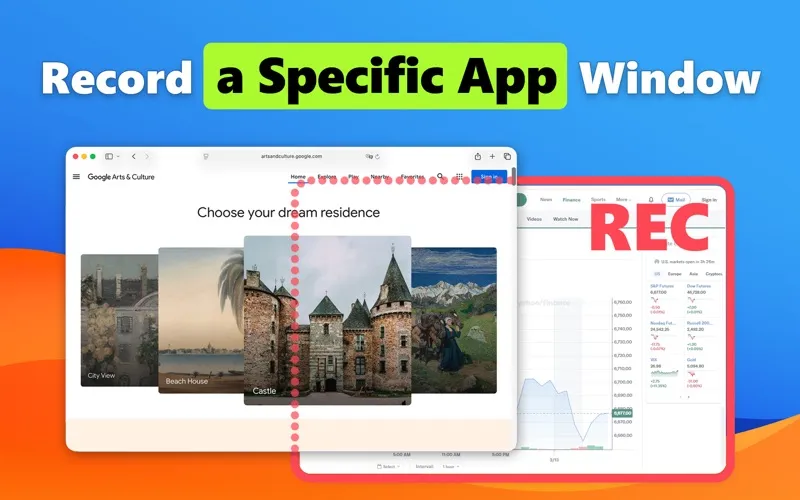
Capture the relevant view
You can record a single window or selected area instead of showing your entire desktop.
-
Make explanations easier to follow
You can combine your screen, webcam, voice, and live annotations to guide viewers through a process.
-
Remove unwanted footage
You can cut and trim your recording before sharing it.
-
Reuse spoken content
You can turn recorded speech into text for meeting scripts or subtitle preparation, or extract audio as an M4A file.
Best for
- You create software tutorials or product walkthroughs
- You need recordings and transcripts of online meetings
- You capture gameplay with your voice and webcam
Skip it if
You don’t need to capture screen activity, or you need video editing beyond basic cutting and trimming.
Screenshots
From the developer
Record your screen, mic, and webcam in ultra-high quality with Bandicam for Mac. Perfect for tutorials, meetings, gameplay, and YouTube videos — no lag, no watermark. Edit recordings instantly and share anywhere.Read the full description
Alternatives to Screen Recorder
Other apps to record your screen. See all
 Boom
Record and present like a pro
Setapp
83% · 217 ratings
Boom
Record and present like a pro
Setapp
83% · 217 ratings
 Capto
Create screen recordings
Setapp
86% · 1,047 ratings
Capto
Create screen recordings
Setapp
86% · 1,047 ratings
 FocuSee
Record screen and polish video
Setapp
92% · 181 ratings
FocuSee
Record screen and polish video
Setapp
92% · 181 ratings
 iShowU
Record screen on Mac
Setapp
78% · 124 ratings
iShowU
Record screen on Mac
Setapp
78% · 124 ratings
 Hustl
Create timelapses of your screen
Setapp
84% · 103 ratings
Hustl
Create timelapses of your screen
Setapp
84% · 103 ratings
 CueClip
Record freely. Publish fast
Sold separately
CueClip
Record freely. Publish fast
Sold separately