TapRecord
Screen Recorder
TapRecord is a Mac screen recorder for when you need to save meetings, capture gameplay, or make video instructions, with audio recording and basic video trimming.
by Vidline Inc.
What you get
You can capture on-screen activity and trim it into a shareable recording.
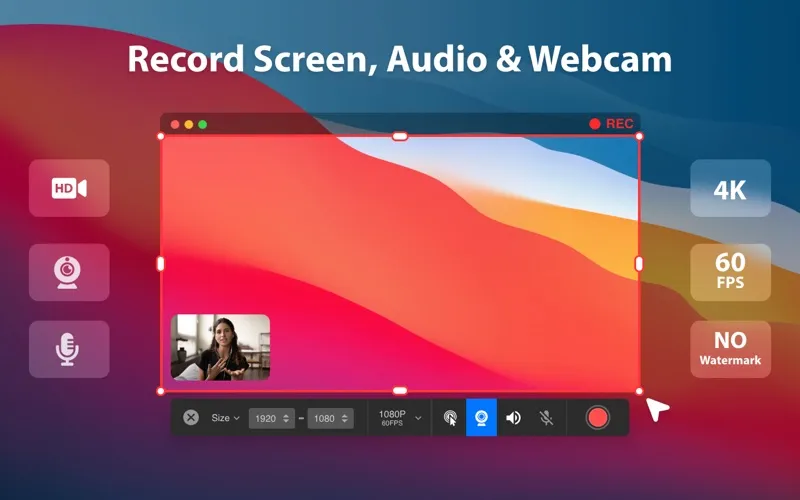
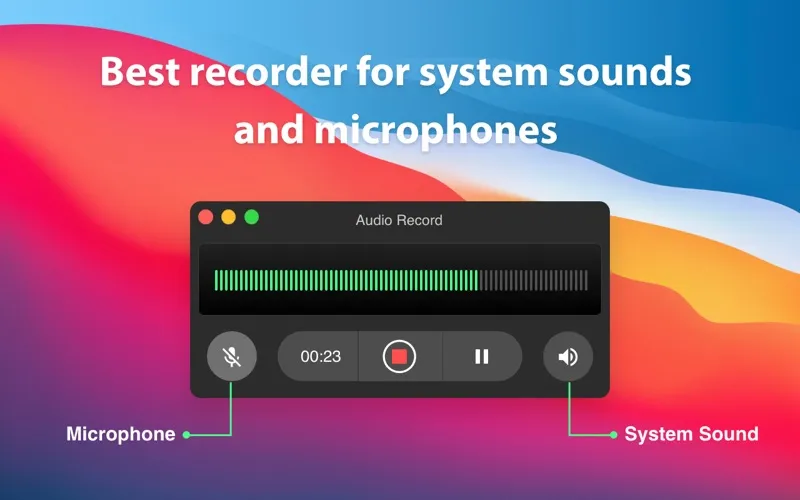
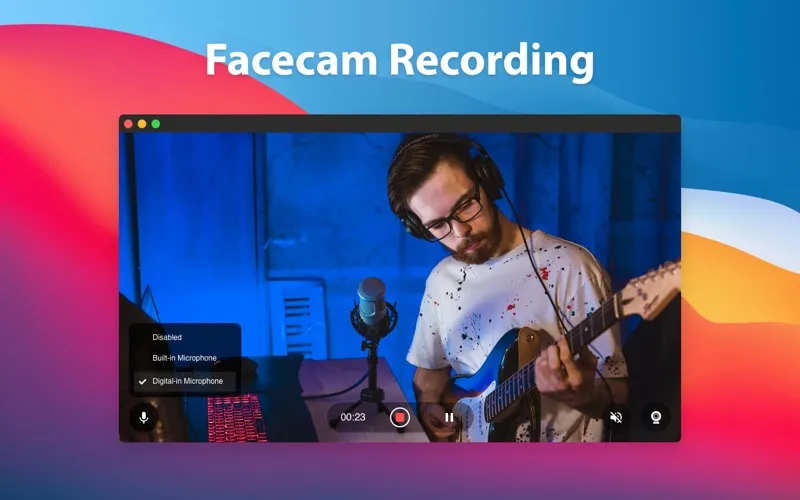
With TapRecord, you can turn what happens on your Mac’s screen into a video you can revisit or share. You can save a webinar or online course for later review, capture a meeting, or show someone how to complete a task. Your recordings can include webcam footage, audio, system sounds, and mouse actions, so you can preserve both what happened and what was said.
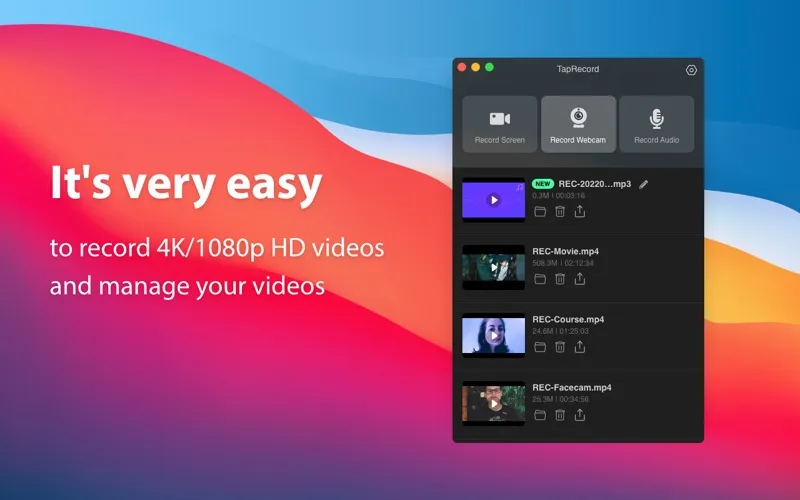
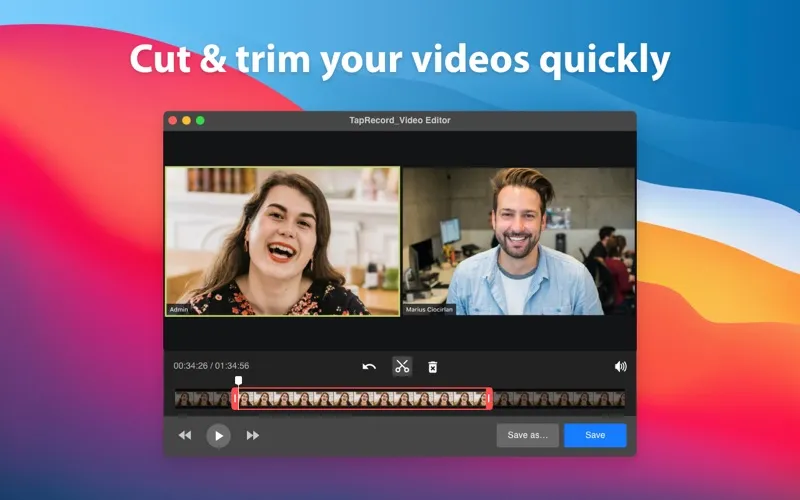
You can record at resolutions from 720p to 4K and choose 24, 30, or 60 frames per second, including for gameplay. Recording also works offline. Once you finish, you can cut and trim the video to remove unwanted sections before sharing it. If you need to record without a time limit, that option requires the Pro version.
-
Revisit meetings and lessons
You can record calls, webinars, and online courses to review what was shown and said.
-
Show how something works
You can capture screen activity, mouse actions, audio, and webcam footage for video instructions.
-
Keep gameplay footage
You can record games at up to 60 frames per second and choose resolutions up to 4K.
-
Remove unwanted sections
You can cut and trim your recordings before sharing them.
Best for
- You need to make tutorials or product walkthroughs
- You want recordings of meetings, webinars, or courses
- You want to capture gameplay on your Mac
Skip it if
You don't need it if you only want to edit existing videos rather than record your screen.
Screenshots

From the developer
TapRecord is a powerful free Mac Screen Recorder that helps capture any movement on your screens. Try it to make screen recording easy and fast.Read the full description
Alternatives to TapRecord
Other apps to record your screen. See all
 Boom
Record and present like a pro
Setapp
83% · 217 ratings
Boom
Record and present like a pro
Setapp
83% · 217 ratings
 Capto
Create screen recordings
Setapp
86% · 1,047 ratings
Capto
Create screen recordings
Setapp
86% · 1,047 ratings
 FocuSee
Record screen and polish video
Setapp
92% · 181 ratings
FocuSee
Record screen and polish video
Setapp
92% · 181 ratings
 iShowU
Record screen on Mac
Setapp
78% · 124 ratings
iShowU
Record screen on Mac
Setapp
78% · 124 ratings
 Hustl
Create timelapses of your screen
Setapp
84% · 103 ratings
Hustl
Create timelapses of your screen
Setapp
84% · 103 ratings
 CueClip
Record freely. Publish fast
Sold separately
CueClip
Record freely. Publish fast
Sold separately