Visio File Viewer
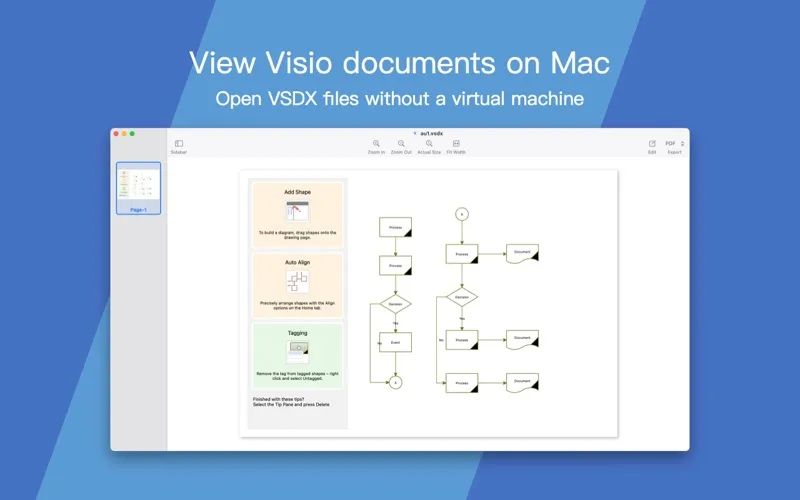
Visio File Viewer lets you review Microsoft Visio diagrams on your Mac without a Visio license or Windows VM. It suits you if you need to inspect, share, or archive existing drawings.
by 光建 张
What you get
Review Visio diagrams on your Mac and export copies for sharing.
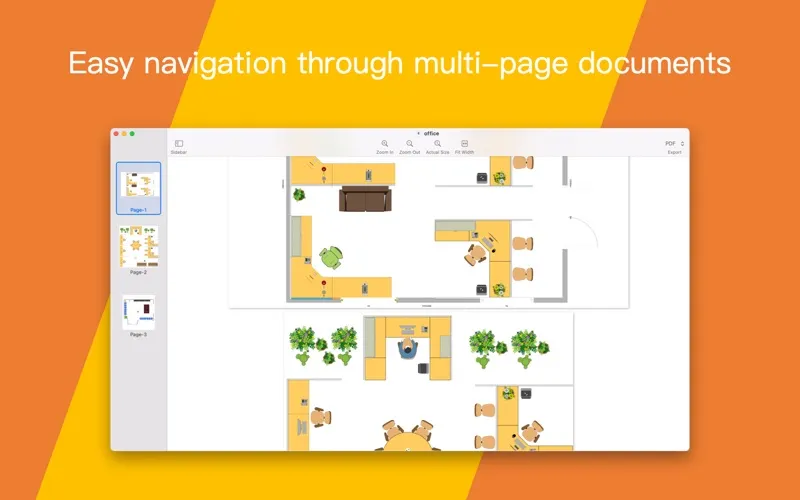
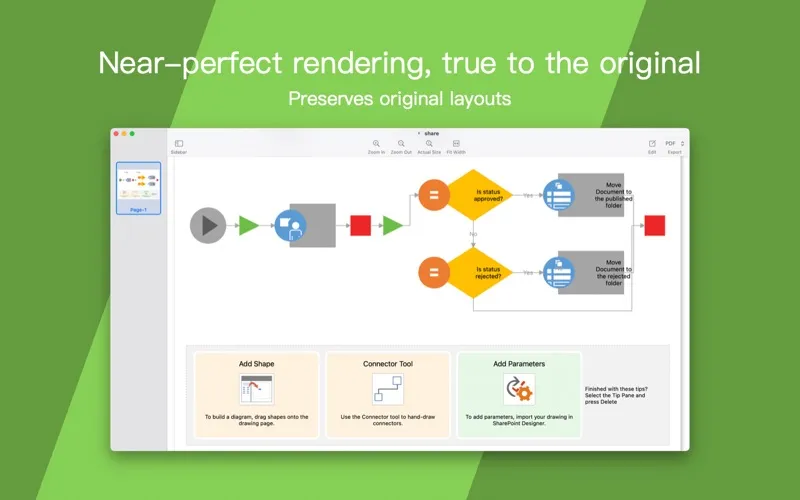
You can read Visio diagrams on your Mac without buying a Visio license or setting up a Windows virtual machine. Open .vsdx, .vsdm, .vsd, and .vdx files to inspect drawings, with layouts and shapes preserved where supported. You can zoom into details, scroll around larger drawings, and move through multi-page documents when reviewing a file.
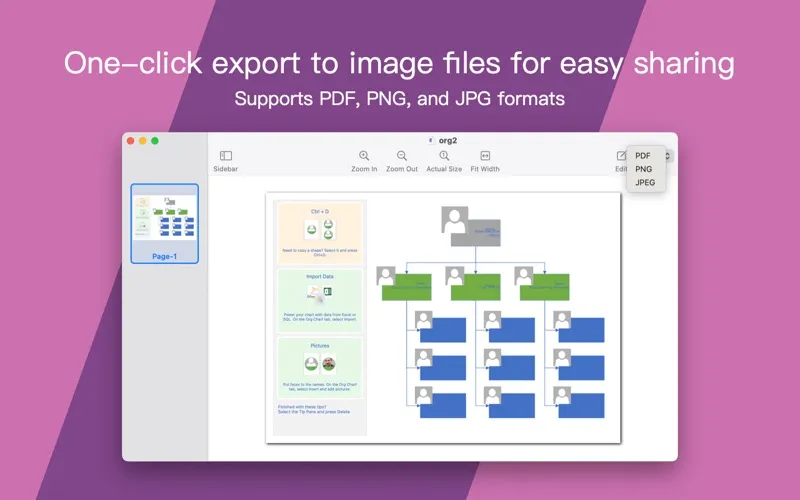
When you need to share or archive a diagram, you can export it as a PDF, PNG, JPEG, or SVG rather than pass along the original Visio file. You can also convert multiple Visio files in one batch instead of handling each separately.
You can review Flowchart Designer 5 documents in .zdraw and .agflowchart5 formats, plus Flowchart Designer 3 .shapex files. The app is aimed at viewing and conversion, rather than creating or editing diagrams.
-
Read diagrams on your Mac
You can inspect Visio files without needing a Visio license or a Windows virtual machine.
-
Check the details
You can zoom into drawings and browse multiple pages to review the parts that matter.
-
Share exported copies
You can turn diagrams into PDF, PNG, JPEG, or SVG files for sharing and archiving.
-
Convert several files together
You can batch-convert multiple Visio files rather than export them one at a time.
Best for
- You receive Visio diagrams to review on your Mac
- You need exported copies for sharing or archiving
- You need to view existing Flowchart Designer documents
Skip it if
You need to create or edit diagrams rather than view and convert existing files.
Screenshots
From the developer
Open and review Microsoft Visio diagrams on Mac—including .vsdx, .vsdm, .vsd, and .vdx—no Visio license or Windows VM required. Preview drawings with layouts and shapes preserved where supported, then export to PDF, PNG, JPEG, or SVG for sharing and archiving.Read the full description
Alternatives to Visio File Viewer
Other apps to preview files without opening. See all