CleanPresenter
Present a single window
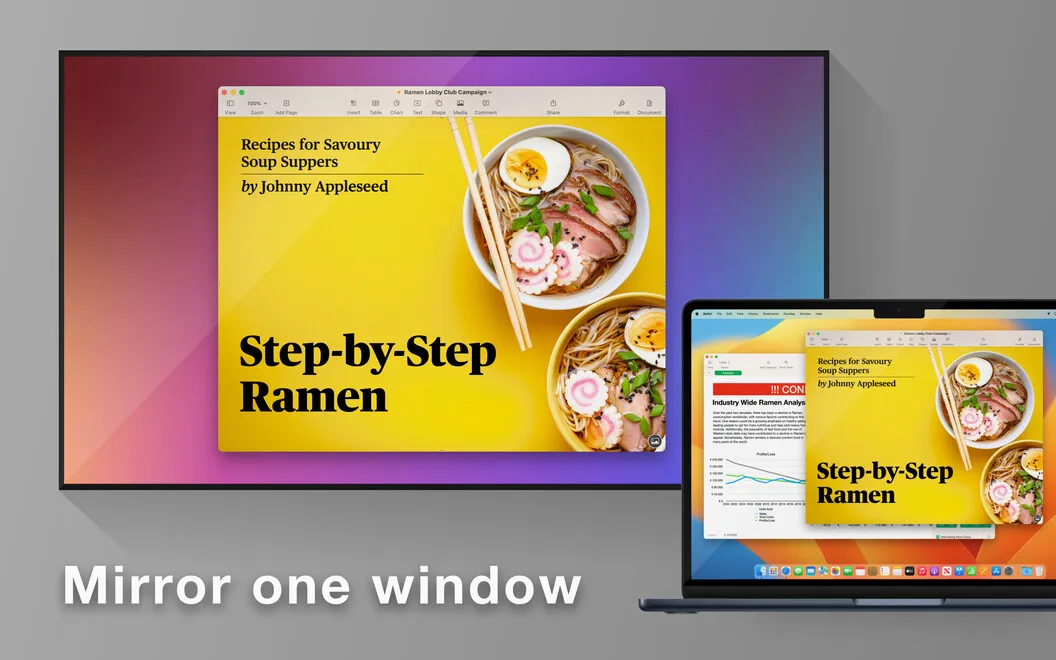
CleanPresenter lets you share one Mac window on a TV, projector, or video call, keeping the rest of your desktop out of view during presentations and demos.
by Nonstrict B.V. · 74% positive (131)
What you get
Show your audience one window, not your whole desktop.
With CleanPresenter, you can put a single Mac window in front of your audience without exposing the rest of your desktop. Whether you’re walking through a quarterly report, demonstrating an app, or explaining code, your viewers see the content you choose rather than unrelated windows or personal notifications.
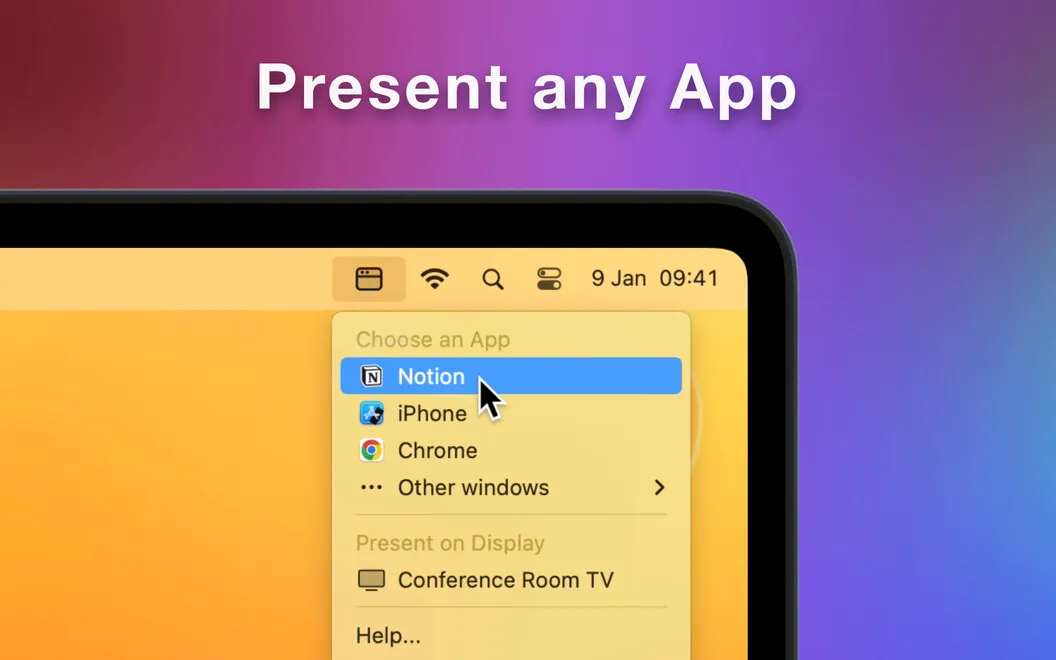
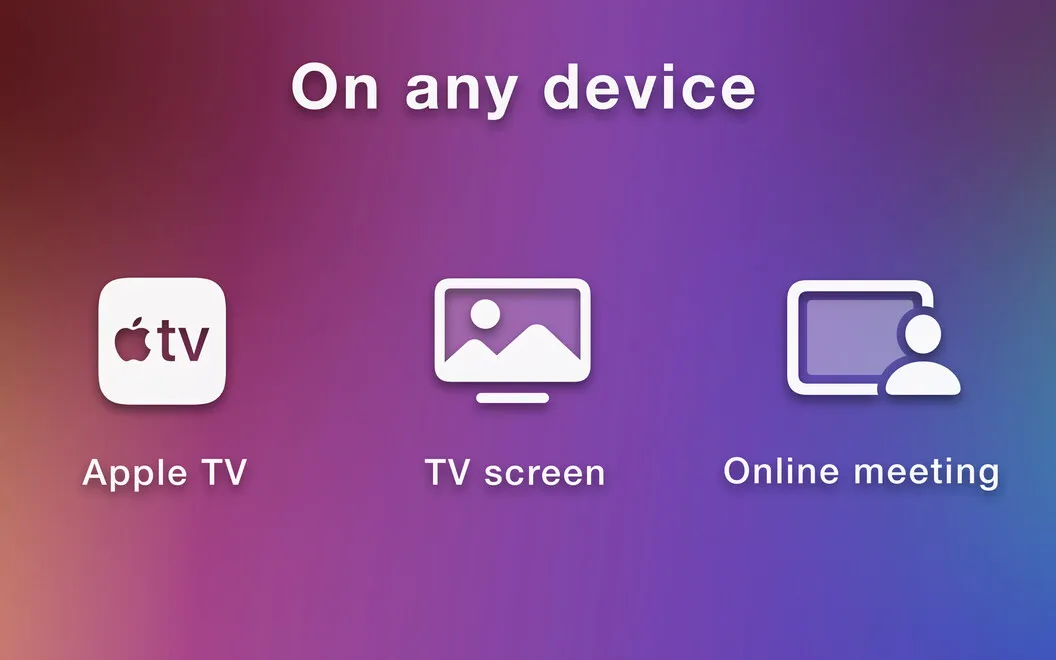
You can present on a TV or projector using a cable or AirPlay, or share your window during calls in Zoom, Teams, WebEx, or Meet. While you’re choosing what to show, the connected display shows only a wallpaper, so you don’t have to reveal your desktop during setup.
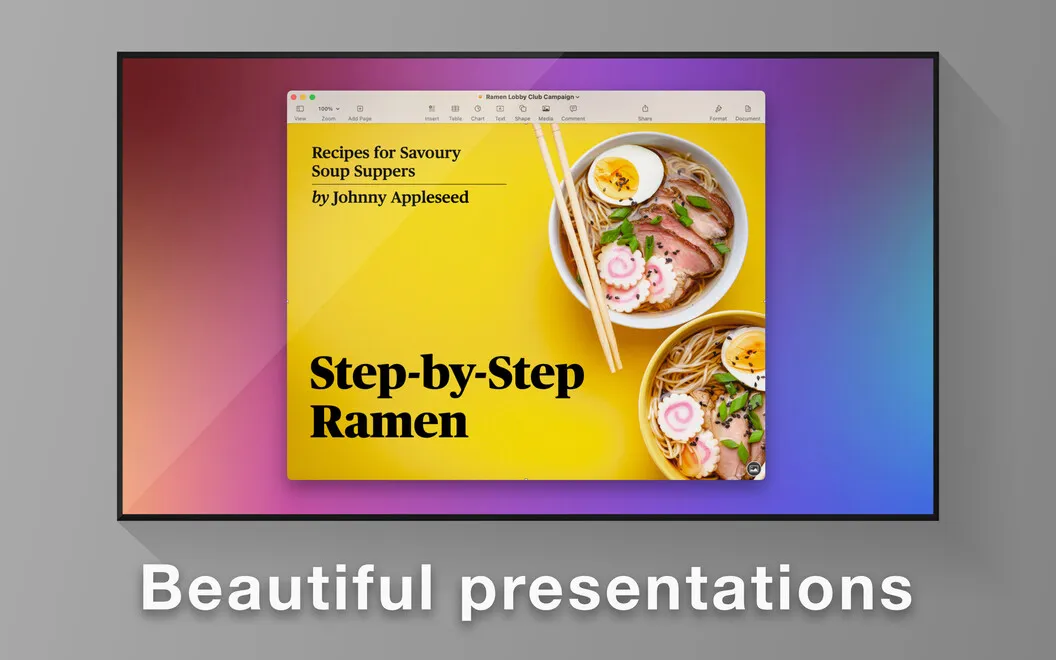
You can also choose a background from the included wallpaper collection to frame your content. That gives your presentation a neutral backdrop and keeps the audience’s attention on the window you’re discussing.
-
Keep your desktop private
You show only your chosen window, keeping unrelated windows and personal notifications out of the presentation.
-
Set up without exposure
Your connected display shows only wallpaper while you select the window to present.
-
Reach viewers in either setting
You can present on a TV or projector, or share a window in Zoom, Teams, WebEx, or Meet.
-
Give content a clean backdrop
You can frame your shared window with an included wallpaper instead of showing your desktop.
Best for
- You present reports on a TV or projector
- You demonstrate apps or code during video calls
- You want personal desktop activity kept out of presentations
Skip it if
You don’t need it if you’re satisfied with your existing single-window sharing and don’t need a presentation background.
Screenshots
From the developer
Make instant presentations with the help of CleanPresenter! With the app, you can mirror a single window onto a bigger screen of a TV or a projector with a neutral, professional-looking background. You can also use the app for Zoom, Teams, WebEx, or Meet.Read the full description
Alternatives to CleanPresenter
Other apps to present & share your screen cleanly. See all
 Presentify
Give better presentations
Setapp
95% · 445 ratings
Presentify
Give better presentations
Setapp
95% · 445 ratings
 PliimPRO
Share screen distraction-free
Setapp
85% · 145 ratings
PliimPRO
Share screen distraction-free
Setapp
85% · 145 ratings
 Hush
Blur or dim everything except the window you need, for calls, demos and focus
Sold separately
Hush
Blur or dim everything except the window you need, for calls, demos and focus
Sold separately
 Desktop Composer
Customize & switch macOS looks
Setapp
95% · 37 ratings
Desktop Composer
Customize & switch macOS looks
Setapp
95% · 37 ratings
 DeskMop
A pristine desktop, on demand
Sold separately
DeskMop
A pristine desktop, on demand
Sold separately
 KeyPulse
Show keystrokes, shortcuts and clicks on screen without revealing your text.
Sold separately
KeyPulse
Show keystrokes, shortcuts and clicks on screen without revealing your text.
Sold separately