Easy Docs for Google Docs
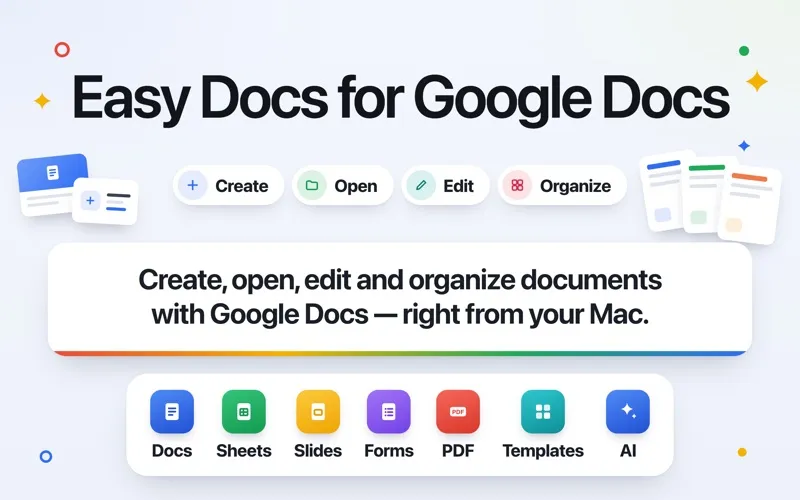
You get a dedicated Mac workspace for Google Docs, Sheets, Slides, and Drive, with writing assistance and PDF tools if you regularly work in Google Workspace.
by Cristian Gav
What you get
You can handle Google documents and PDFs without juggling browser tabs.
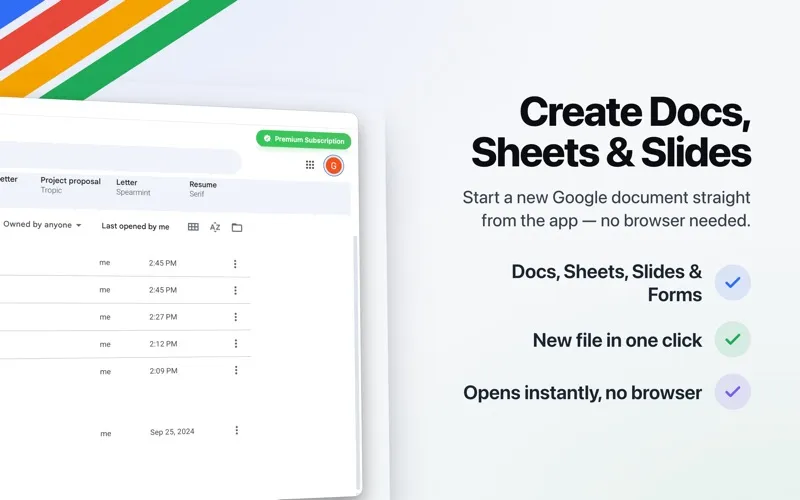
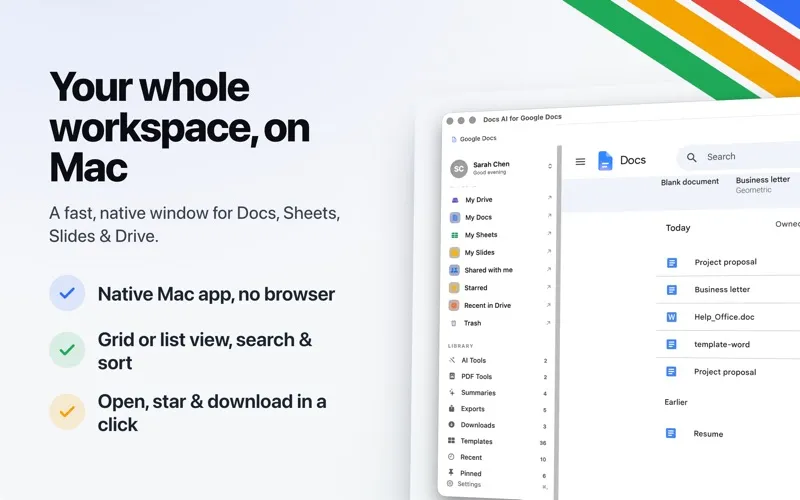
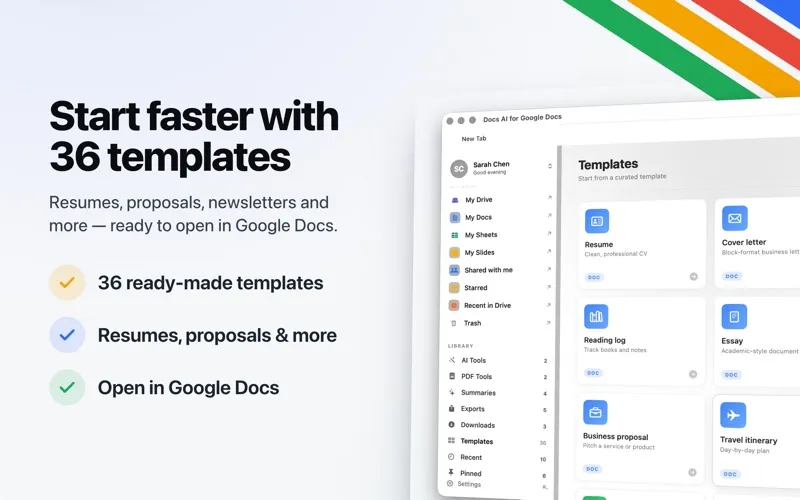
You can write in Google Docs, update spreadsheets, work on slides, and browse Drive in a dedicated Mac window. If you use several Google accounts, you can keep them signed in and move between documents in tabs. Pinned files, recent documents, and a keyboard shortcut help you return to your work, while focus mode hides Google's surrounding controls.
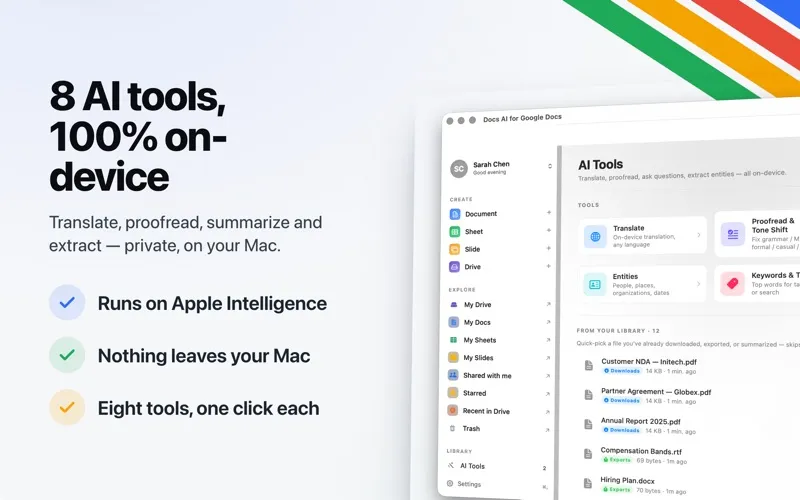
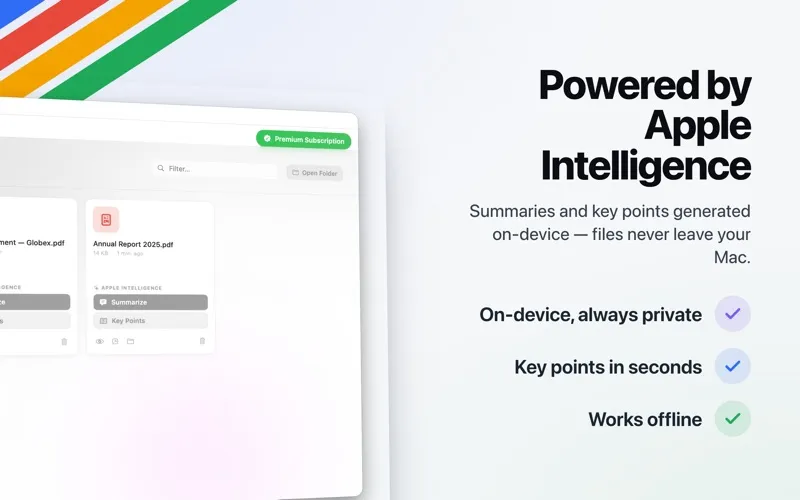
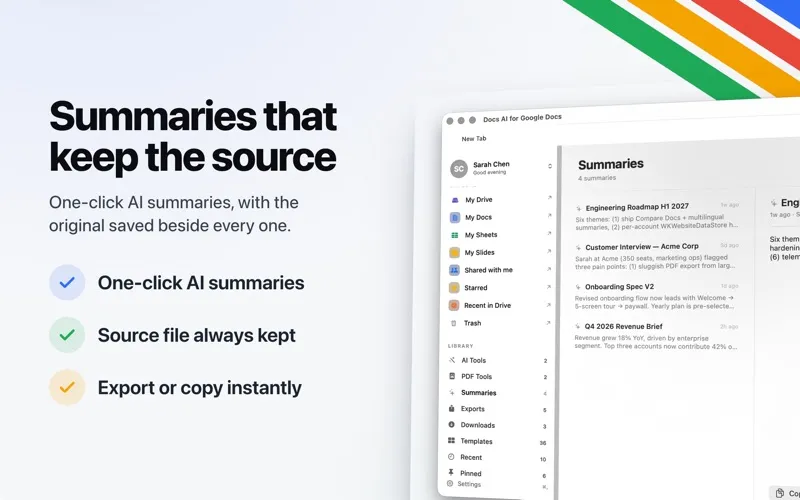
You can shorten the time you spend reviewing text with on-device summaries, document questions, proofreading, translation, and tone adjustments. You can also pull action items from a document into Reminders, check reading time, and jump between headings in longer drafts. The AI tools run on your Mac through Apple Intelligence.
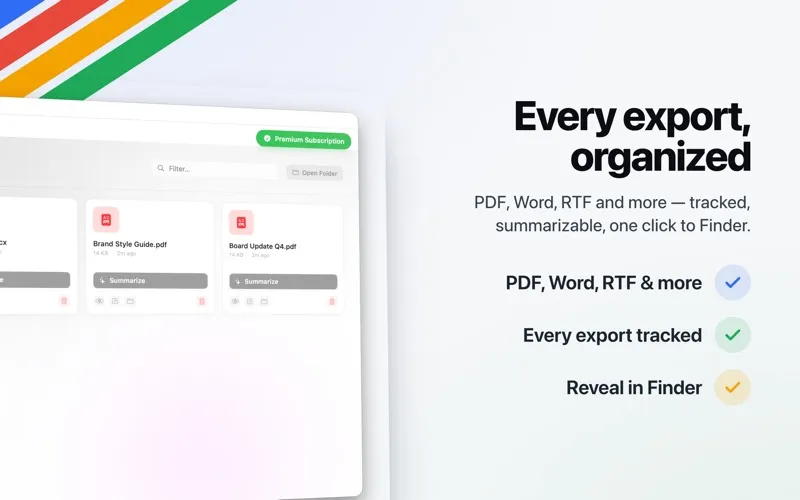
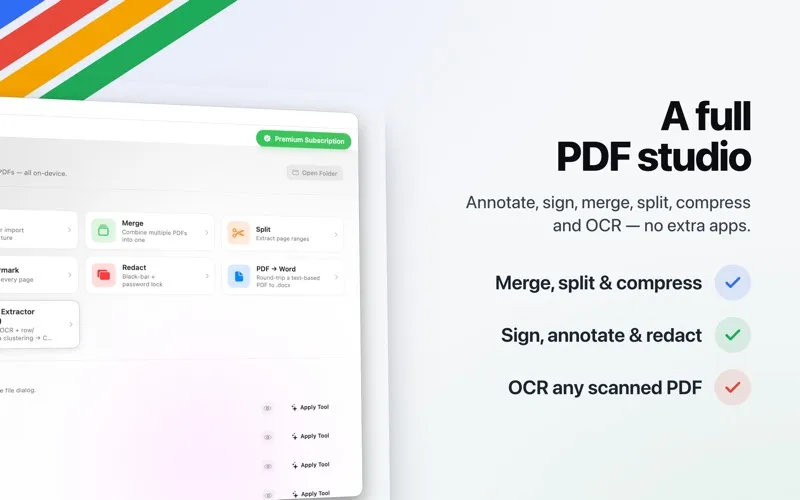
When documents need to leave Google Workspace, you can export them to formats including Word, PDF, and EPUB. You can also sign and annotate PDFs, combine or split them, redact private details, and extract tables from scans.
-
Keep your documents together
You can work across Google accounts in one Mac window and reopen pinned or recent files without hunting through browser tabs.
-
Review long drafts faster
You can get summaries, ask questions about your document, and turn extracted action items into Reminders.
-
Adjust your writing
You can correct grammar, translate documents, and shift your tone to formal, casual, or concise using on-device AI.
-
Prepare PDFs for sharing
You can add signatures and annotations, redact sensitive details, and merge, split, or compress PDFs.
-
Deliver the right format
You can export documents as Word, PDF, EPUB, and other formats, or convert PDFs into Word files.
Best for
- You spend much of your workday in Google Workspace
- You switch between personal and client Google accounts
- You regularly review drafts and prepare PDFs for sharing
Skip it if
You probably don't need it if Google Workspace in your browser already meets your needs and you rarely use PDF or AI writing tools.
Screenshots
From the developer
Easy Docs for Google Docs — the all-in-one Mac app for Google Docs, Sheets, Slides, and Drive, with built-in AI tools, PDF tools, summaries, translation, and proofreading. Your Google Workspace in a clean, native Mac window — no browser tabs, no clutter. The fastest way to open, edit, and manage Google Docs on Mac.Read the full description
Alternatives to Easy Docs for Google Docs
Other apps to write articles, books & docs. See all
 Craft
Create and structure documents
Setapp
96% · 2,061 ratings
Craft
Create and structure documents
Setapp
96% · 2,061 ratings
 Ulysses
Write and publish from one app
Setapp
98% · 2,382 ratings
Ulysses
Write and publish from one app
Setapp
98% · 2,382 ratings
 Paper
Write in Markdown, distraction-free
Setapp
95% · 173 ratings
Paper
Write in Markdown, distraction-free
Setapp
95% · 173 ratings
 Focused
Focus on your writing
Setapp
92% · 142 ratings
Focused
Focus on your writing
Setapp
92% · 142 ratings
 MonsterWriter
Write complex texts easily
Setapp
84% · 95 ratings
MonsterWriter
Write complex texts easily
Setapp
84% · 95 ratings
 cyberWriter
Write privately, think clearly
Sold separately
cyberWriter
Write privately, think clearly
Sold separately