
Notchkin
Notes that live in your notch
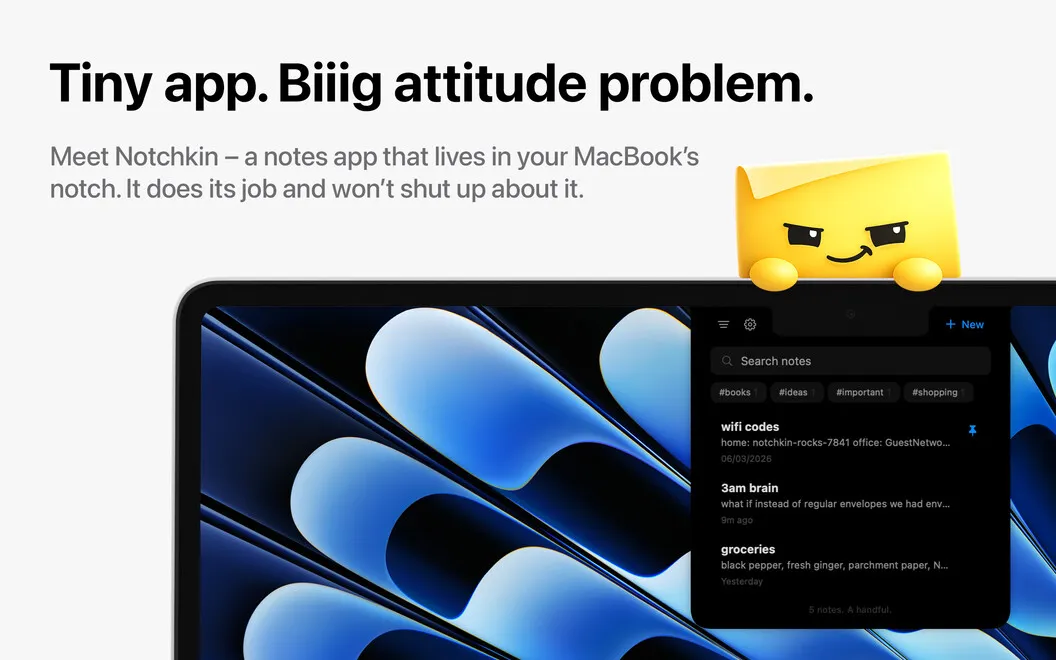
Notchkin gives you a note-taking panel in your MacBook’s notch, for capturing thoughts, saving copied text, and keeping short to-do lists close to your work.
by Daniel Stankowski
What you get
You can capture thoughts without switching away from your work.
You get a place to jot down thoughts as they arrive, without opening a separate app window. Hover over your MacBook’s notch or press a shortcut to bring down a writing panel, then close it when you’re ready to continue. You can also turn what you’ve just copied into a note with a shortcut.
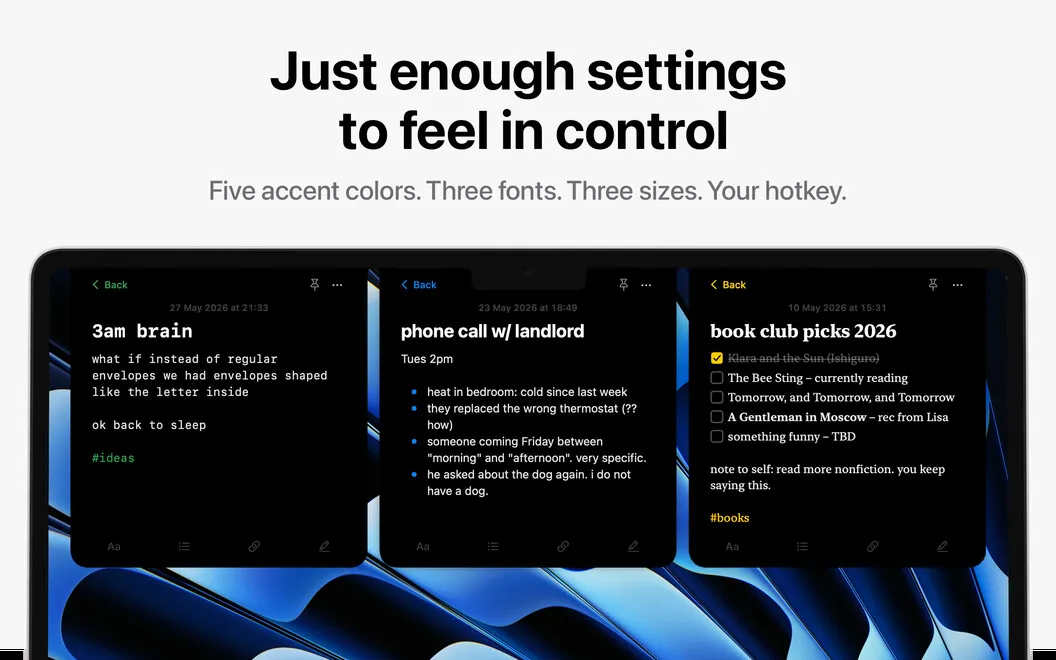
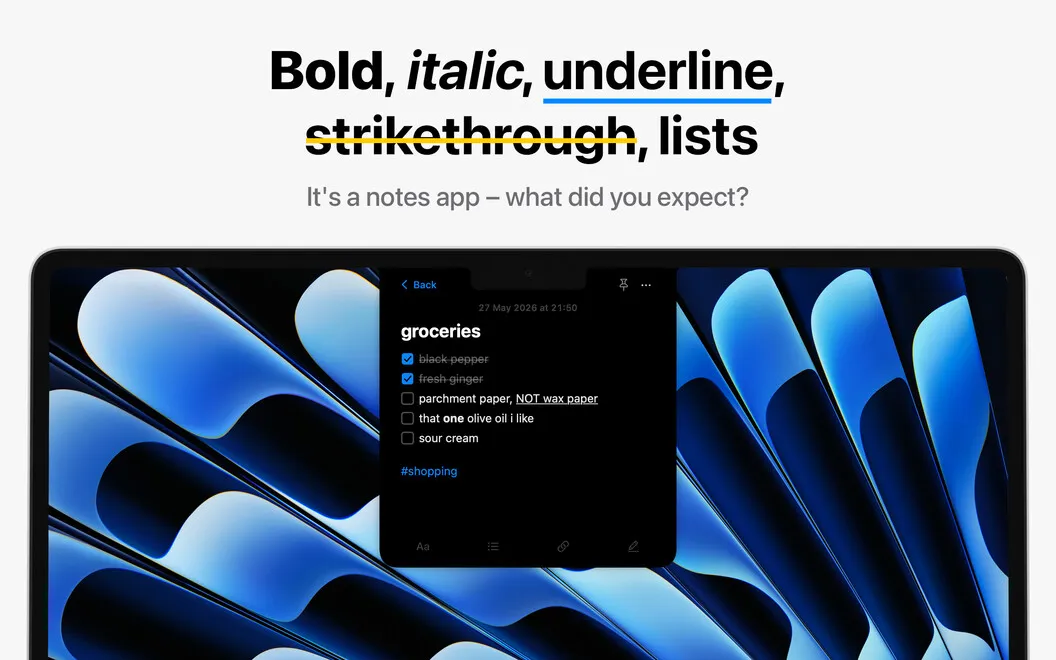
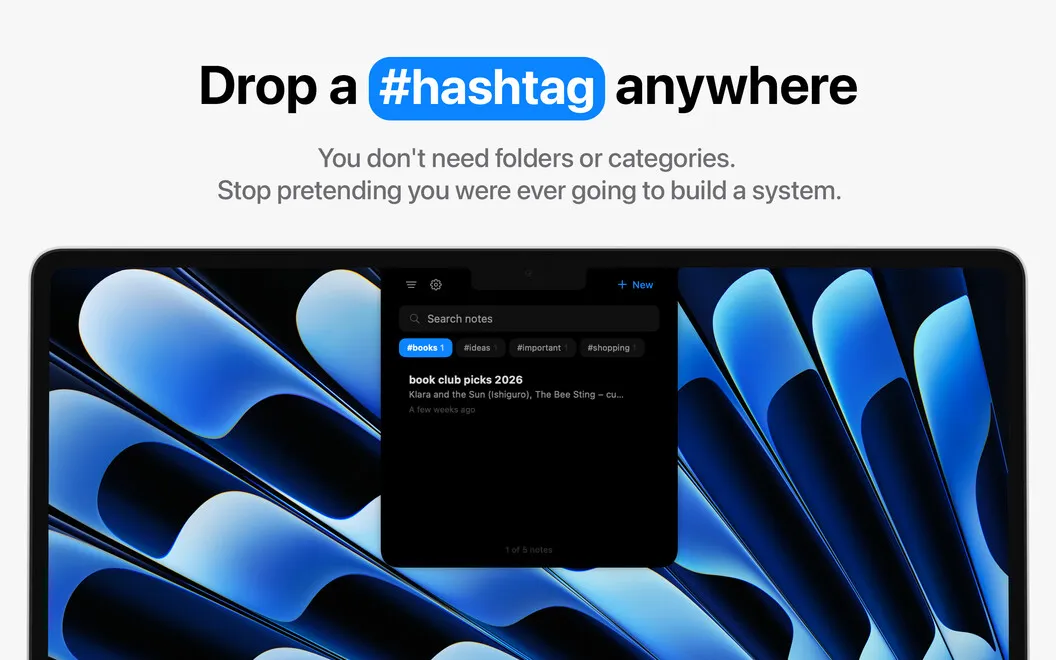
Your notes can hold checklists, bullet points, numbered lists, and formatted text, so you can turn a rough thought into something easier to follow. Add hashtags wherever they make sense, then use search to find notes without maintaining folders.
You can pin important notes at the top, duplicate one to try a different version, or share it when needed. Your notes stay on your device.
-
Catch thoughts before they disappear
You can open the notch panel, write a quick note, and return to what you were doing.
-
Save what you just copied
You can turn your current clipboard contents into a note with a shortcut.
-
Find notes without folders
You can add hashtags as you write and search for notes when you need them.
-
Keep priorities close
You can make checklists and pin important notes so they stay at the top.
-
Keep notes on your device
Your captured thoughts and lists stay stored locally.
Best for
- You want to jot down thoughts while working in other apps.
- You frequently save copied text as notes.
- You need short checklists within easy reach.
Skip it if
You don’t need it if your current notes app already lets you capture and retrieve quick thoughts comfortably.
Screenshots
From the developer
You have a thought. By the time you've picked which note app deserves it, it’s already gone. Notchkin is a note-taking app that removes the friction: hover over the notch, a panel slides down, and you’re already writing.Read the full description
Alternatives to Notchkin
Other apps to capture quick notes. See all
 SideNotes
Notes on the side of your screen
Setapp
97% · 1,483 ratings
SideNotes
Notes on the side of your screen
Setapp
97% · 1,483 ratings
 Antinote
Take notes and do calculations
Setapp
99% · 273 ratings
Antinote
Take notes and do calculations
Setapp
99% · 273 ratings
 NoteLess
Catch a thought, then let go
Sold separately
NoteLess
Catch a thought, then let go
Sold separately
 Noticky
Sticky notes that stay put
Sold separately
Noticky
Sticky notes that stay put
Sold separately
 Bear
Markdown Notes
Mac App Store
Bear
Markdown Notes
Mac App Store
 Microsoft OneNote
Mac App Store
Microsoft OneNote
Mac App Store