SideNotes
Notes on the side of your screen
SideNotes is a Mac sidebar for keeping notes, images, code, and checklists close to your work. It suits you if you regularly jot things down or consult reference material.
by Apptorium · 97% positive (1,483)
What you get
Keep your notes and tasks beside the work you’re doing.
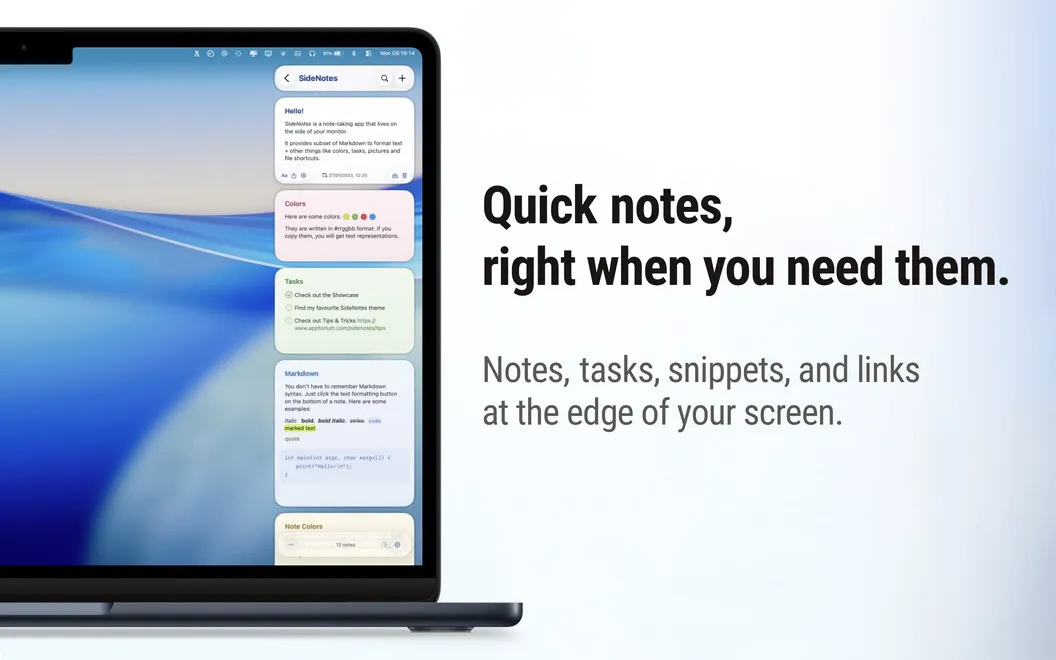
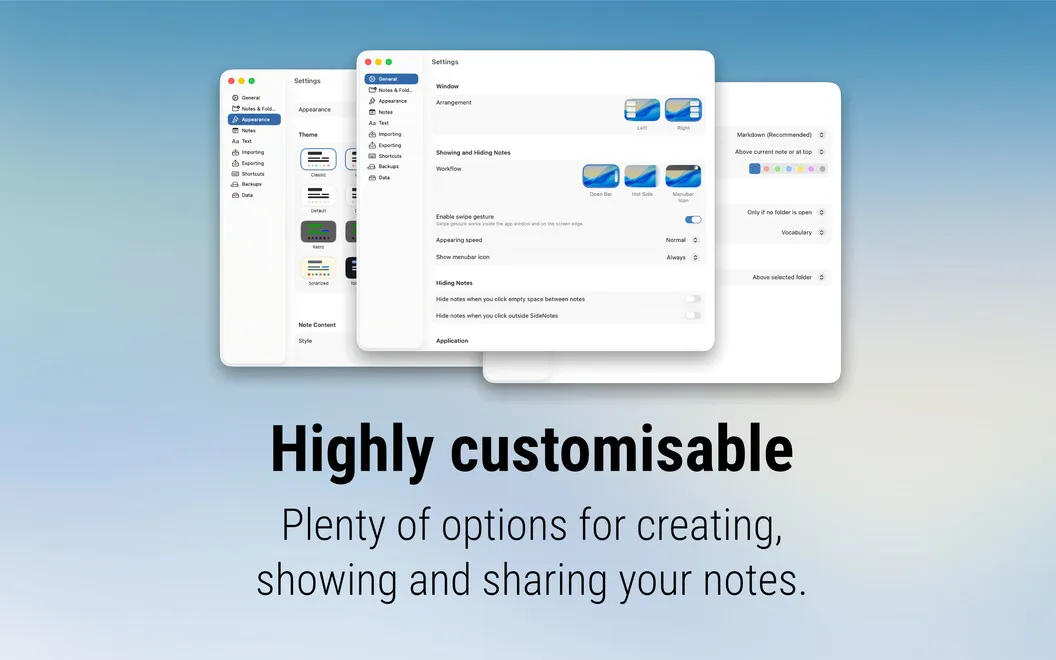
SideNotes gives you a place at the edge of your Mac’s screen for information you want nearby. You can keep study notes beside your reading, save text and images from the web, or jot down a task without opening a separate document. Choose the left or right side, then show or hide your notes with a click or keyboard shortcut.
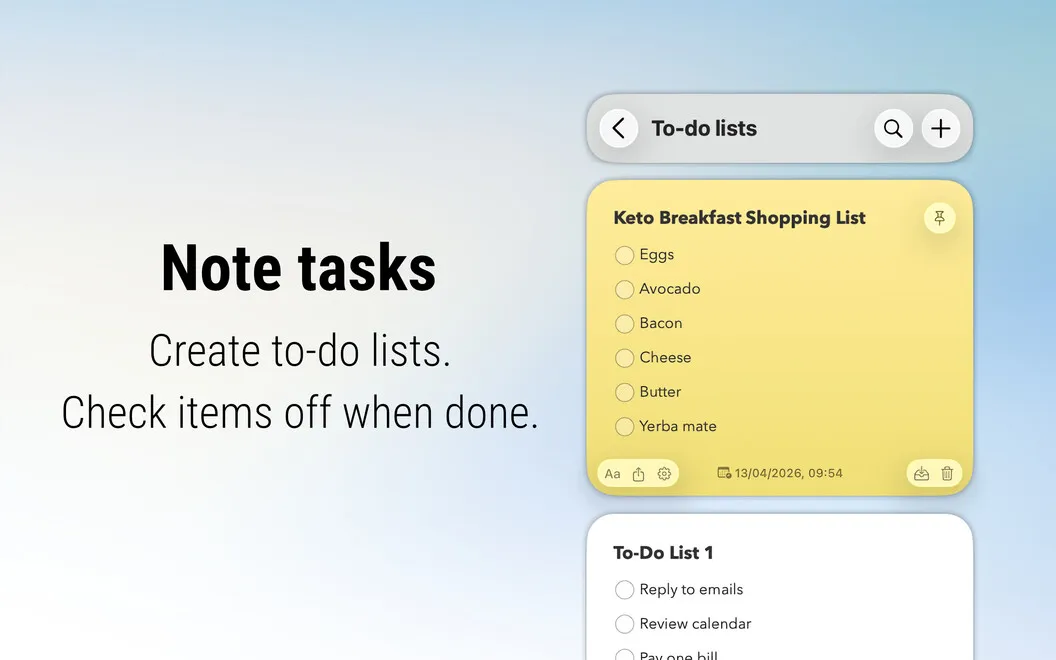
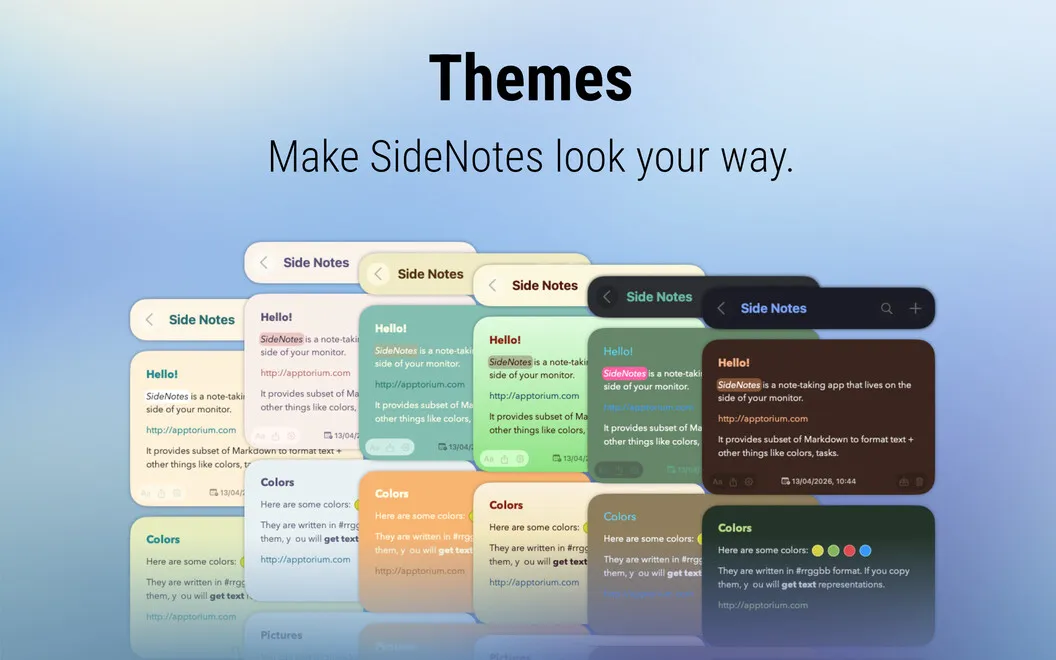
You can sort your notes into folders and use colors to distinguish subjects or types of content. Markdown lets you structure notes with headings and quotes, while monospaced text keeps copied code readable. Add checkboxes when a note needs to become a to-do list.
When you need to pass something along, you can share a note through options such as Messages, Reminders, or Notes.
-
Keep references within view
You can consult notes beside your reading or work, then hide them when you need the screen space.
-
Capture things as you go
You can collect text, images, code, and quick thoughts in one sidebar instead of creating separate documents.
-
Find related notes together
You can group notes into folders and use colors to tell subjects or content types apart.
-
Turn notes into checklists
You can add checkboxes to keep small to-dos alongside the information you need to complete them.
Best for
- You study with reference notes beside your reading
- You collect web excerpts and images while researching
- You jot down small tasks throughout the day
Skip it if
You probably don’t need it if your existing notes app already makes quick capture and on-screen reference convenient.
Screenshots
From the developer
SideNotes is a sidebar app that covers one side of your Mac’s screen with notes. Text, code, or images — SideNotes can handle it all, so that you keep important content close at hand. For convenience, bring notes into custom folders, color code, and add check boxes for tasks.Read the full description
Alternatives to SideNotes
Other apps to capture quick notes. See all