Phone Mirroring
Mirror to Mac
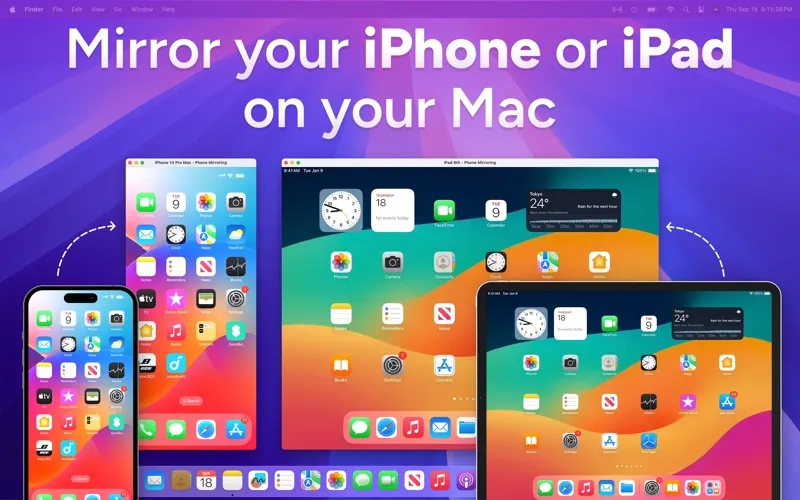
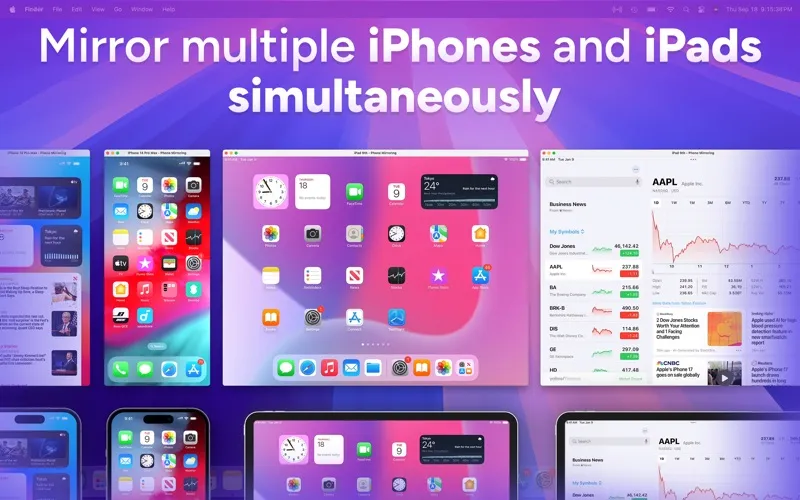
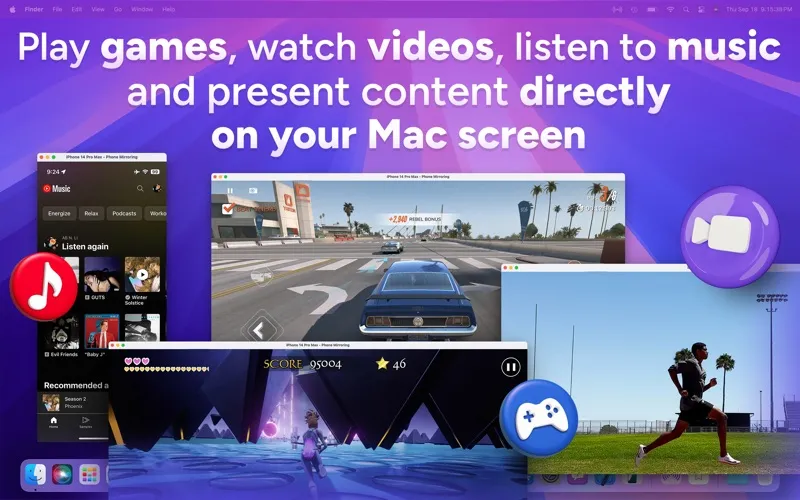
Phone Mirroring lets you display and record your iPhone or iPad on your Mac over USB. It suits you if you teach, demonstrate apps, or capture mobile gameplay.
by 洪 邓
What you get
Show your mobile screen on your Mac and turn recordings into shareable clips.
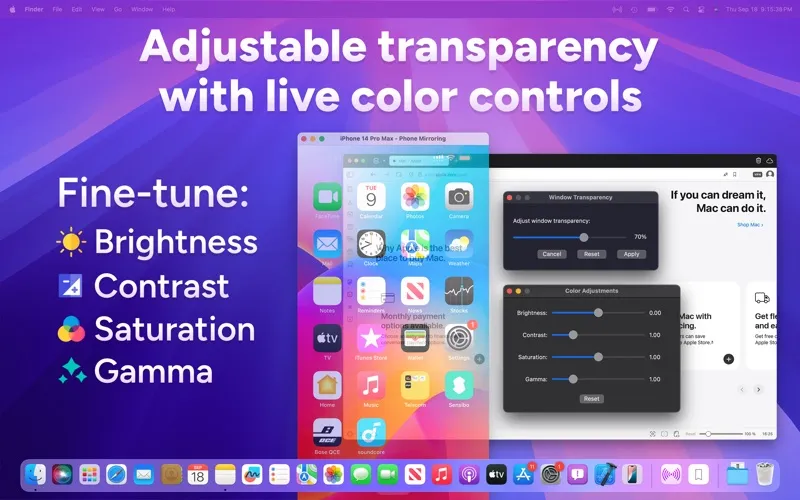
You can bring your iPhone or iPad screen onto your Mac for a live demonstration, online lesson, or closer look at mobile content. Connect with a Lightning or USB-C cable; you don’t need Wi-Fi or an extra app on your device. Keep the mirrored screen visible above your other windows, or make it partly transparent so it doesn’t completely cover your slides or notes.
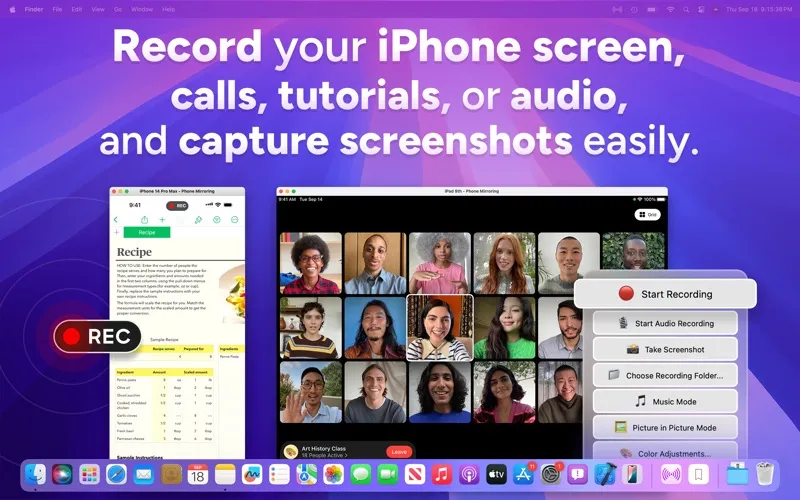
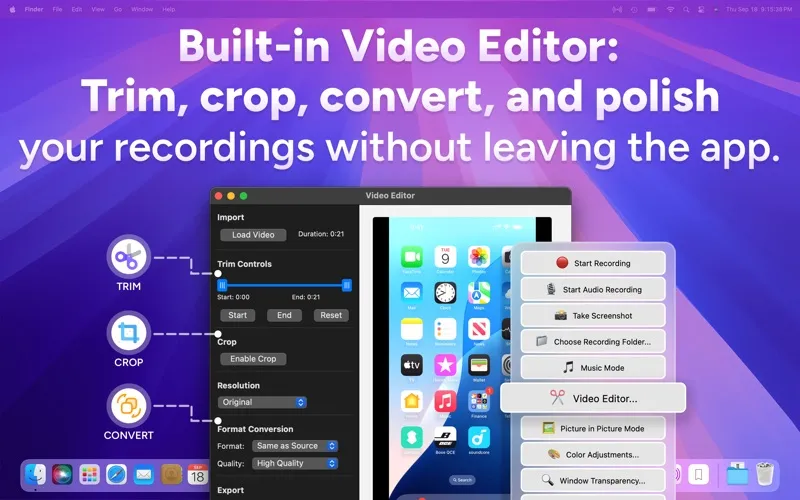
When you need something to share afterward, you can record your device’s screen with sound, save screenshots, or capture audio alone as an M4A file. You can then trim unwanted footage, crop the view, change the resolution, and export your recording as MP4, MOV, or M4V without opening another editor.
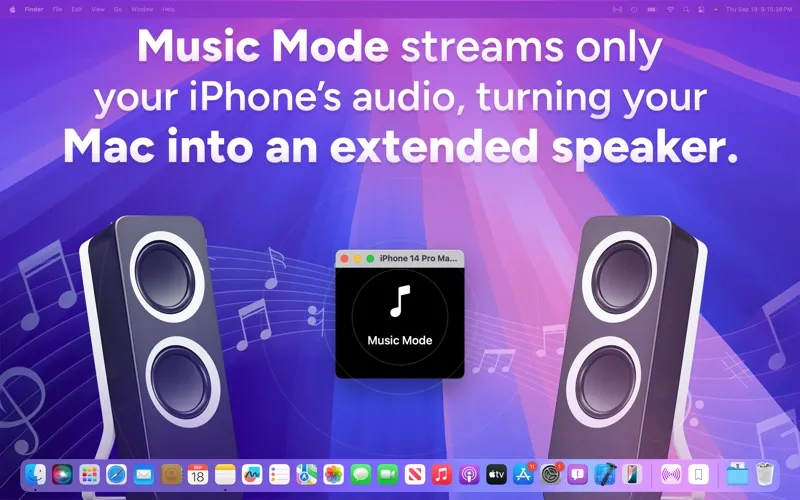
You can also listen to your device’s audio through your Mac without showing its screen. In that audio-only mode, video recording and screenshots aren’t available.
-
Present your mobile screen
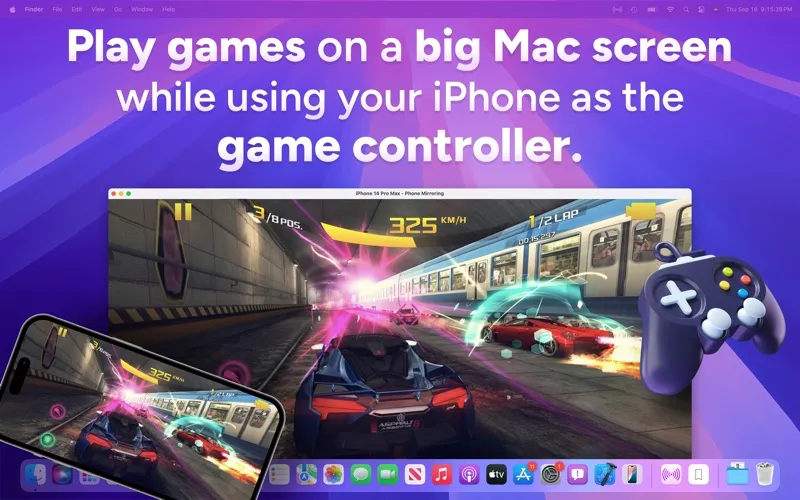
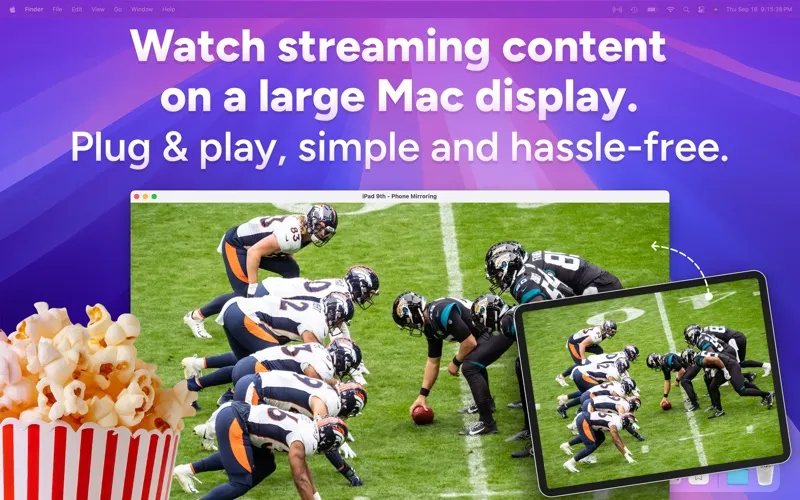
You can show apps, lessons, or gameplay on your Mac using a USB cable, without relying on Wi-Fi.
-
Leave with shareable footage
You can record with sound, remove unwanted sections, crop the frame, and export a clip without switching apps.
-
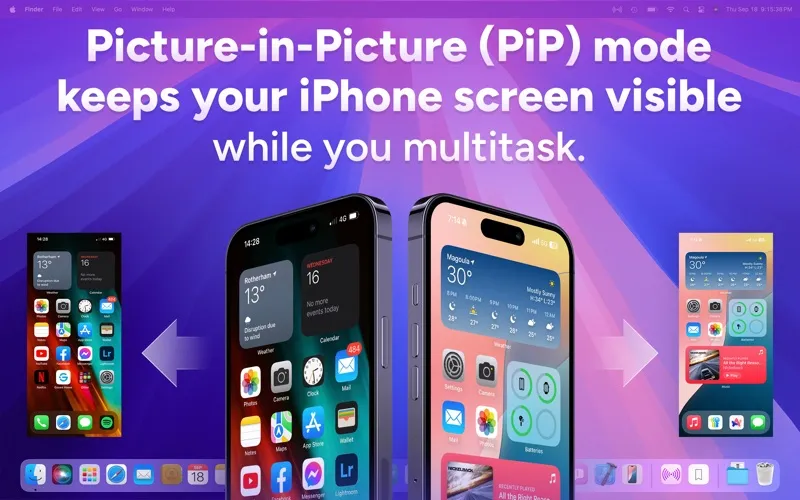
Keep your device visible
You can watch your mirrored screen above other windows while working, or adjust transparency to see content behind it.
-
Save sound or stills
You can capture your device’s audio as an M4A file or take screenshots for documentation and reference.
Best for
- You teach or demonstrate iPhone and iPad apps
- You record mobile tutorials or gameplay
- You need your device’s screen visible while working on your Mac
Skip it if
You don’t need this if you only want to record your Mac’s own screen or require wireless phone mirroring.
Screenshots
From the developer
Mirror Your iPhone & iPad to Mac Simultaneously - Record and Edit Mirror, record, and elevate your mobile content on a bigger screen. Instantly display your iPhone or iPad screen on your Mac with smooth HD quality and minimal lag.Read the full description
Alternatives to Phone Mirroring
Other apps to mirror your phone to Mac. See all