Picview
Image Viewer
Picview is an image viewer for when you want to browse photo folders, inspect RAW files, or copy text from images without opening a full editor.
by 禹友 孔
What you get
You can browse image folders, inspect details, and copy text from pictures.
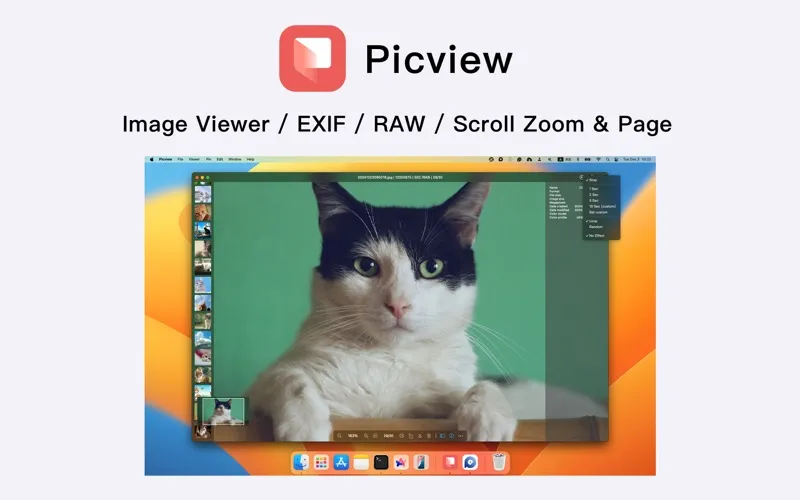
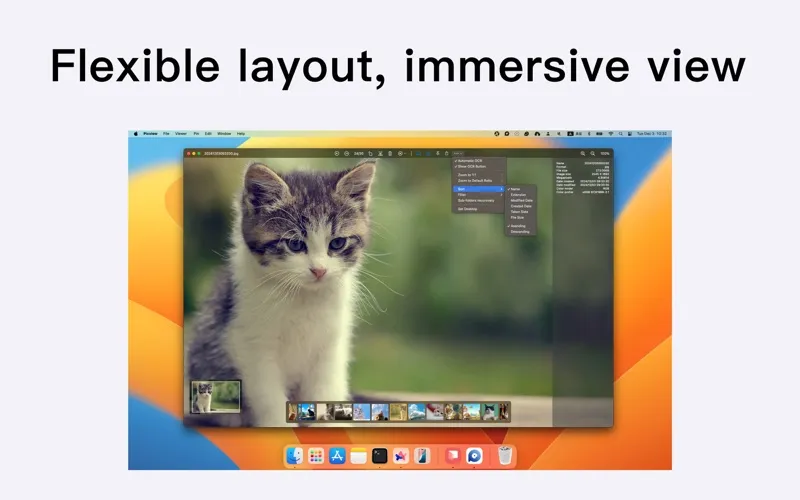
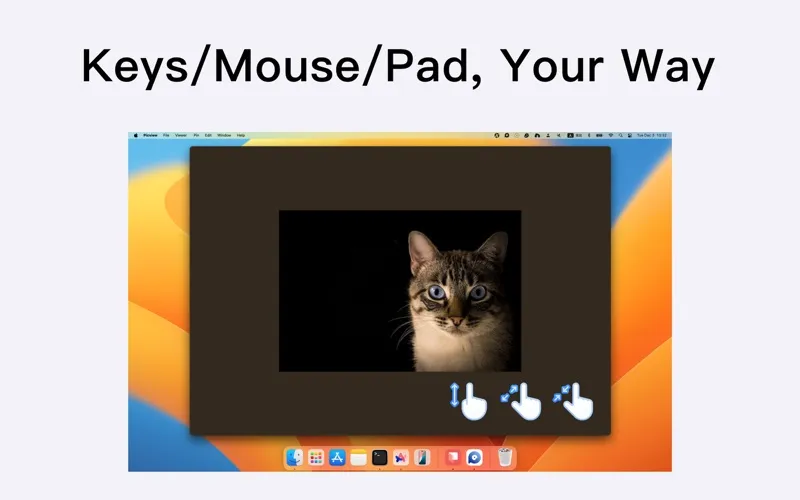
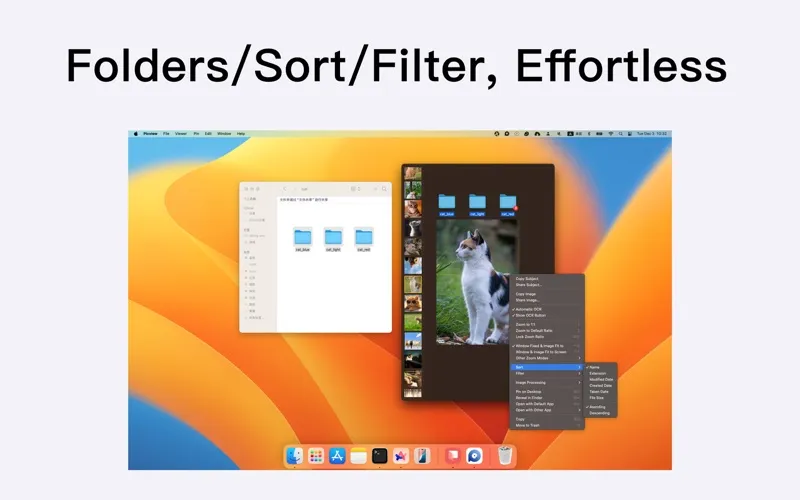
Picview gives you a way to look through image folders without opening each file separately. Open one picture, then move through its folder and subfolders with arrow keys or trackpad swipes. You can zoom with your mouse wheel, filter by file type, and sort by capture time or size to narrow down what you see.
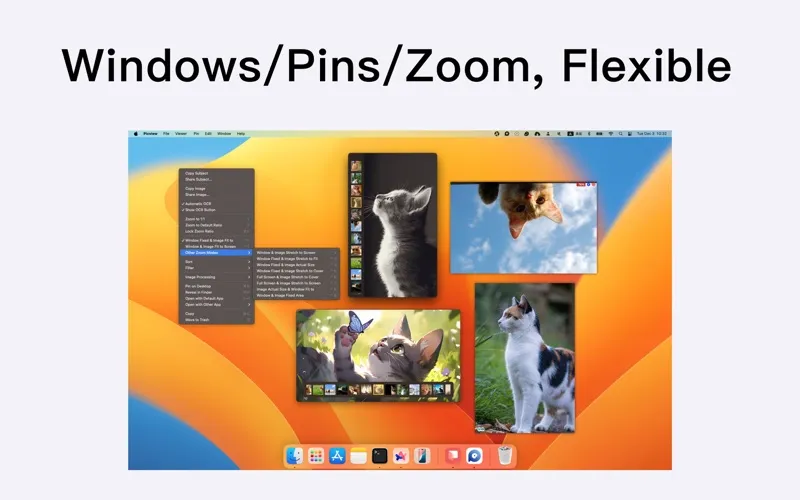
You can view common image formats alongside PSD and RAW files, check camera settings and other EXIF details, and correct orientation with basic rotate and flip tools. Fullscreen viewing hides controls, while a grid lets you browse several images at once. You can also run a looping or shuffled slideshow, or pin a reference image to your desktop.
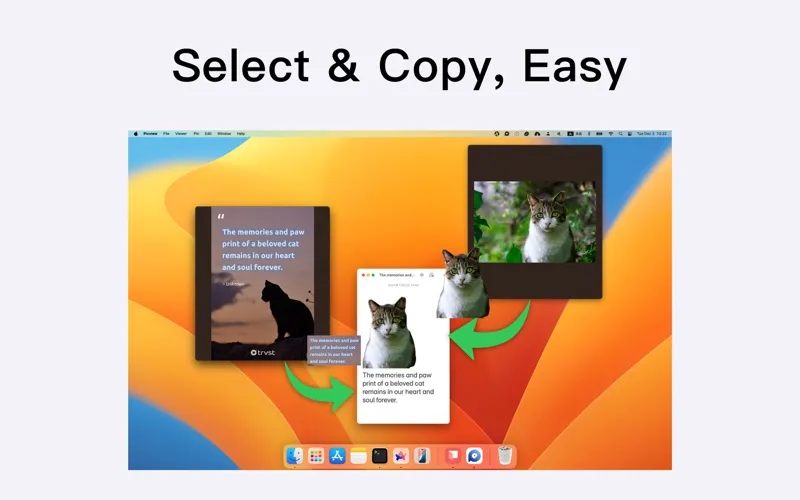
When a picture contains something you need elsewhere, you can select and copy recognized text, translate it, or extract the main subject to paste into another app.
-
Browse without repeated opening
You can move through a folder and its subfolders after opening just one image.
-
Check photo details
You can inspect camera and lens information, exposure settings, capture time, and color profiles.
-
Reuse text and subjects
You can copy recognized text or extract a picture’s main subject to paste into another app.
-
Keep references visible
You can pin an image to your desktop so it stays available while you work.
Best for
- You regularly browse folders containing mixed image formats
- You need to inspect RAW photos and camera settings
- You want to copy text from screenshots or other images
Skip it if
You probably don’t need it if your current image viewer covers your browsing needs and you don’t need text recognition or subject extraction.
Screenshots
From the developer
Picview works great with JPEG, HEIC, PSD, RAW, WEBP, PNG, GIF, and many other formats. Provides basic image processing, including flip and rotate, EXIF, and other information. Supports keyboard shortcuts and trackpad gestures.Read the full description
Alternatives to Picview
Other apps to preview files without opening. See all